Flying car video tool
AI Car Commercial Generator
One forecourt photo is enough to pitch a campaign. Upload the car, describe the camera and the transition, and generate a short commercial beat.
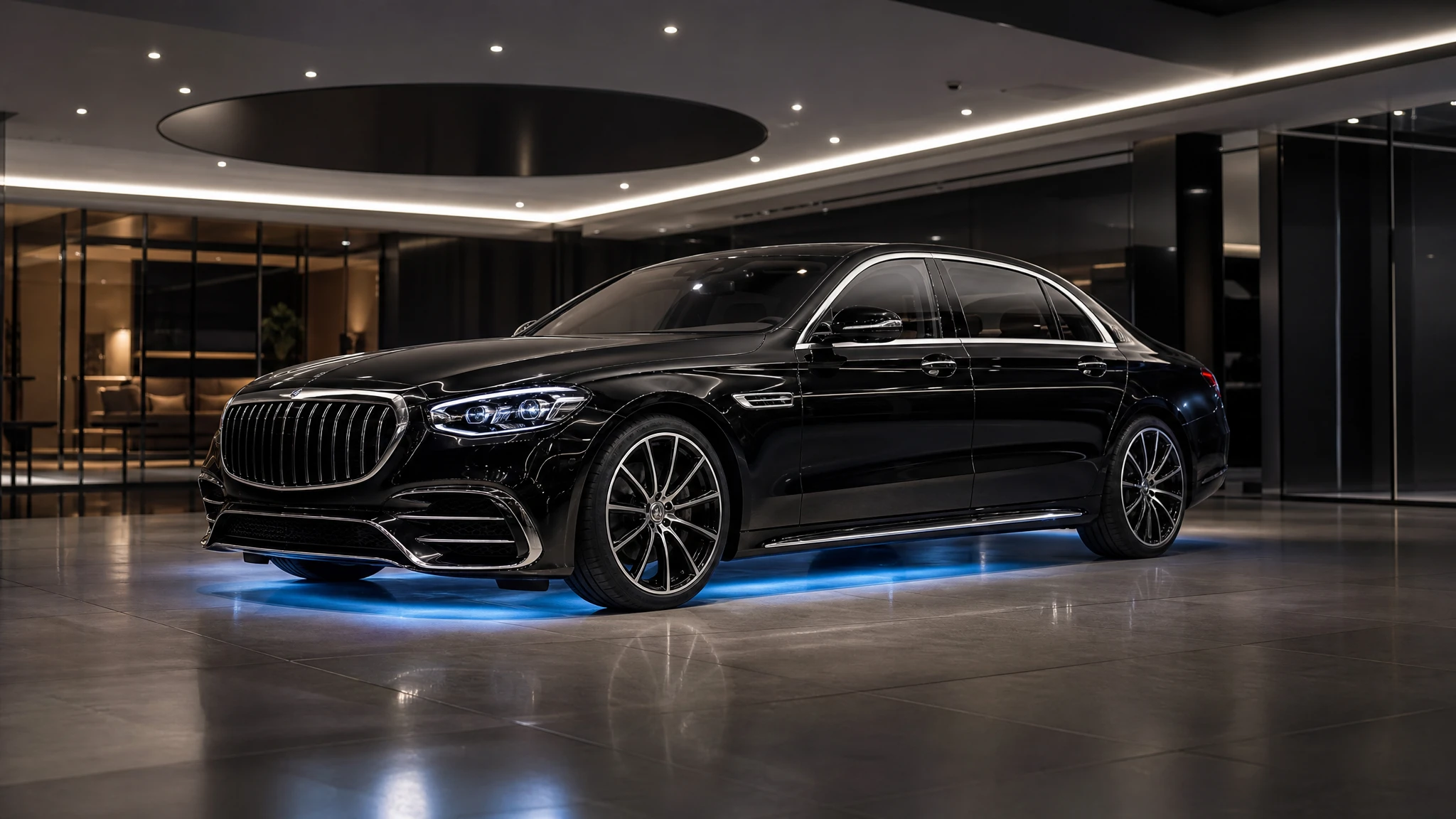
A 12-second 720p clip costs 30 credits, and a failed render returns the credits. Draft at five seconds before you finish.
Sign in to generate. Your prompt and photo are saved for this tab.
How it works
From input to a result you can publish
The guide explains the decision. The tool lets you make the result without leaving the site.
- 01
Add your photo
Use a sharp photo with the vehicle fully visible. The tool keeps the subject and changes the scene.
- 02
Choose a preset
Start from a tested direction, then edit the sentence. The price stays visible before you generate.
- 03
Download or iterate
Keep the result, generate a variation, or move it into a related tool for editing or animation.
What people use it for
Built for real publishing work
The same output has to survive a thumbnail crop, a client review and a phone screen. These are the jobs the tool is tuned for.
Creators
Thumbnails, Shorts, Reels and a repeatable visual style for a weekly upload.
Dealers & detailers
Concept visuals for a campaign, a listing hero or a showroom screen, clearly labelled as AI.
Design & film
Concept stills, storyboards and animatics before a shoot or a 3D render is commissioned.
A commercial is a sequence, not a single clip
Use this tool for one beat: the hero shot, the lift, the reveal or the transition. Then generate two or three adjacent beats and cut them together. A 15-second commercial usually needs three shots, not one long generation.
The most reliable structure is establishing shot, detail shot and hero shot. The establishing shot shows the car in the world. The detail shot shows a wheel, a light or a canopy. The hero shot shows the vehicle doing the impossible thing. Keep the same car and palette across all three.
Shooting the source photo
Photograph the car from a three-quarter angle with the whole body in frame. Avoid direct sun on the roof and keep the background simple. If the car is in a showroom, include a little floor and ceiling so the model has room to extend the set.
Remove number plates or cover them before uploading. A generated plate is usually garbled, and a real plate in a fictional commercial can create a privacy problem. Keep the original photo for the real listing.
Disclosure and use
Label the result as an AI visualization. Do not present it as footage of a real vehicle or as a manufacturer’s official advertisement. If a dealer uses the clip in paid media, the platform’s synthetic-media disclosure rules still apply.
For a client pitch, pair the clip with the real listing photos, the price and the inventory details. The commercial sells attention; the listing closes the sale.
Questions before you generate
Can I use a photo from a manufacturer’s website?
Only if you have permission. Use a photo you shot or a licensed asset. The tool does not grant rights to the source image.
Can I generate a voiceover?
The clip is silent. Add a voiceover, music and titles in your editor. Use licensed music and disclose synthetic media where required.
How many clips do I need for a 15-second ad?
Plan for three shots: establishing, detail and hero. Generate each separately so you can cut on the beat and replace one shot without regenerating the whole ad.
Can I use a vertical format?
Yes. The studio supports 9:16 for Reels, Shorts and TikTok. Choose the format before you write the camera description.
Results are AI-generated. Check details before publishing.
Related tools
Keep the workflow moving
 Image
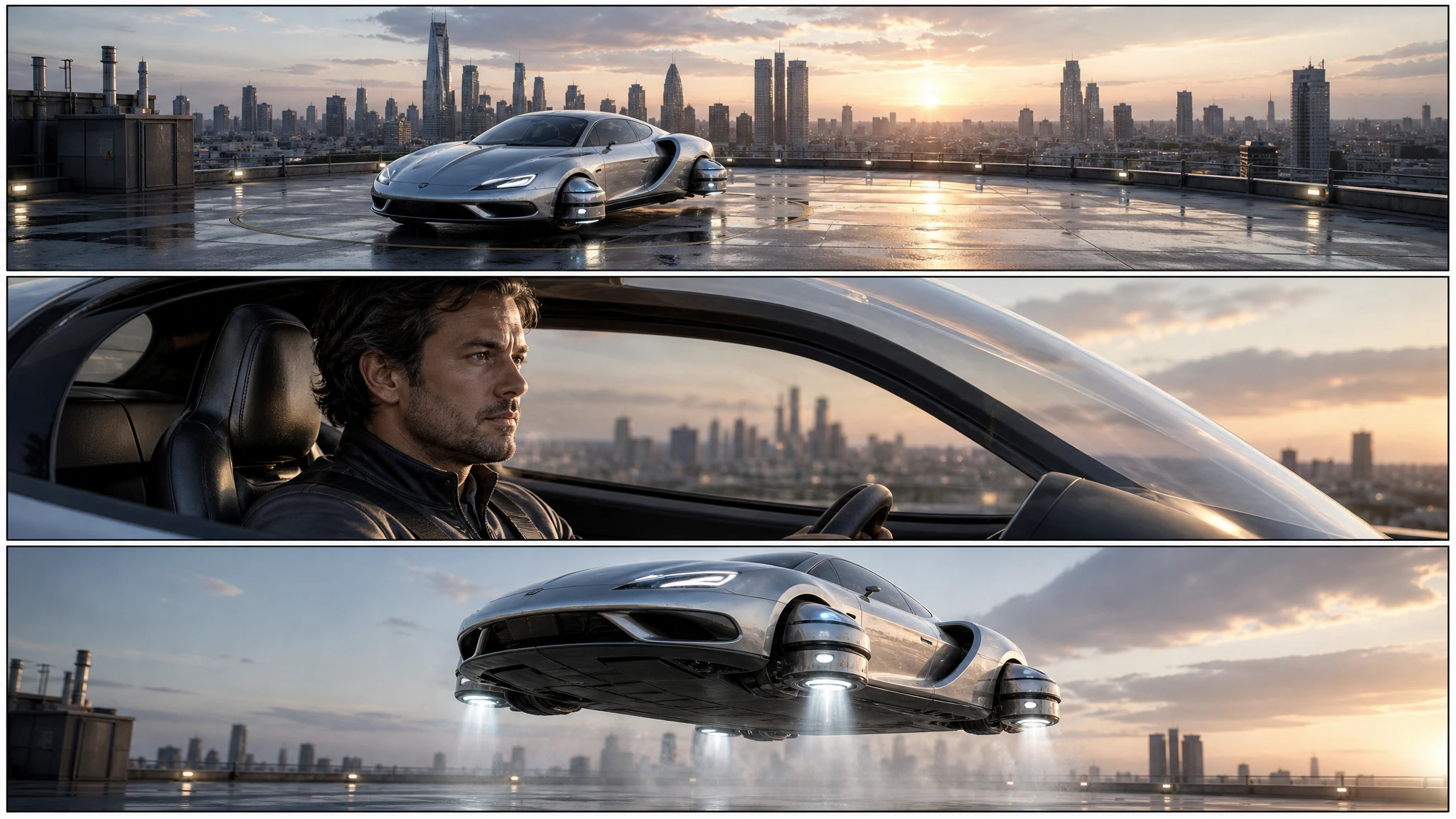
ImageFlying Car Storyboard Generator
Turn a flying car idea into a three-panel storyboard. Plan the wide, medium and detail shots, keep the vehicle consistent, then animate each panel.
 Video
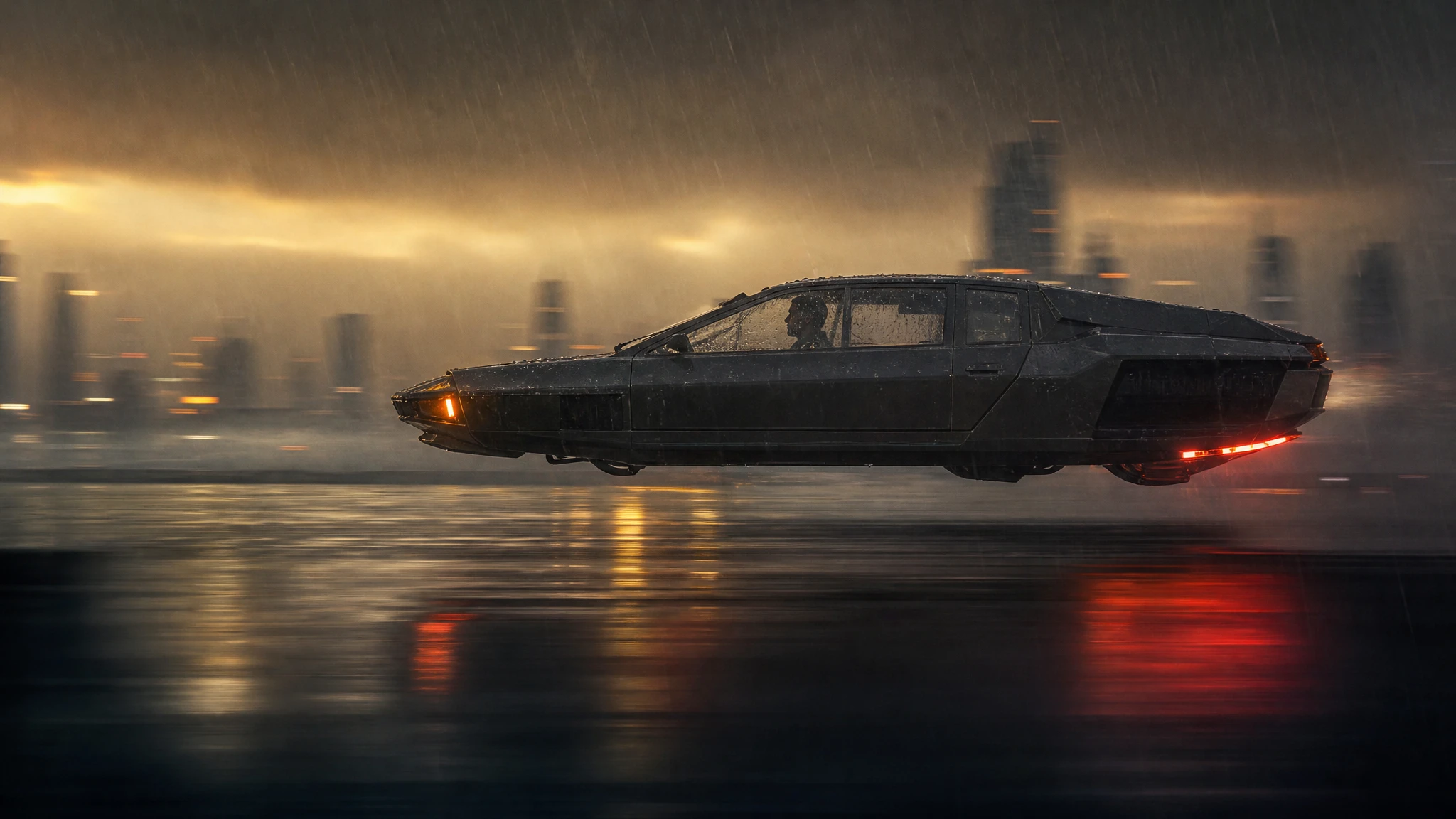
VideoFlying Car Video Editor
Upload a frame from your flying car clip, change the weather, grade or camera move, and generate a new short shot without rebuilding the vehicle.
 Video
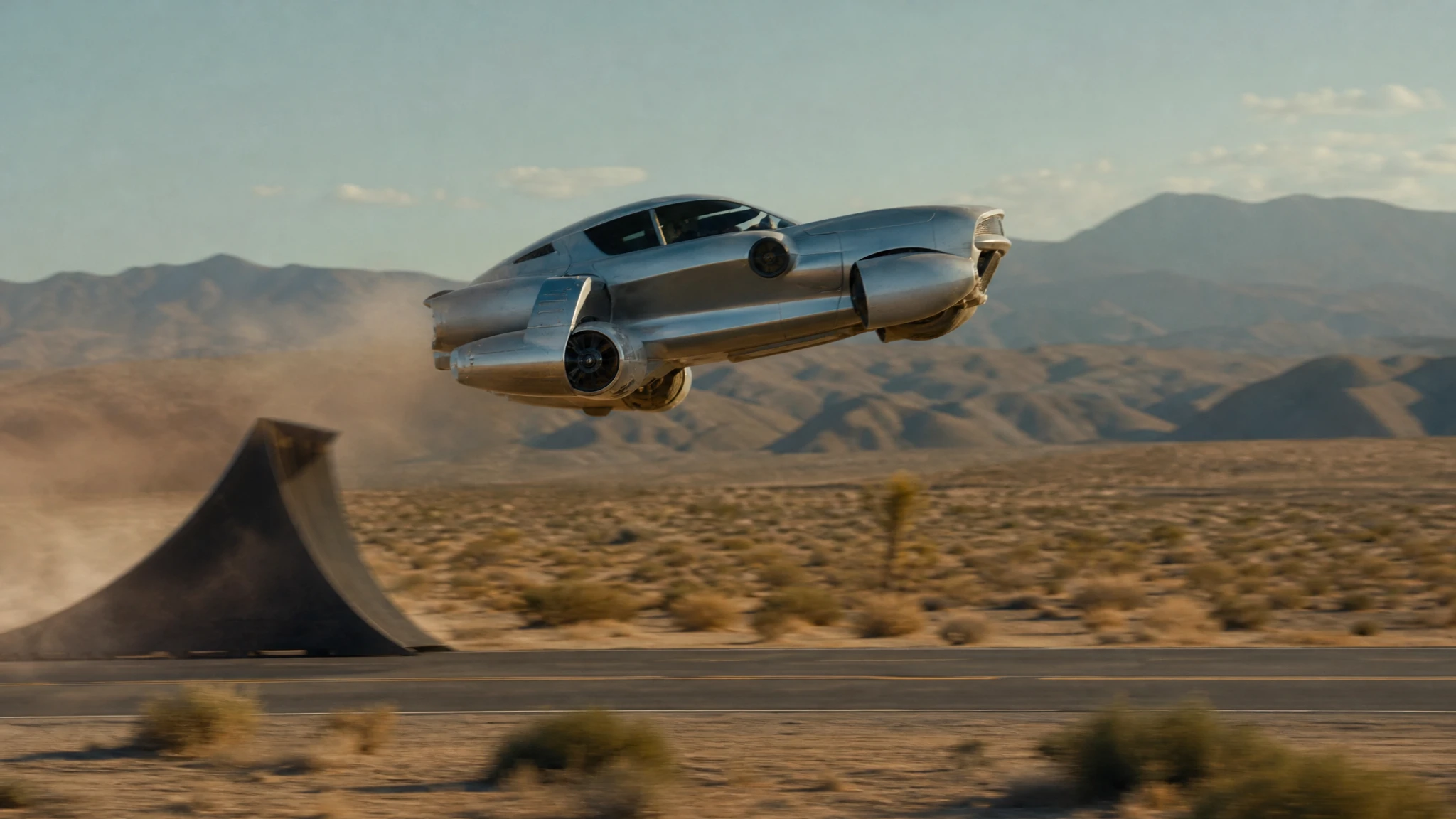
VideoFlying Car Text to Video
Write a flying car scene and generate a 5–12 second video. Control the stunt, camera and light, then download a watermark-free MP4.
One pack. Thirty credits. Start with one result.
The single pack costs $9.90 and the credits never expire. Use them on this tool, or on any other tool in the directory.