Flying Car AI Video · Tool directory
One flying car idea, ten ways to make it real
Generate a still, edit a real photo, animate it into a clip or restyle a frame. Every tool uses the same credits, the same moderation and the same failed-render refund rule.
Generate a still
Start from a sentence when the car does not exist yet: concept art, thumbnails, storyboards and sci-fi vehicle design.
 Image
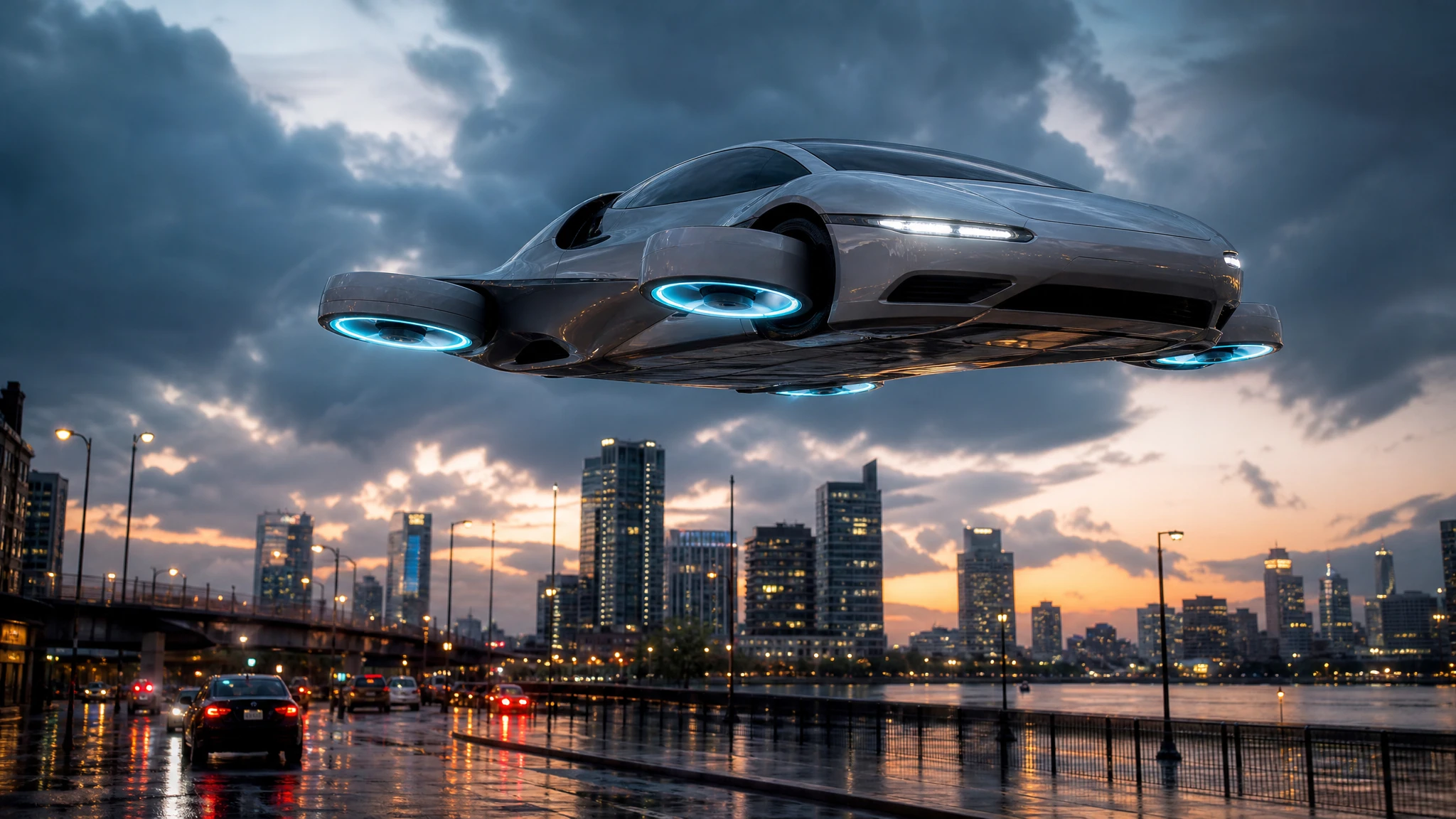
ImageAI Flying Car Image Generator
Turn a sentence into a photoreal flying car image. Choose a city, desert or rooftop scene, generate a concept still, then animate it into video.
 Image
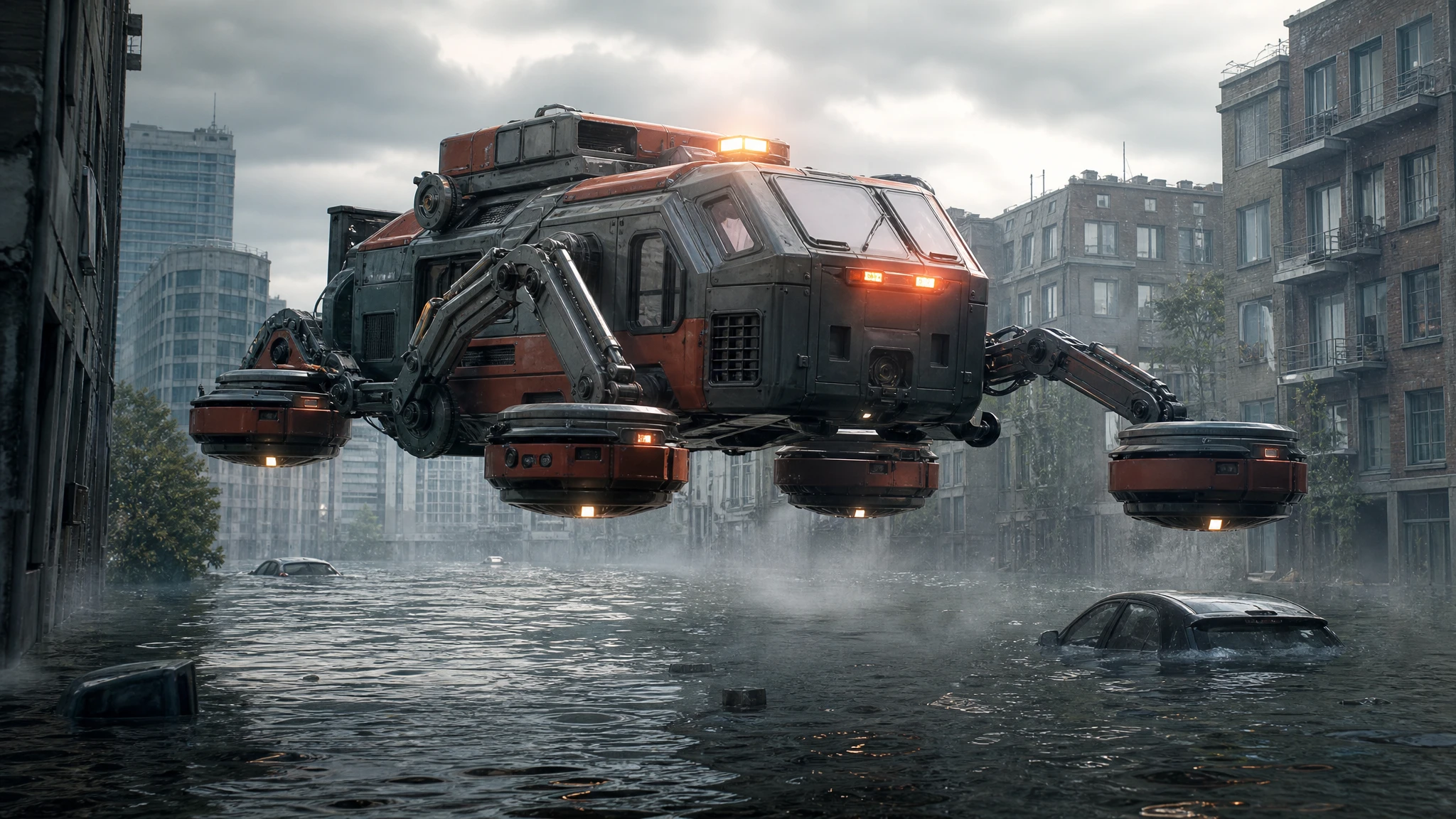
ImageSci-Fi Vehicle Image Generator
Generate sci-fi vehicle concept art: rescue hovercraft, lunar rovers and cargo lifters. Pick a role, a setting and a camera, then download the still.
 Image
ImageFlying Car Thumbnail Maker
Generate flying car YouTube thumbnails with a strong subject, clean negative space and no baked-in text. Download the still and add your headline.
 Image
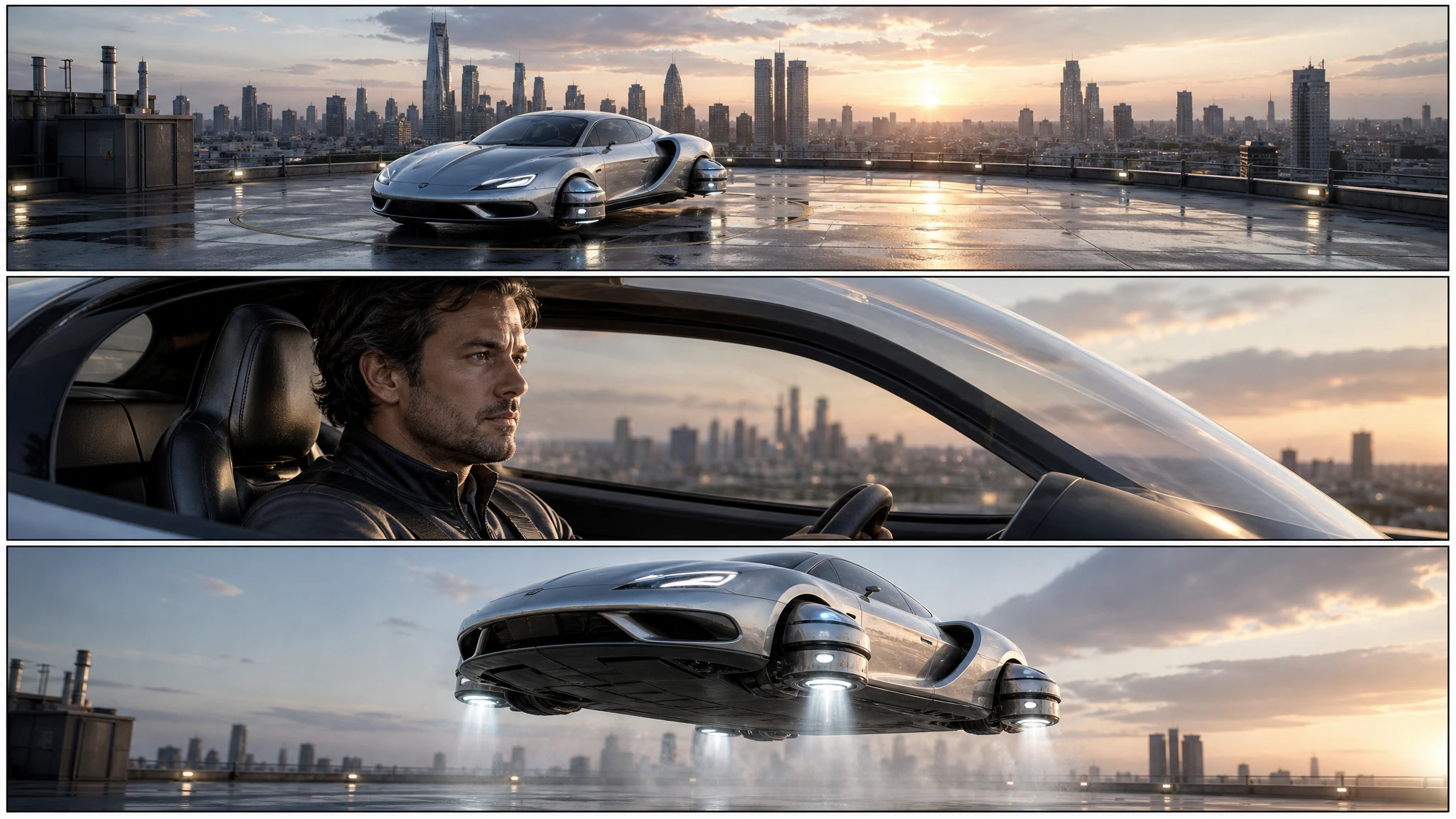
ImageFlying Car Storyboard Generator
Turn a flying car idea into a three-panel storyboard. Plan the wide, medium and detail shots, keep the vehicle consistent, then animate each panel.
Edit a photo
Keep the car you photographed and change the scene, the background or the resolution around it.
 Image
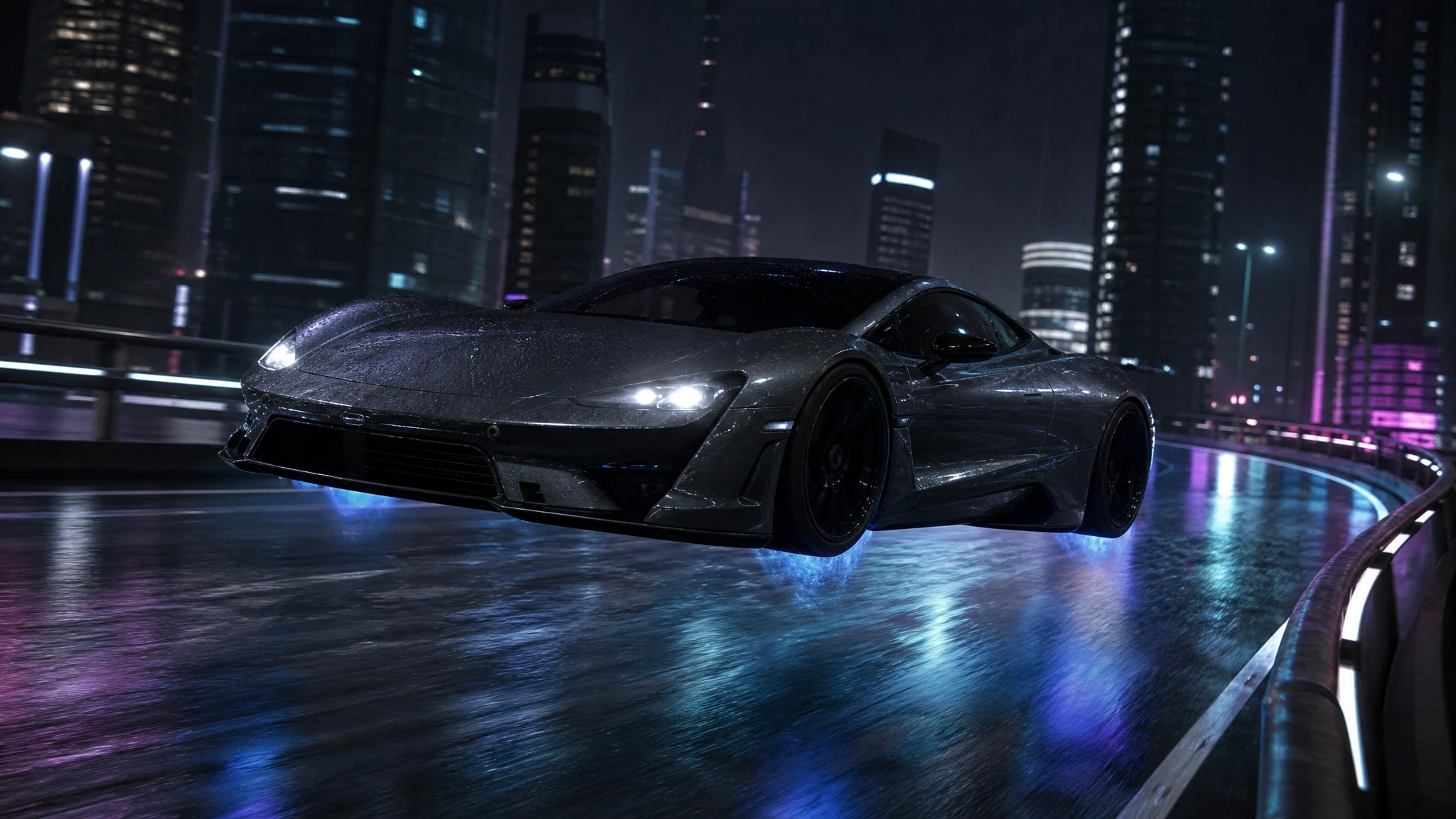
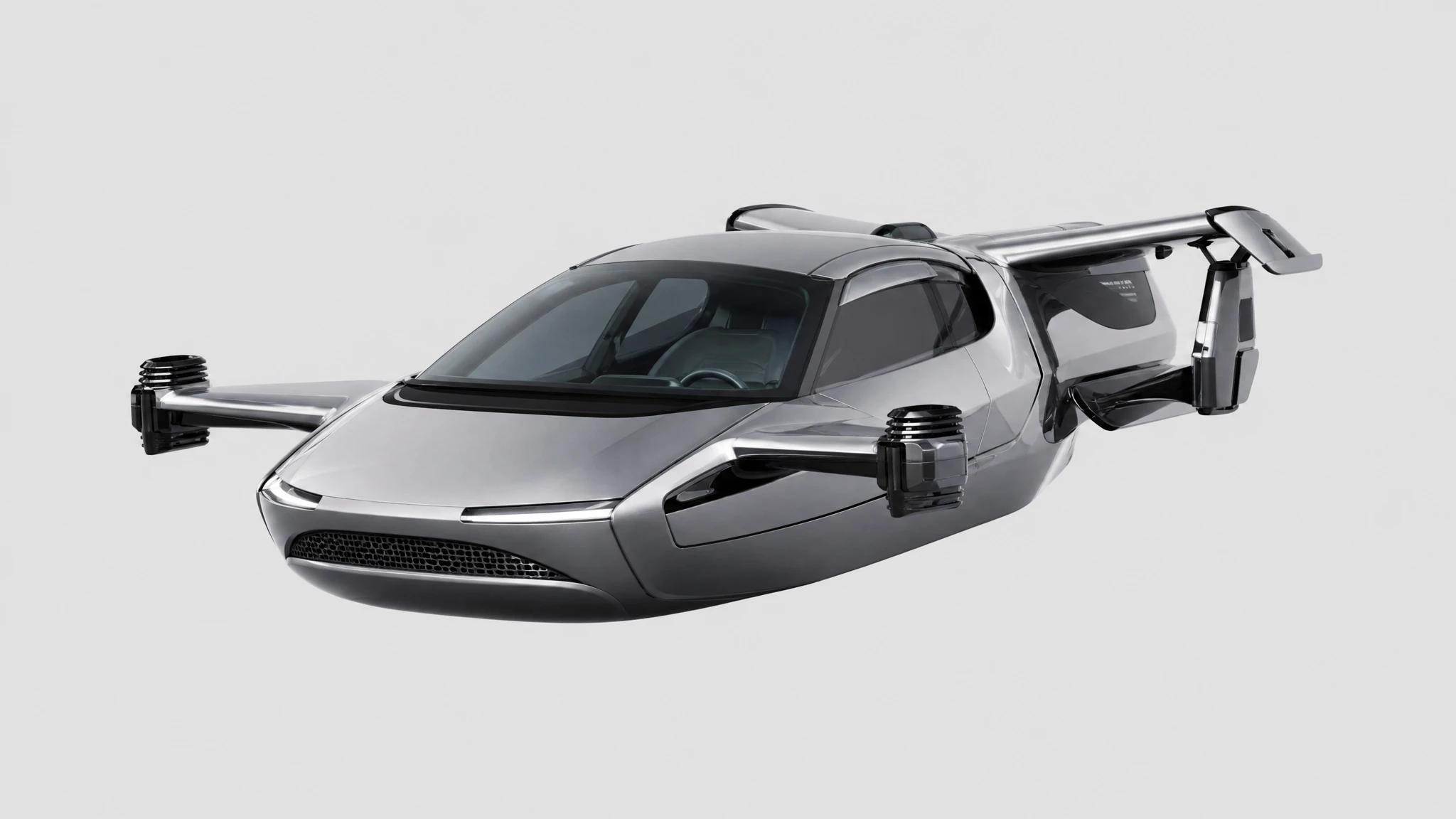
ImageFlying Car Photo Editor
Upload a car photo and edit it into a flying car scene. Keep the body, colour and angle, then add landing gear, thruster glow or a new background.
 Image
ImageFlying Car Background Remover
Remove the background from a car photo and keep a clean transparent cutout. Use it for listings, thumbnails, decks and compositing.
 Image
ImageFlying Car Image Upscaler
Upscale a flying car image 2x for print, 4K thumbnails or showroom displays. Keep the composition and recover panel-line detail without redrawing the car.
Make it move
Turn a still or a sentence into a short flying car clip, from a five-second draft to a twelve-second commercial beat.
 Video
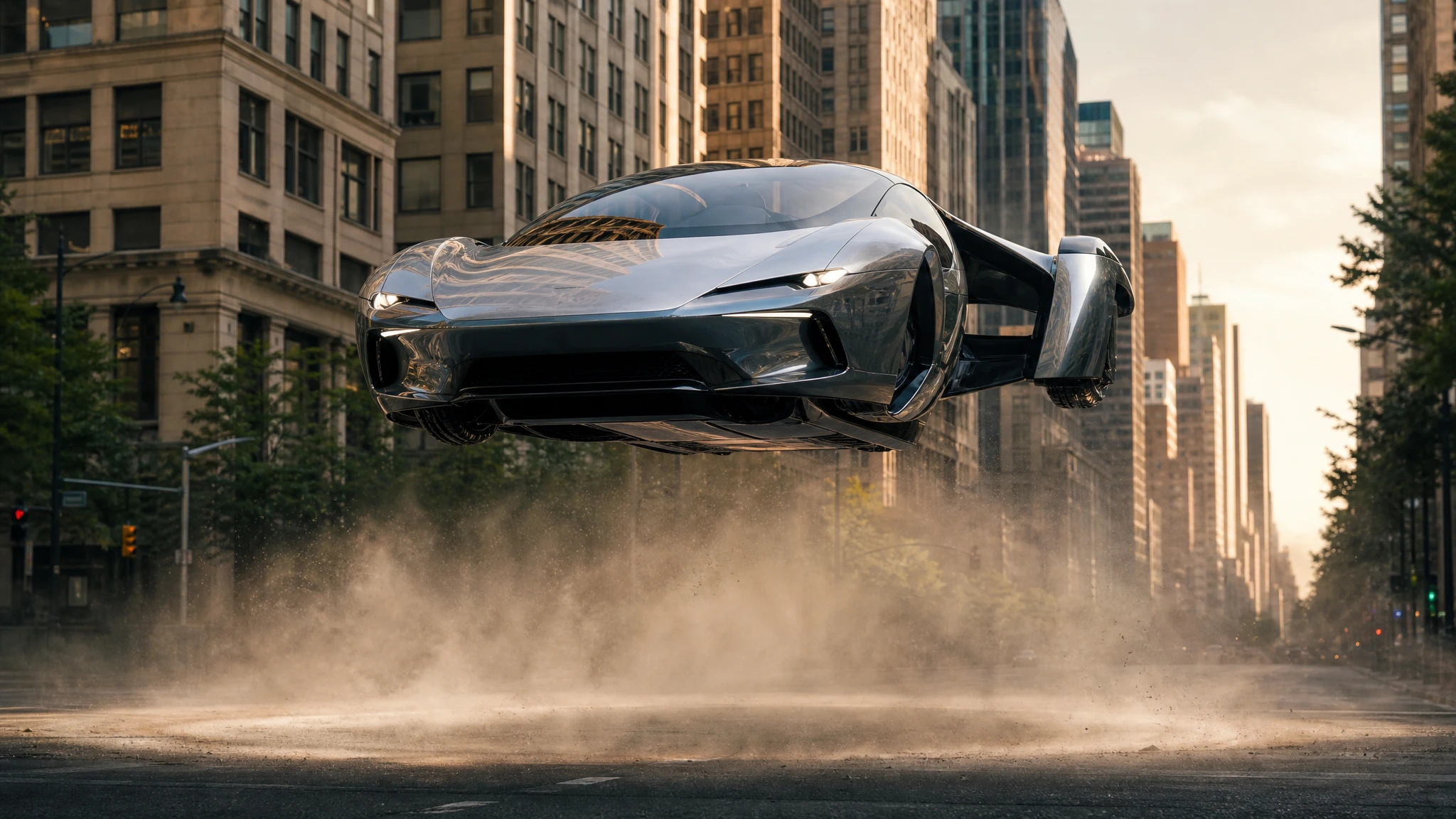
VideoFlying Car Image to Video
Upload one flying car image and animate it into a 5–12 second clip. Control the camera move, the hover and the landing, then download the MP4.
 Video
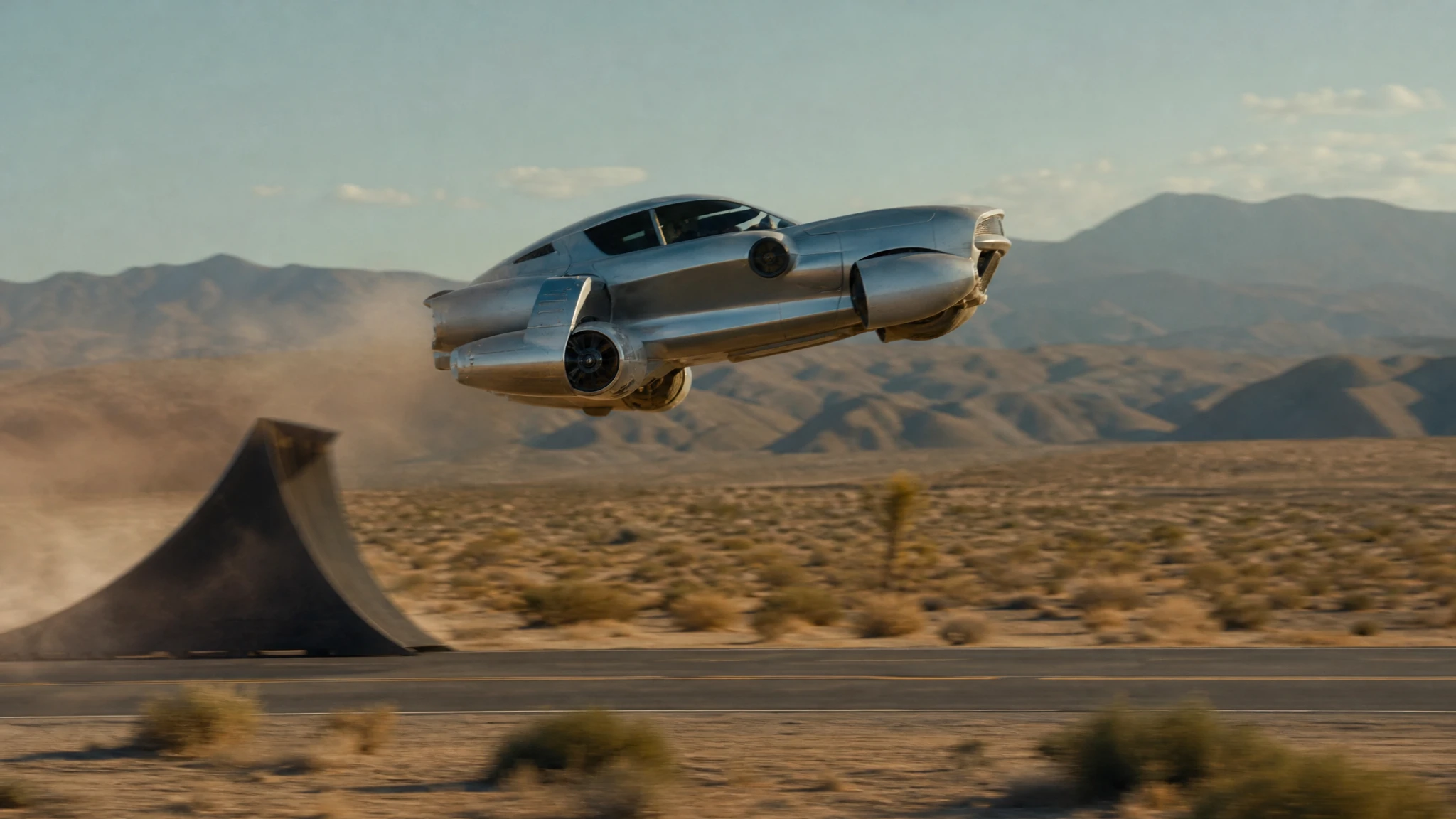
VideoFlying Car Text to Video
Write a flying car scene and generate a 5–12 second video. Control the stunt, camera and light, then download a watermark-free MP4.
 Video
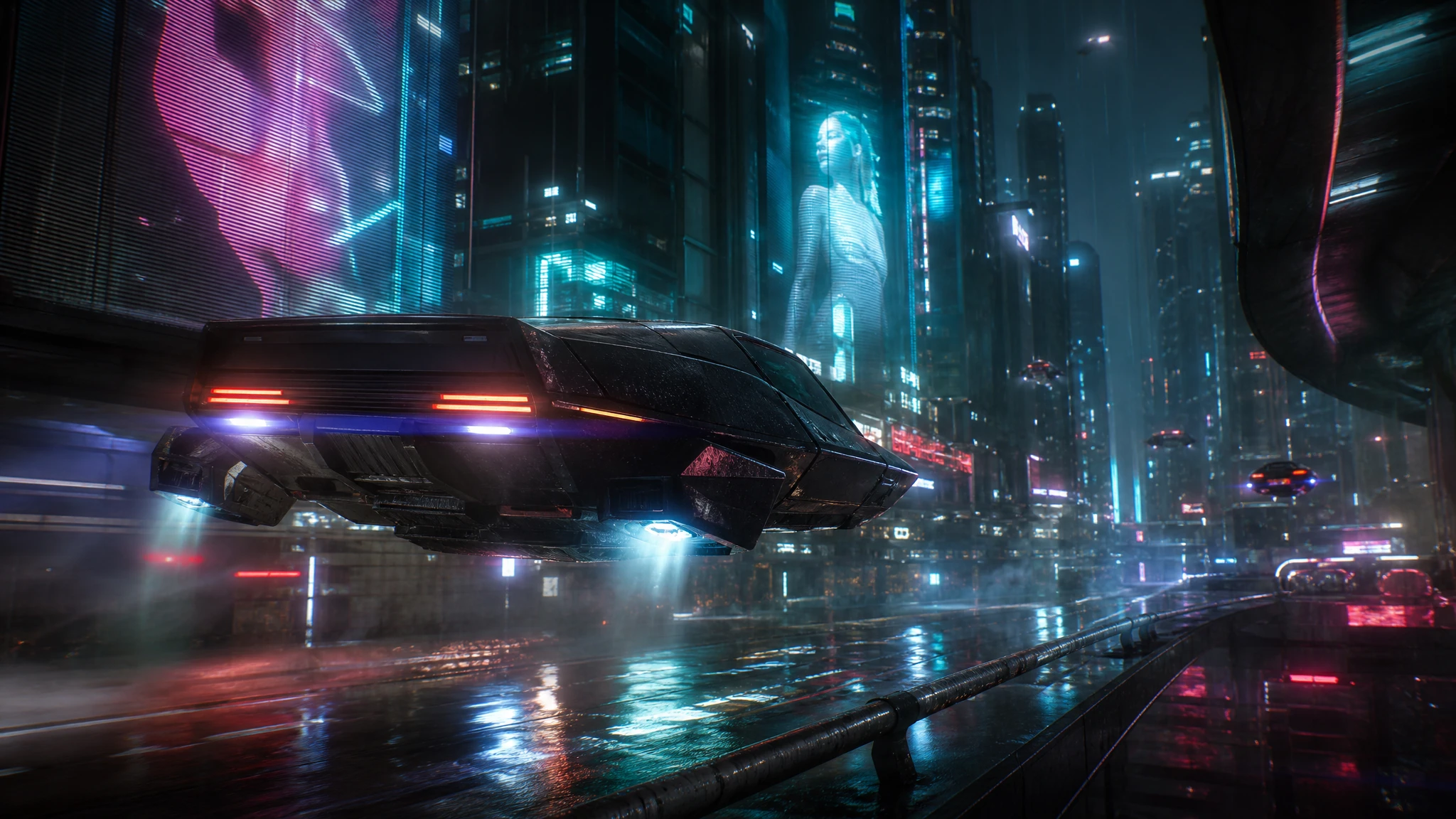
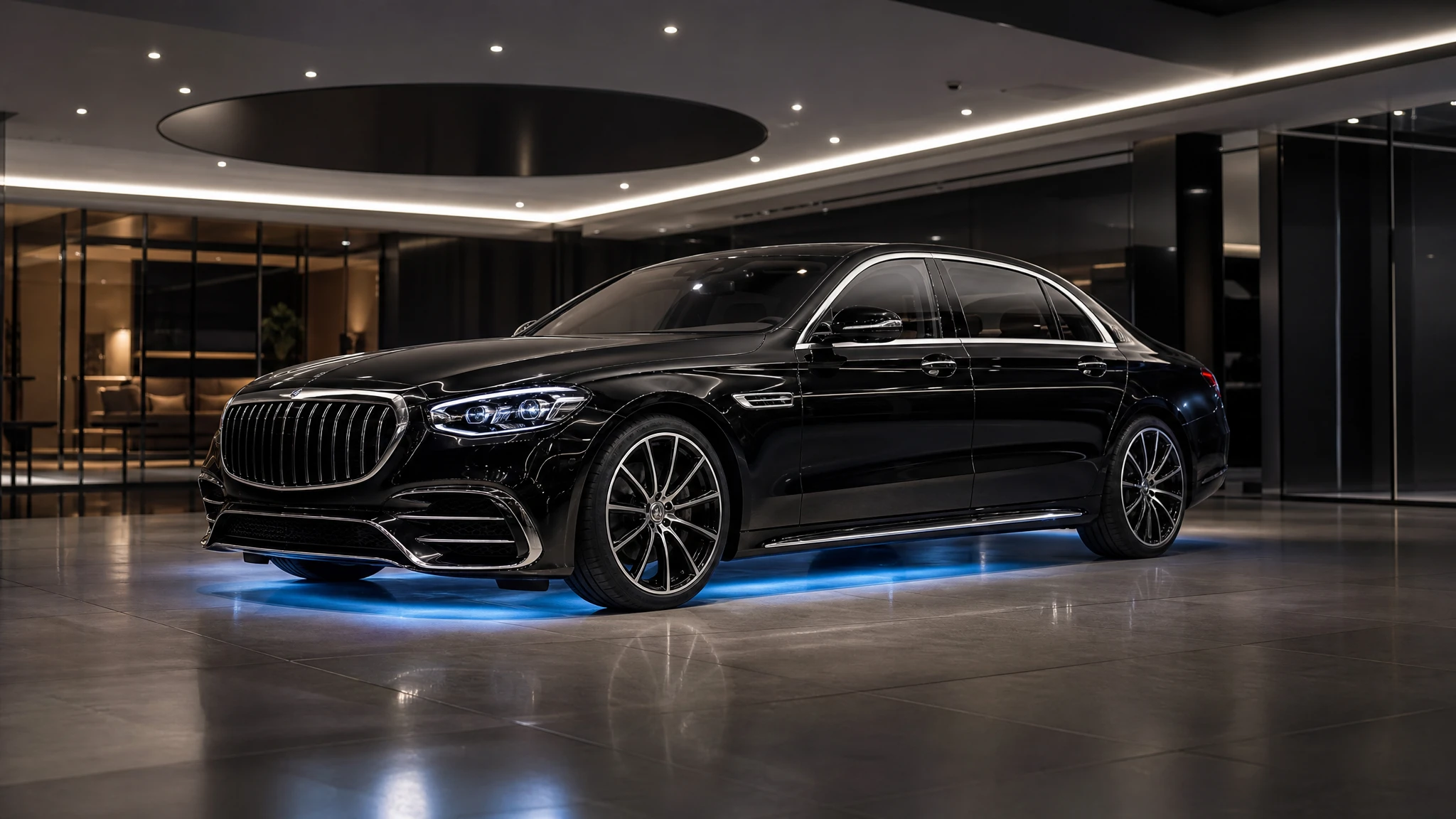
VideoCyberpunk Flying Car Video Generator
Generate cyberpunk flying car videos with neon rain, holograms and low camera moves. Describe the scene, render a short clip, download the MP4.
 Video
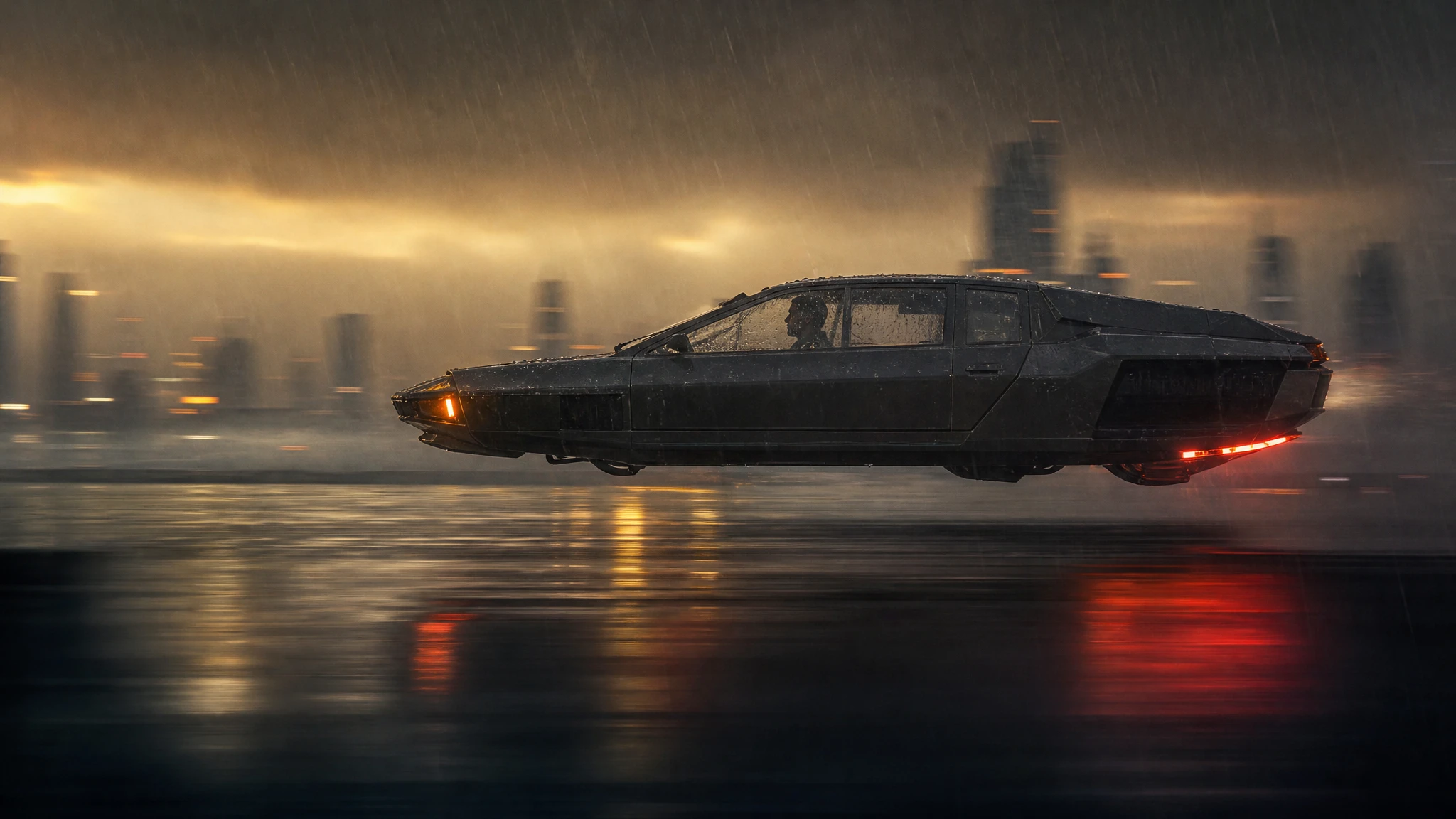
VideoAI Car Commercial Generator
Turn a dealership photo into a short flying car commercial. Add a lift, an orbit or a showroom-to-rooftop transition, then download the MP4.
 Video
VideoFlying Car Video Editor
Upload a frame from your flying car clip, change the weather, grade or camera move, and generate a new short shot without rebuilding the vehicle.
Choose by the input you already have
A sentence and no photo? Start with the image generator. A car photo? Use the photo editor. A still you already approved? Animate it. A frame from a clip? Restyle it. Fix the car first, then the scene, then the motion.
What every tool shares
Text and image moderation runs before the provider call. Credits are reserved when a task starts and returned if the provider confirms a failure. Results are AI-generated: check faces, plates, badges and text before publishing.
Questions before you generate
Do I need a subscription to use the tools?
No. The $9.90 single pack adds 30 credits and never expires. Subscriptions exist for people who generate every week, but every tool can be used with a one-time pack.
Which tool should I start with?
Start with the image generator if you only have a sentence, the photo editor if you already have a car photo, or image-to-video if you have an approved still. Each tool page explains the input it needs before you upload anything.
Can I use the results commercially?
You can use results you generated if you own the rights to your prompt and source images and the use is lawful in your market. Do not present a fictional render as a photograph of a real vehicle for sale.
What happens when a generation fails?
The task is marked failed and the reserved credits are returned to your balance. Provider outages do not consume credits.