Flying car video tool
Flying Car Video Editor
Already have a frame you like? Keep the car and the composition, then change the weather, the grade or the camera move in a new short generation.
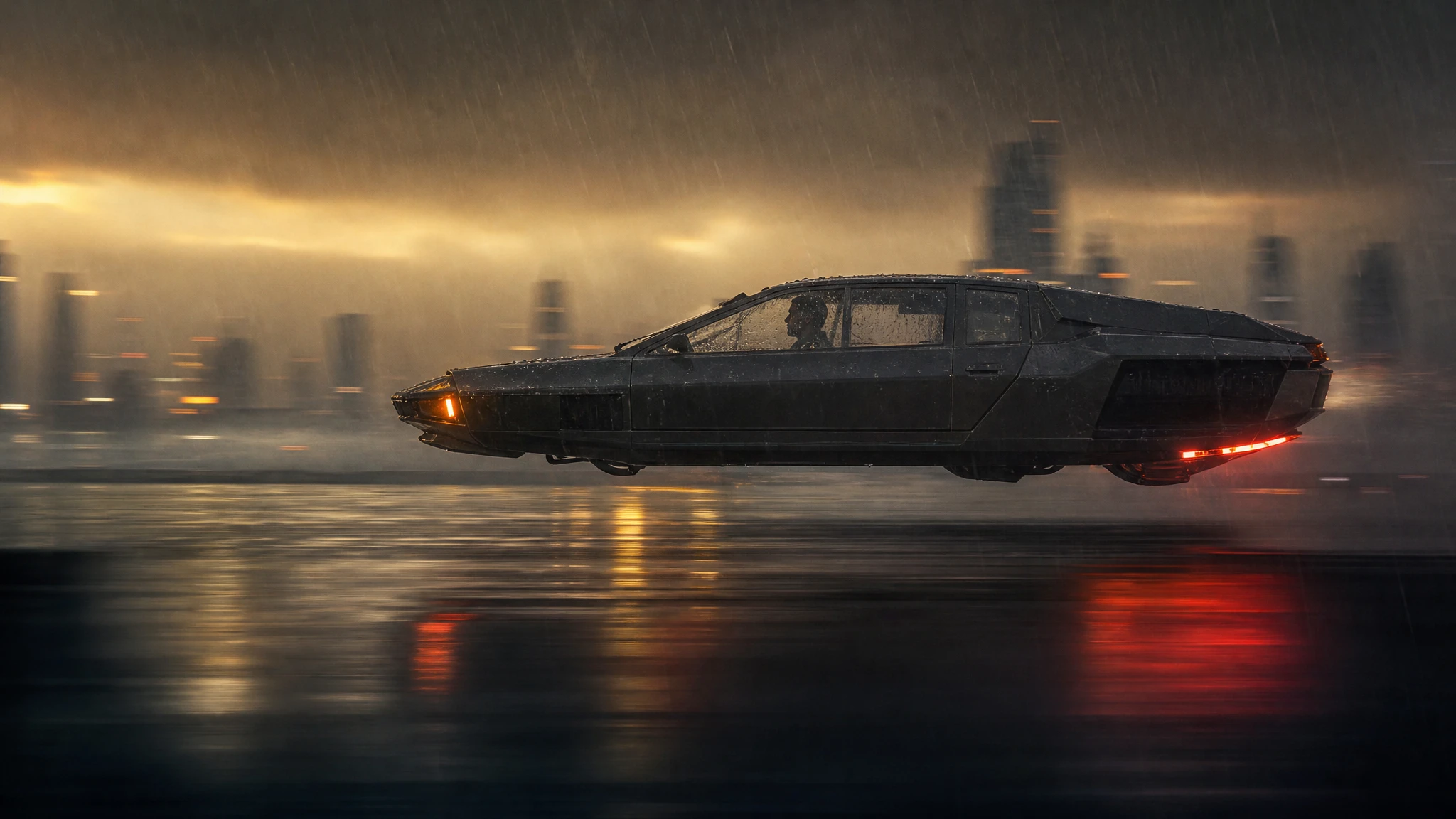
This is an image-conditioned video edit: the uploaded frame anchors the car, while the prompt controls the motion and atmosphere.
Sign in to generate. Your prompt and photo are saved for this tab.
How it works
From input to a result you can publish
The guide explains the decision. The tool lets you make the result without leaving the site.
- 01
Add your photo
Use a sharp photo with the vehicle fully visible. The tool keeps the subject and changes the scene.
- 02
Choose a preset
Start from a tested direction, then edit the sentence. The price stays visible before you generate.
- 03
Download or iterate
Keep the result, generate a variation, or move it into a related tool for editing or animation.
What people use it for
Built for real publishing work
The same output has to survive a thumbnail crop, a client review and a phone screen. These are the jobs the tool is tuned for.
Creators
Thumbnails, Shorts, Reels and a repeatable visual style for a weekly upload.
Dealers & detailers
Concept visuals for a campaign, a listing hero or a showroom screen, clearly labelled as AI.
Design & film
Concept stills, storyboards and animatics before a shoot or a 3D render is commissioned.
What this editor can and cannot do
It can restyle the atmosphere, change the weather, add fog or rain, shift the grade and introduce a camera move. It can keep the vehicle design and the framing close to the uploaded frame. It cannot cut a specific second out of an existing MP4 or remove an object that moves across the whole clip.
That limitation is deliberate. A frame-conditioned edit is more reliable than a full video-to-video pass, and it gives you a clean way to make alternate versions of a shot you already approved.
Pick the right frame
Choose a frame where the car is sharp, fully visible and not mid-motion-blur. The first frame of a shot is usually the best anchor because the model can continue from it naturally. If the frame is too dark, lift the shadows before uploading; the model will preserve the mood but not the noise.
If you need a different camera angle, do not ask the editor to invent it from a flat frame. Generate a new shot instead. The editor is for variations, not for rebuilding the scene.
A versioning workflow
Keep a folder per shot with the source frame, the prompt and the generated MP4. Name the versions by intent: rain, sunset, push-in, night. When a client asks for “the same shot but warmer”, you can regenerate the variation without touching the approved cut.
For a final delivery, conform the clips in your editor, add titles and sound, and keep the AI label in the description or the end card. Transparency is part of the craft.
Questions before you generate
Can I upload a video file?
This flow starts from a still frame. Export a frame from your clip, upload it here, and generate a new shot from that anchor.
Will the car design change?
The frame anchors the design, so it usually stays close. Check badges, plates and thin trim, which are the first details to drift.
Can I change only the weather?
Yes. Say “keep the car, camera and framing unchanged; replace only the weather with heavy rain and wet reflections.” Explicit invariants work better than a general restyle request.
How much does a variation cost?
A standard 12-second 720p variation costs 30 credits. Generate a five-second draft first if you are still choosing the look.
Results are AI-generated. Check details before publishing.
Related tools
Keep the workflow moving
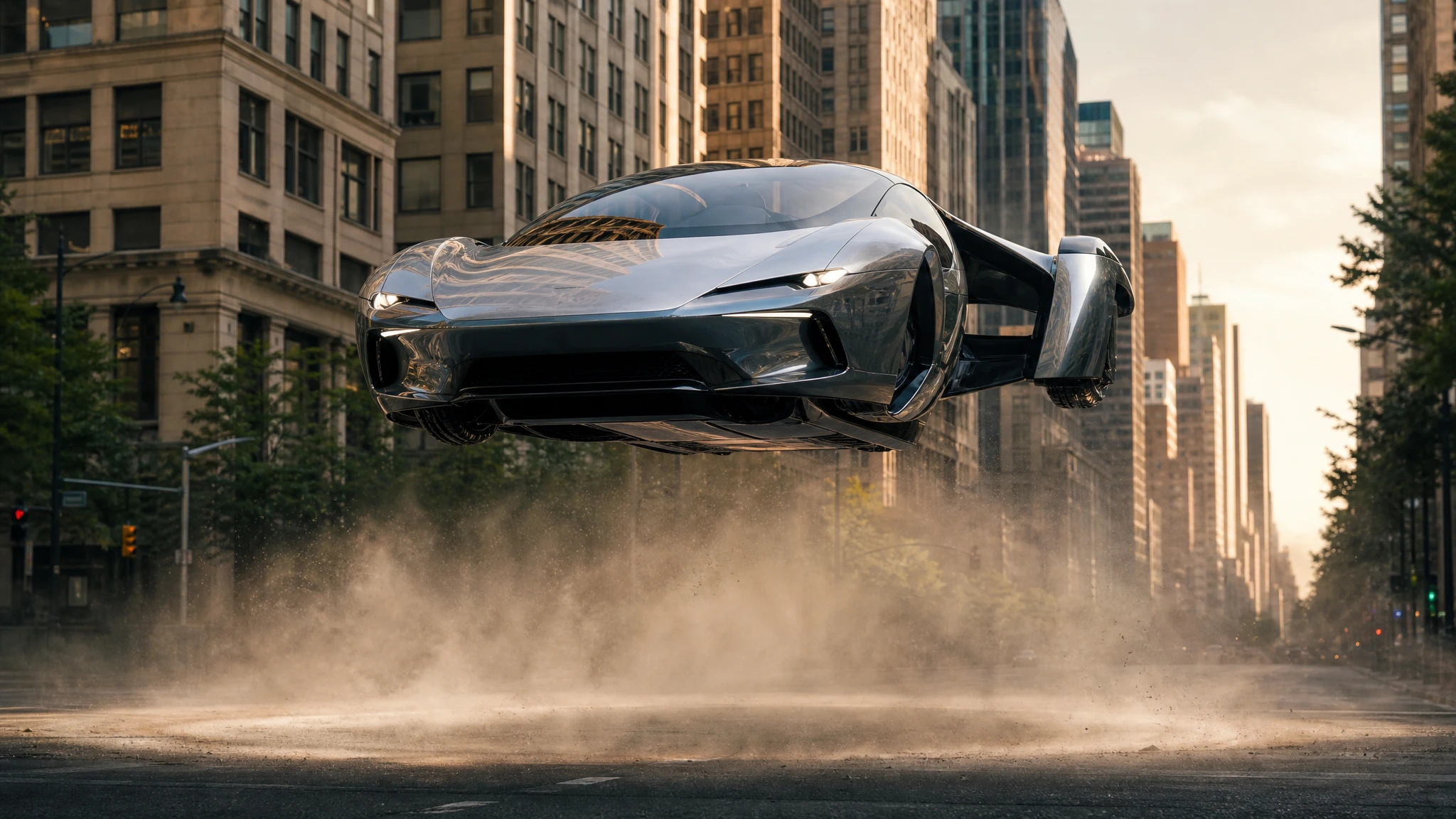 Video
VideoFlying Car Image to Video
Upload one flying car image and animate it into a 5–12 second clip. Control the camera move, the hover and the landing, then download the MP4.
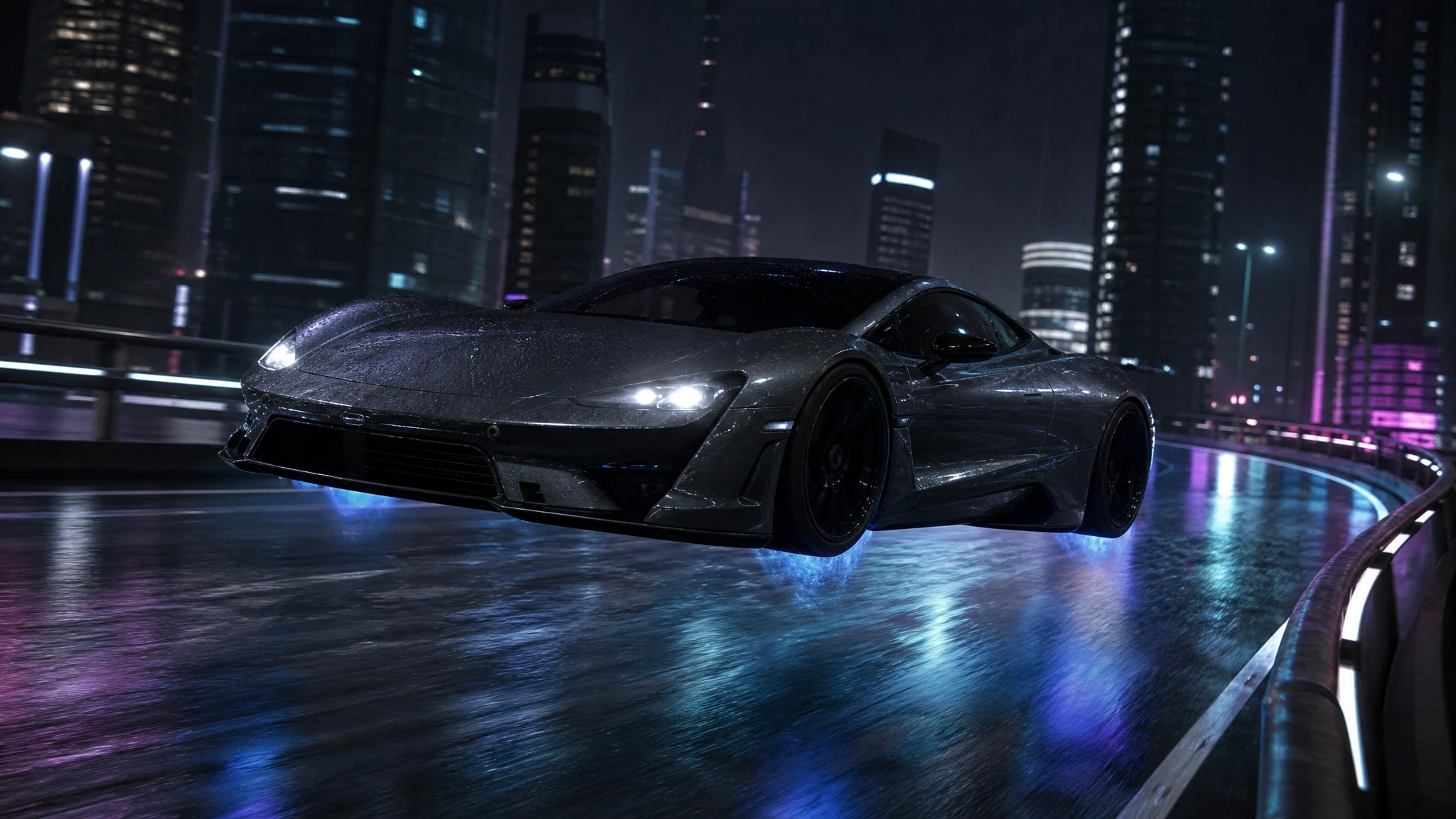 Image
ImageFlying Car Photo Editor
Upload a car photo and edit it into a flying car scene. Keep the body, colour and angle, then add landing gear, thruster glow or a new background.
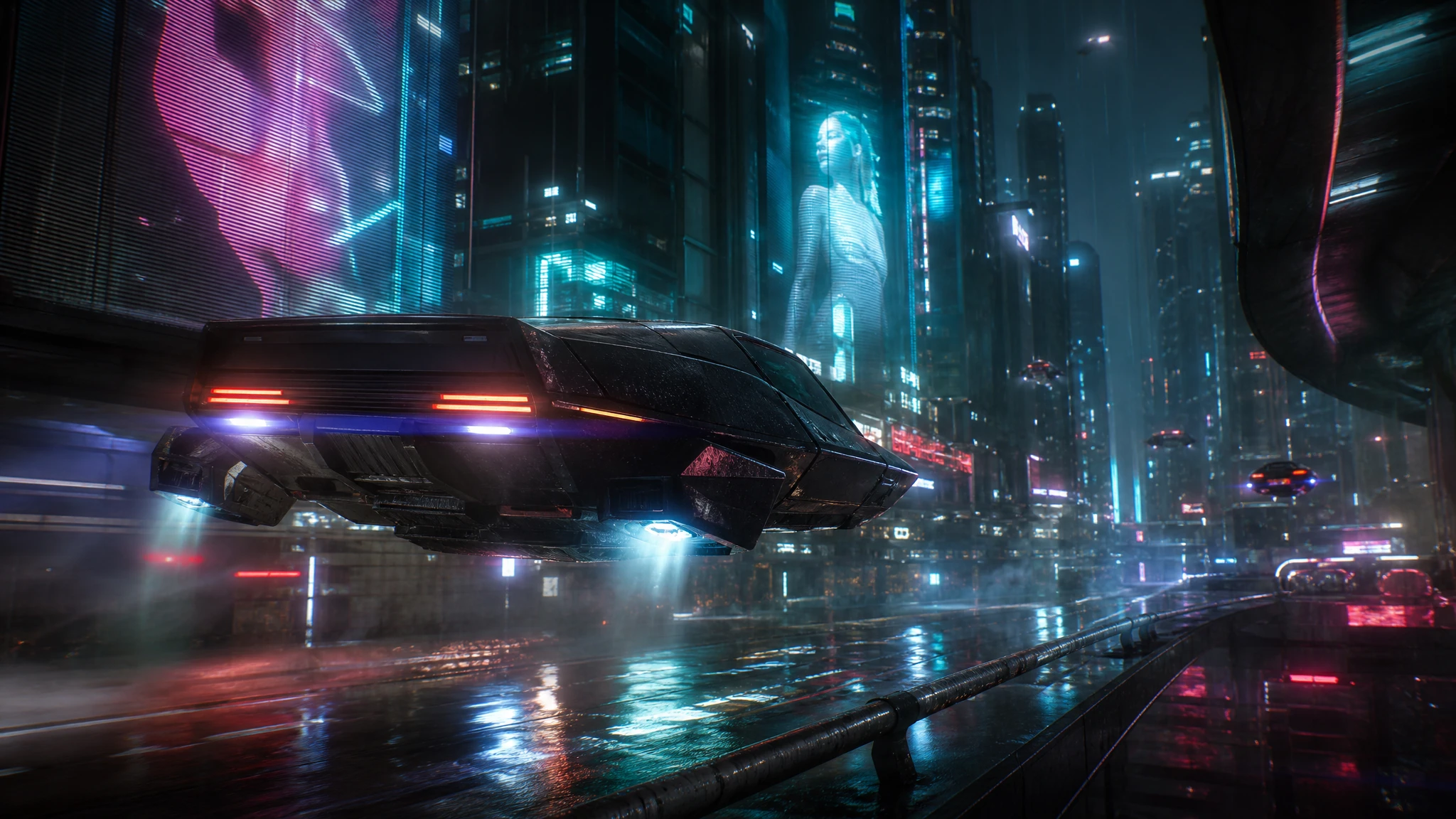 Video
VideoCyberpunk Flying Car Video Generator
Generate cyberpunk flying car videos with neon rain, holograms and low camera moves. Describe the scene, render a short clip, download the MP4.
One pack. Thirty credits. Start with one result.
The single pack costs $9.90 and the credits never expire. Use them on this tool, or on any other tool in the directory.