Flying car image tool
Flying Car Storyboard Generator
A storyboard is not three random images. It is a sequence with a job for each frame: establish, engage, reveal. Build that sequence before you spend on video.
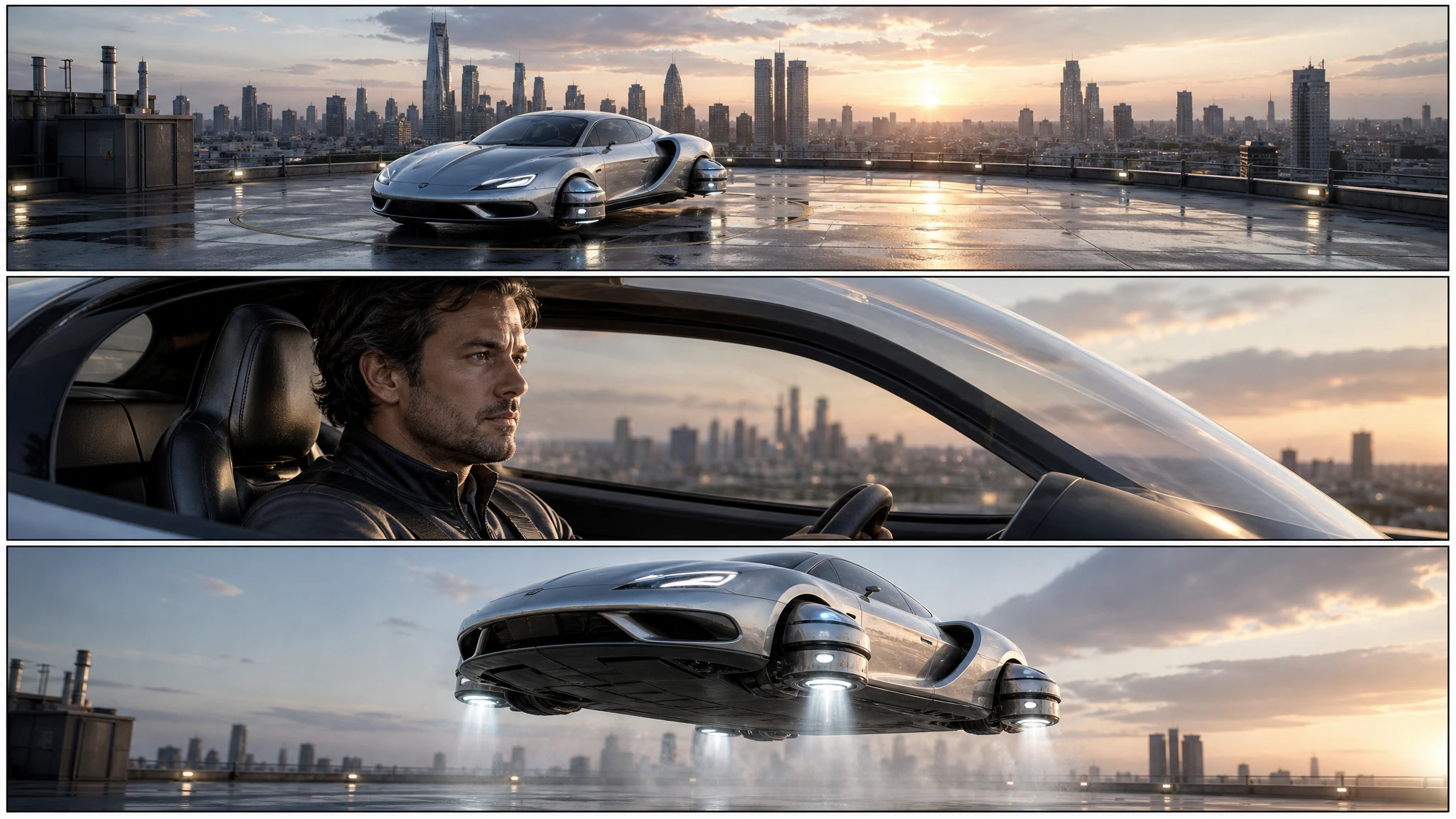
One storyboard image costs 2 credits, and each panel can become a separate video shot with the image-to-video tool.
Sign in to generate. Your prompt and photo are saved for this tab.
How it works
From input to a result you can publish
The guide explains the decision. The tool lets you make the result without leaving the site.
- 01
Describe the shot
Name the vehicle, the action, the camera and the light. One clear moment beats three half-ideas.
- 02
Choose a preset
Start from a tested direction, then edit the sentence. The price stays visible before you generate.
- 03
Download or iterate
Keep the result, generate a variation, or move it into a related tool for editing or animation.
What people use it for
Built for real publishing work
The same output has to survive a thumbnail crop, a client review and a phone screen. These are the jobs the tool is tuned for.
Creators
Thumbnails, Shorts, Reels and a repeatable visual style for a weekly upload.
Dealers & detailers
Concept visuals for a campaign, a listing hero or a showroom screen, clearly labelled as AI.
Design & film
Concept stills, storyboards and animatics before a shoot or a 3D render is commissioned.
The three panels that carry a short ad
Panel one establishes the world: a wide shot of the car on a rooftop, a road or a launch pad. Panel two brings the viewer close: a medium shot of the driver, the canopy or the thrusters. Panel three delivers the turn: the lift, the jump or the landing. That is enough structure for a 15-second spot.
Ask for the same vehicle in all three panels and describe it once, in detail. If the design drifts, the storyboard reads as three different films. For exact continuity, generate one approved still first and use it as a reference in the photo editor.
How to prompt a panel layout
Say “three-panel cinematic storyboard” and describe each panel in order. Mention that the panels should share the same vehicle, palette and lighting. Ask for clean panel borders and no text. If you want a specific aspect ratio, say it; a 16:9 board is easier to read on a laptop than a vertical strip.
Keep each panel’s action to one beat. A storyboard that tries to show a full chase in three frames becomes a blur. If the sequence needs more beats, generate a second board and cut the two together.
From board to shoot or render
Use the board as a shot list. For each panel, write the camera, the subject and the motion. Then feed the panel image and the motion description into the image-to-video tool. The result is a rough animatic you can edit against music.
This is also a budget tool. A board costs a fraction of a video generation, and it exposes problems in the sequence before you spend credits on clips that do not cut together.
Questions before you generate
Can I get more than three panels?
The preset is a three-panel board because it is the smallest useful sequence. Generate a second board for additional beats.
Will the car look the same in every panel?
It will be close if you repeat a detailed design description. For exact continuity, use an approved still as an image reference in the editor.
Can I use the board for a client pitch?
Yes. Download the still and add your own captions, timing and notes. The board is a planning aid, not a final frame.
Can I animate one panel?
Yes. Open the image-to-video tool, upload the panel, and describe one camera move and one vehicle move.
Results are AI-generated. Check details before publishing.
Related tools
Keep the workflow moving
 Image
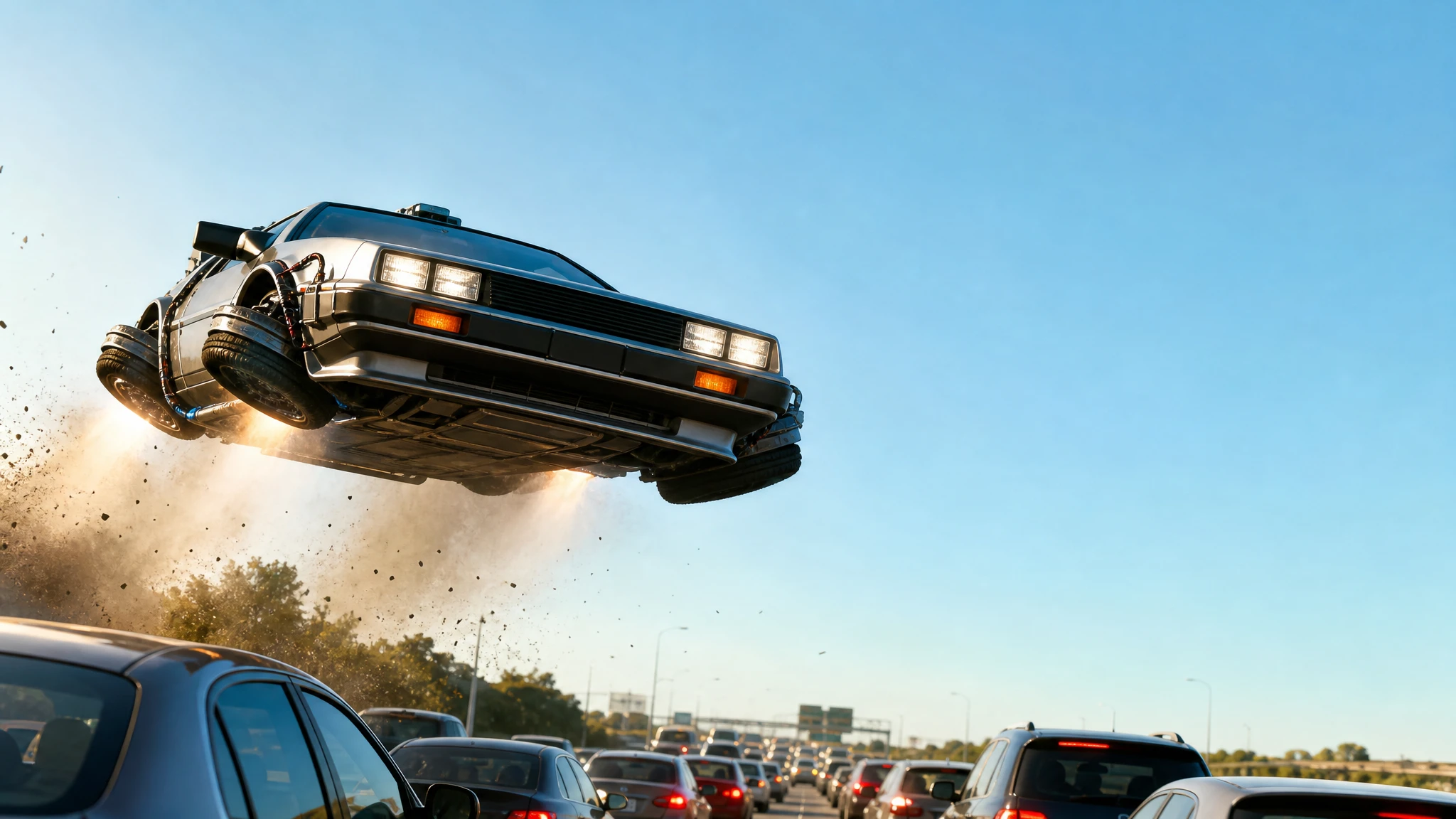
ImageFlying Car Thumbnail Maker
Generate flying car YouTube thumbnails with a strong subject, clean negative space and no baked-in text. Download the still and add your headline.
 Video
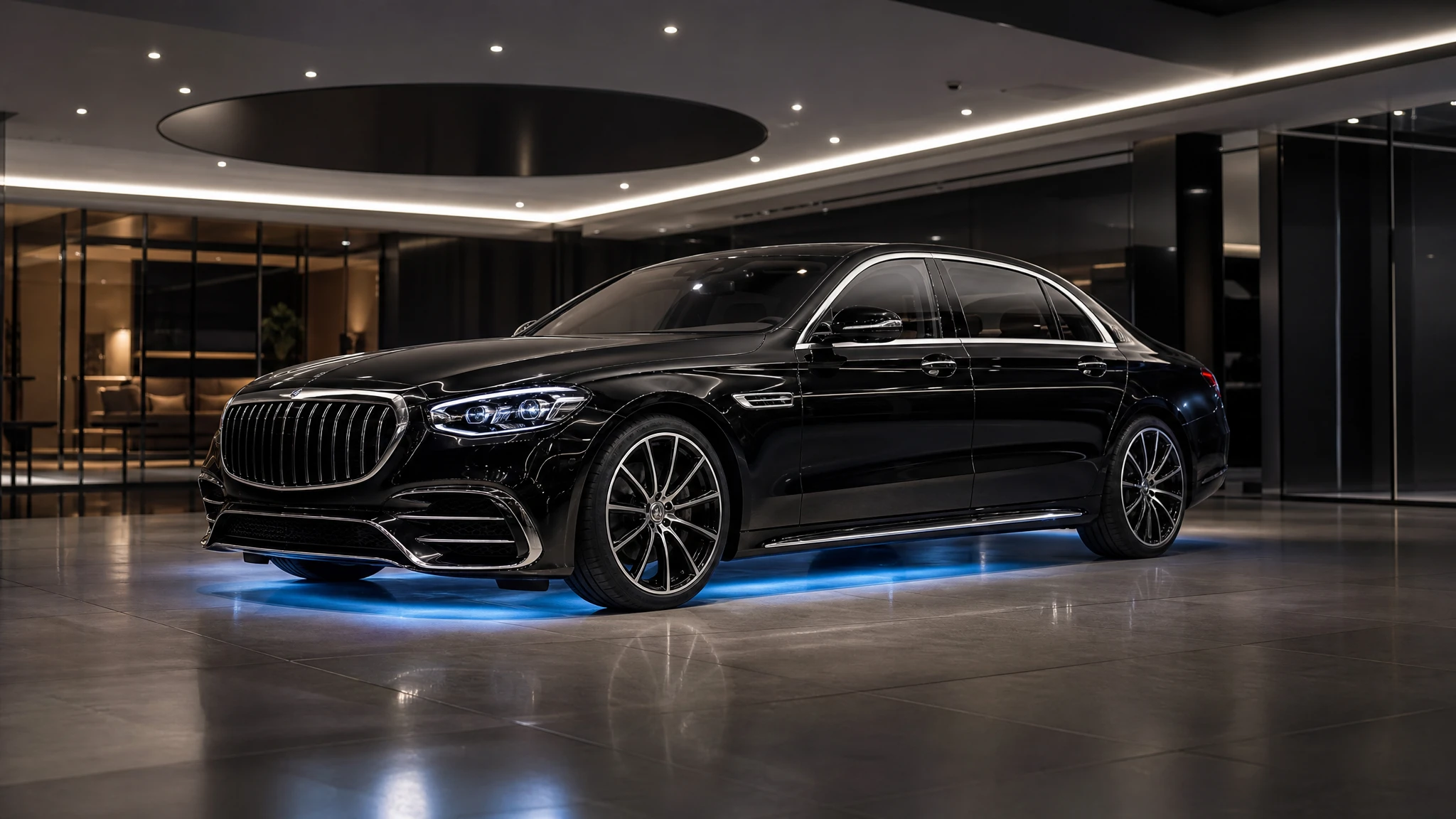
VideoAI Car Commercial Generator
Turn a dealership photo into a short flying car commercial. Add a lift, an orbit or a showroom-to-rooftop transition, then download the MP4.
 Video
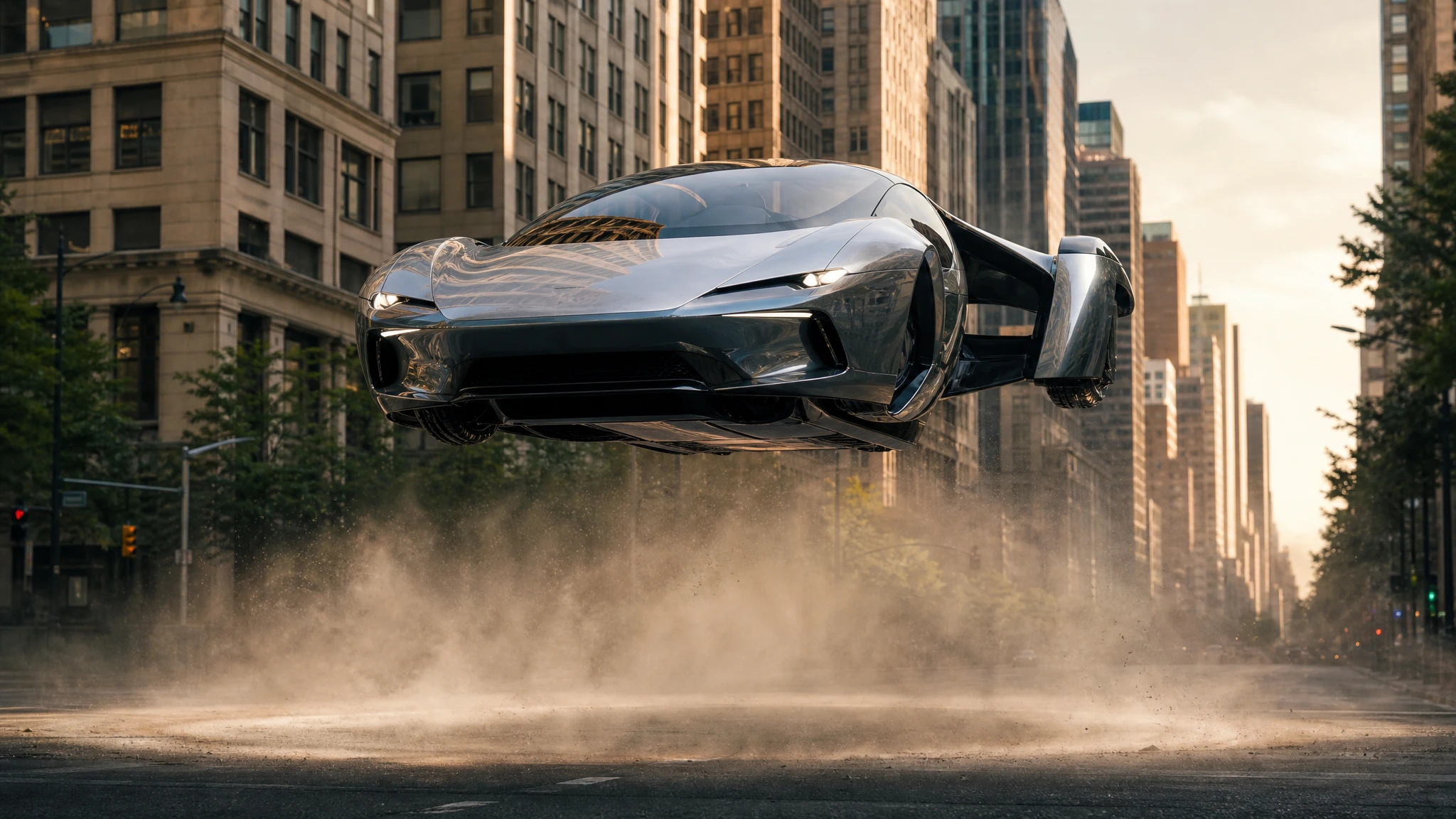
VideoFlying Car Image to Video
Upload one flying car image and animate it into a 5–12 second clip. Control the camera move, the hover and the landing, then download the MP4.
One pack. Thirty credits. Start with one result.
The single pack costs $9.90 and the credits never expire. Use them on this tool, or on any other tool in the directory.