Flying car video tool
Flying Car Image to Video
Your still already has the car, the light and the composition. This tool adds motion: a lift, a glide, a slow push-in or a single mid-air rotation.
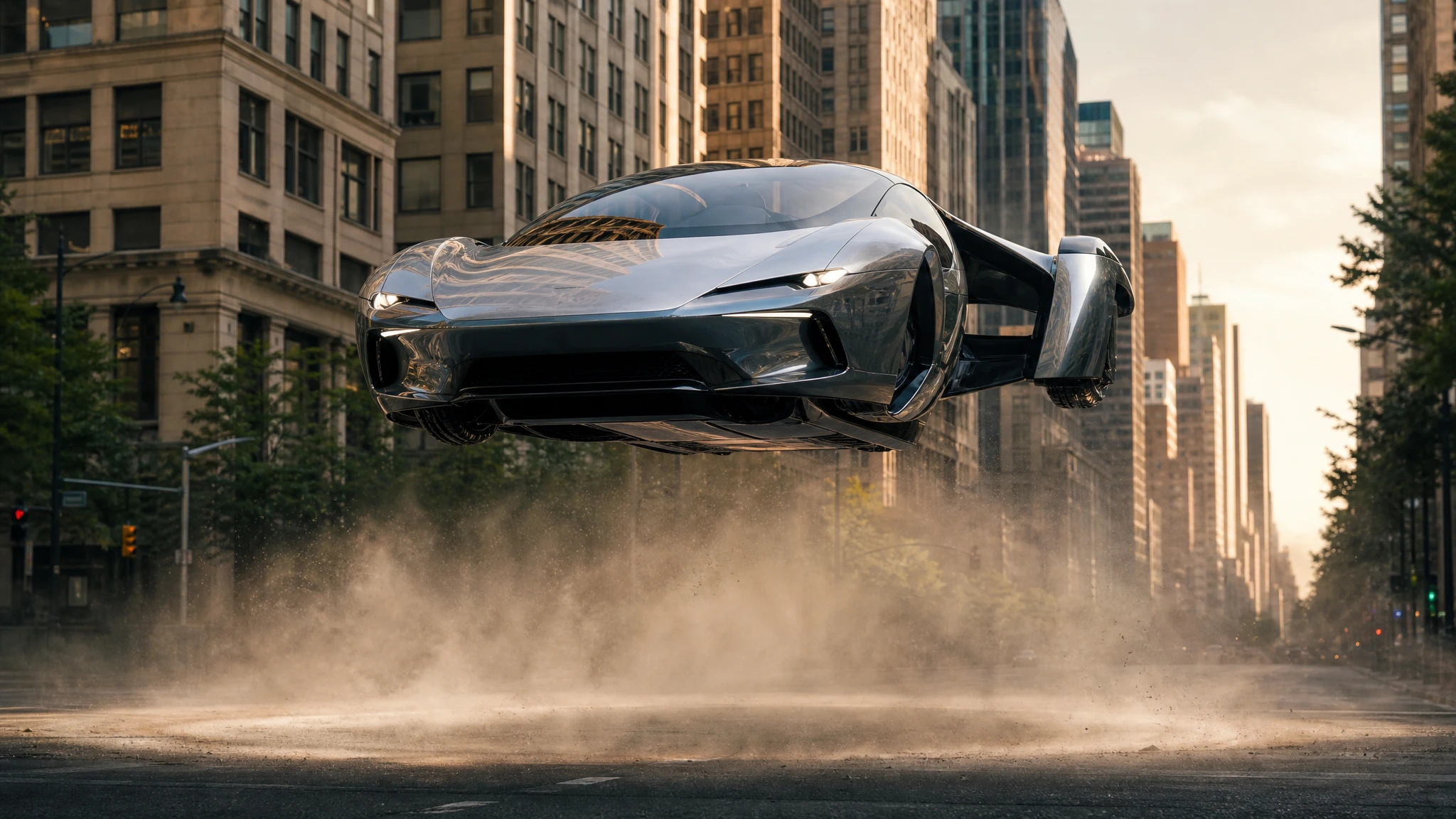
Start with a 5-second draft, then raise the resolution only when the motion is right. Failed renders return the credits.
Sign in to generate. Your prompt and photo are saved for this tab.
How it works
From input to a result you can publish
The guide explains the decision. The tool lets you make the result without leaving the site.
- 01
Add your photo
Use a sharp photo with the vehicle fully visible. The tool keeps the subject and changes the scene.
- 02
Choose a preset
Start from a tested direction, then edit the sentence. The price stays visible before you generate.
- 03
Download or iterate
Keep the result, generate a variation, or move it into a related tool for editing or animation.
What people use it for
Built for real publishing work
The same output has to survive a thumbnail crop, a client review and a phone screen. These are the jobs the tool is tuned for.
Creators
Thumbnails, Shorts, Reels and a repeatable visual style for a weekly upload.
Dealers & detailers
Concept visuals for a campaign, a listing hero or a showroom screen, clearly labelled as AI.
Design & film
Concept stills, storyboards and animatics before a shoot or a 3D render is commissioned.
Why start from an image
Image-to-video is more controllable than text-to-video because the first frame is fixed. The model does not have to invent the vehicle, the colour or the background; it only has to move them. That makes it the better choice for a specific car, a client-approved still, or a shot that must match an existing campaign.
The trade-off is that the model cannot reveal much that is outside the frame. If the camera needs to orbit, leave room around the car in the source image. If the car needs to rise, include enough sky above it. Compose for the movement before you animate.
Describe one move, not a sequence
A five-second clip has room for one idea. Pick the lift, the glide or the rotation. Add the camera behaviour: a slow push-in, a side tracking shot, a low angle that stays locked. Then add the atmosphere: dust, mist, light flare, a soft shadow moving under the car.
If you ask for a lift, a rotation, a landing and a camera orbit in the same clip, the model will try to satisfy all four and usually loses anatomy or background stability. Split the sequence into separate clips and cut them together. That is how a real storyboard works, and it is also how you get the most usable seconds from each generation.
What a good first frame looks like
Use a sharp image with the vehicle fully visible and no important detail at the very edge. Keep the background simple enough that motion blur will not turn it into noise. If the car is dark, add a rim light in the source image so the silhouette survives the move.
The default here is 12 seconds at 720p, which costs 30 credits. For a first test, choose the 5-second option in the studio, confirm the motion, then generate the longer version. The credits are shown before you commit.
Questions before you generate
What image formats can I upload?
JPEG, PNG, WebP, GIF, AVIF, HEIC and HEIF are accepted up to 10MB. A sharp, well-lit image produces the most stable motion.
Can I control the camera?
Yes, describe it in the prompt: slow push-in, side tracking shot, low angle, overhead drone. A single clear camera instruction works better than several.
Why does the clip look different at the end?
Long clips drift more than short ones. Start with five seconds, keep the action to one move, and split complex sequences into separate clips.
Is the video watermark-free?
Yes. The finished MP4 is watermark-free and can be downloaded from the result card. You are responsible for the rights to the source image and any music you add later.
Results are AI-generated. Check details before publishing.
Related tools
Keep the workflow moving
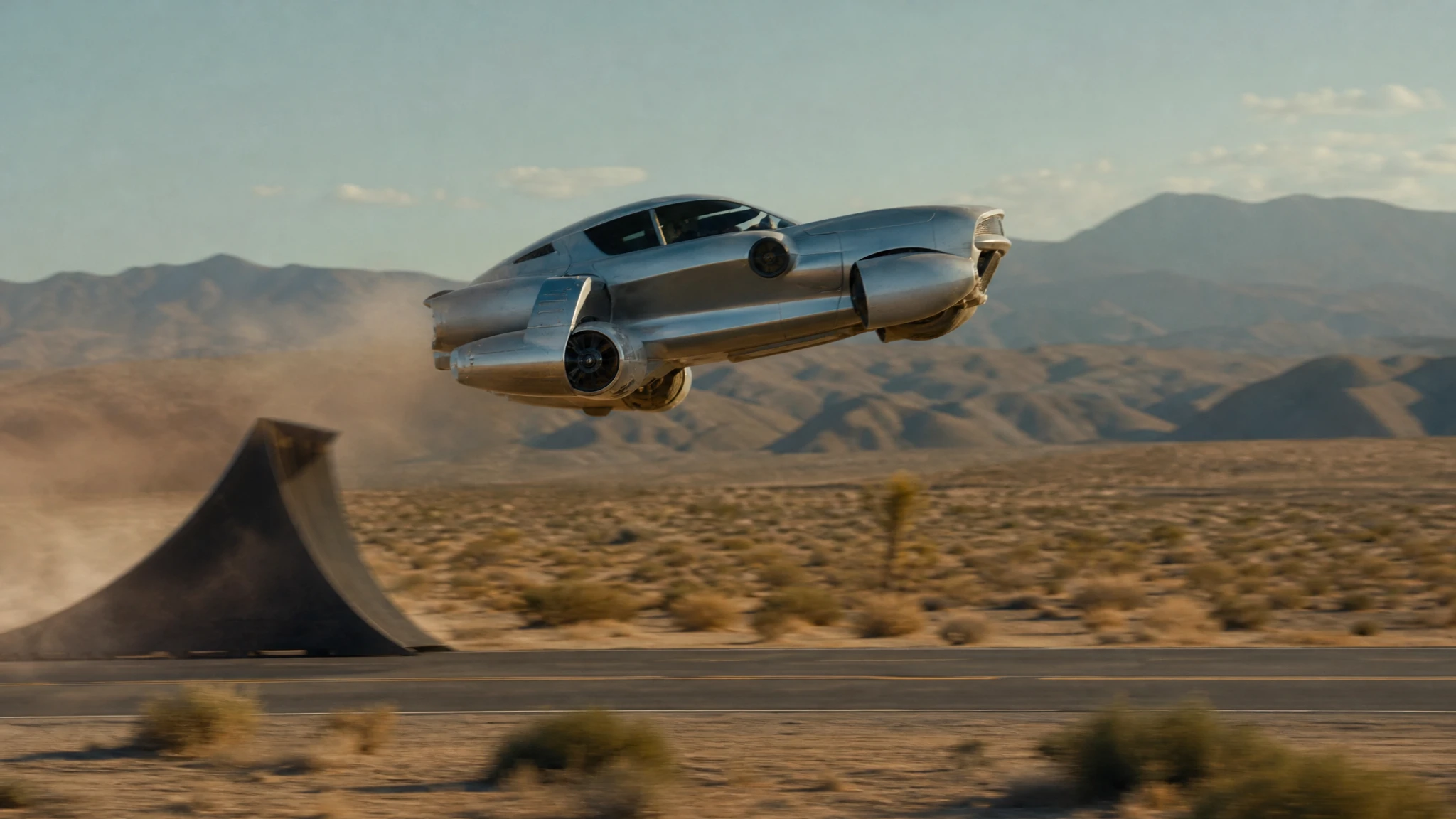 Video
VideoFlying Car Text to Video
Write a flying car scene and generate a 5–12 second video. Control the stunt, camera and light, then download a watermark-free MP4.
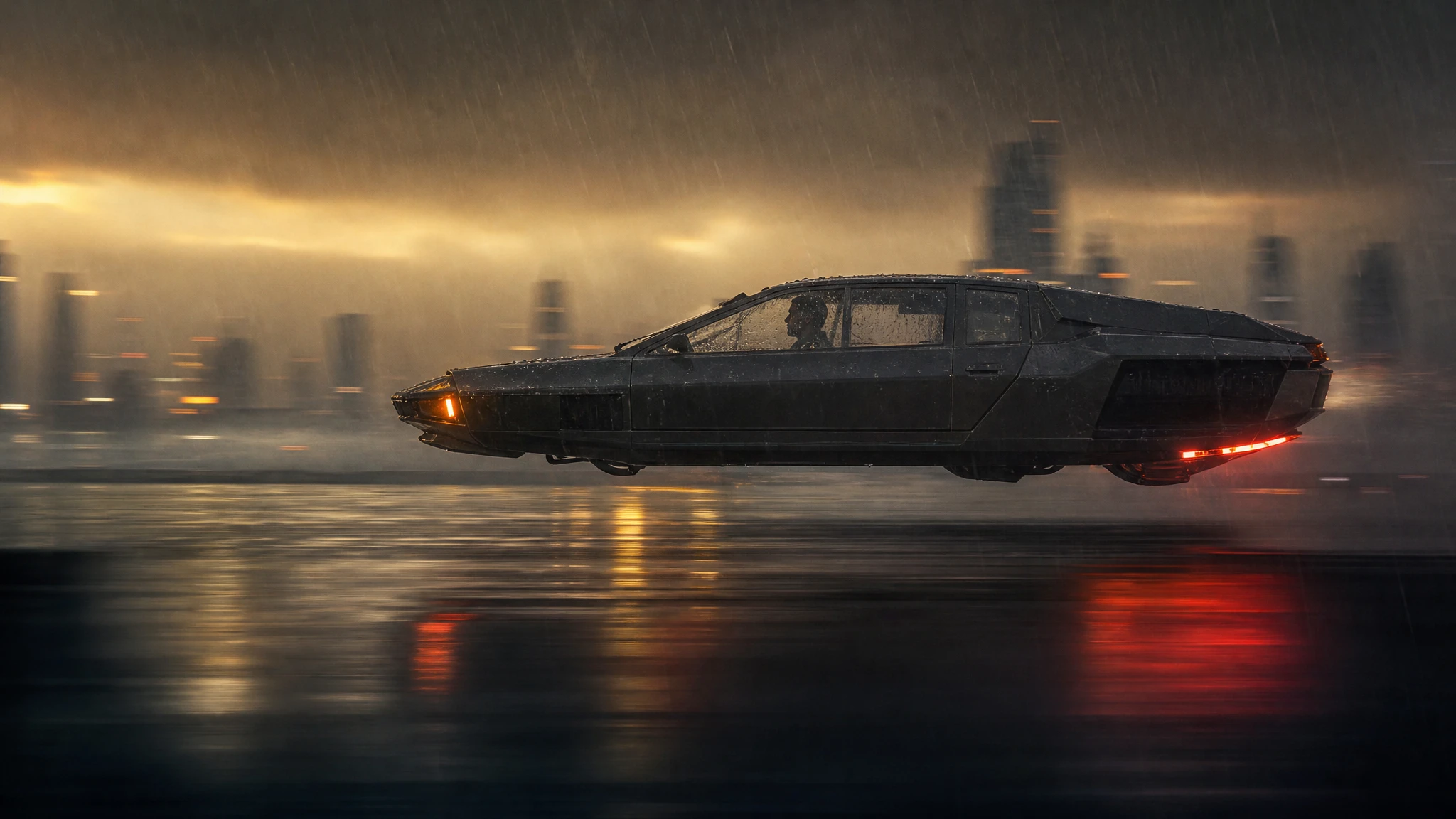 Video
VideoFlying Car Video Editor
Upload a frame from your flying car clip, change the weather, grade or camera move, and generate a new short shot without rebuilding the vehicle.
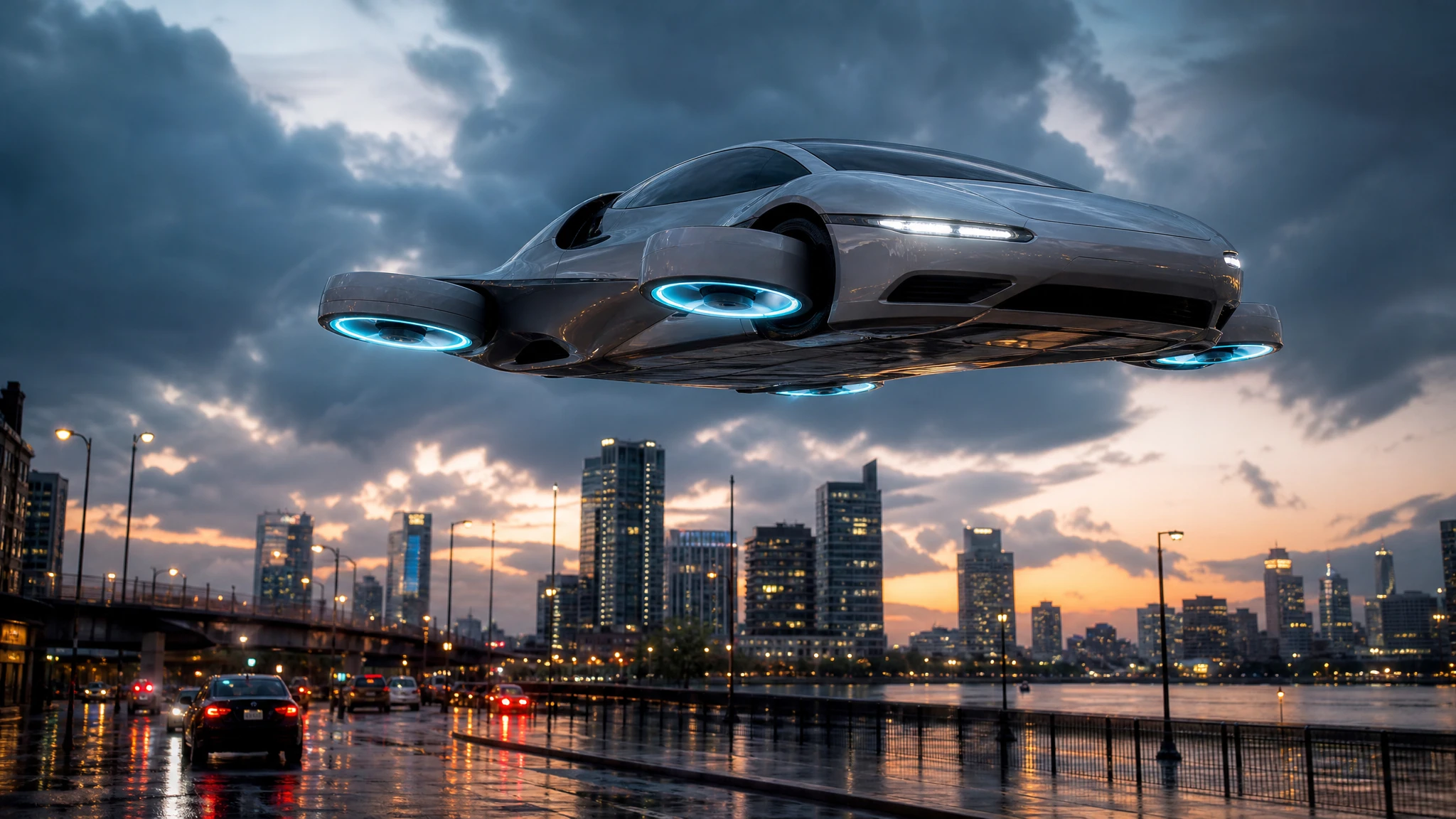 Image
ImageAI Flying Car Image Generator
Turn a sentence into a photoreal flying car image. Choose a city, desert or rooftop scene, generate a concept still, then animate it into video.
One pack. Thirty credits. Start with one result.
The single pack costs $9.90 and the credits never expire. Use them on this tool, or on any other tool in the directory.