Flying car image tool
AI Flying Car Image Generator
Describe the vehicle, the city and the light. The generator returns a finished flying car still that you can download, edit again, or turn into a short video.
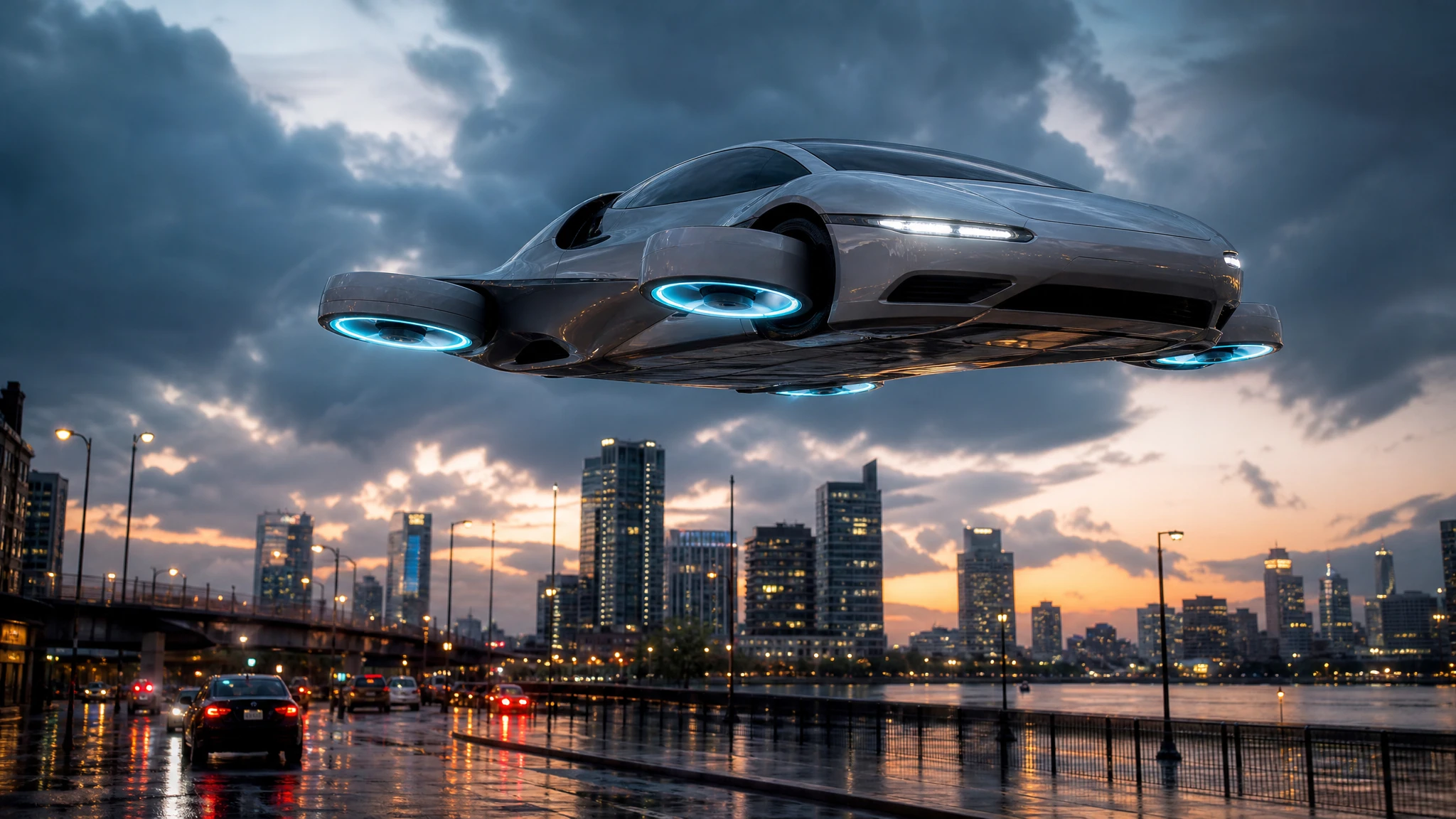
Every image shows its 2-credit price before you generate, and a failed render returns the credits.
Sign in to generate. Your prompt and photo are saved for this tab.
How it works
From input to a result you can publish
The guide explains the decision. The tool lets you make the result without leaving the site.
- 01
Describe the shot
Name the vehicle, the action, the camera and the light. One clear moment beats three half-ideas.
- 02
Choose a preset
Start from a tested direction, then edit the sentence. The price stays visible before you generate.
- 03
Download or iterate
Keep the result, generate a variation, or move it into a related tool for editing or animation.
What people use it for
Built for real publishing work
The same output has to survive a thumbnail crop, a client review and a phone screen. These are the jobs the tool is tuned for.
Creators
Thumbnails, Shorts, Reels and a repeatable visual style for a weekly upload.
Dealers & detailers
Concept visuals for a campaign, a listing hero or a showroom screen, clearly labelled as AI.
Design & film
Concept stills, storyboards and animatics before a shoot or a 3D render is commissioned.
What you can make with it
Use the generator for concept art, pitch decks, YouTube thumbnails, social posts and storyboards. You can ask for a matte-black stunt car over a rain-slick street, a chrome prototype above a salt flat, or a family vehicle parked on a rooftop garden. The model builds the scene around your description, so the result is a new illustration rather than a photograph of a real car.
The output is a high-resolution still, not a 3D model. That distinction matters: you can change the angle, the paint and the environment by describing them, but you cannot rotate the result like a turntable. For most publishing workflows that is enough, and it is far faster than commissioning a render.
How to write a prompt that holds together
Name four things: the vehicle, the action, the camera and the light. A prompt such as “a silver flying car lifting over a stopped highway, low three-quarter view, hard late-afternoon sun, dust below the chassis” gives the model a clear subject and a clear frame. If you leave out the camera, the model chooses one, and the result may not match the crop you need.
Keep the scene physically readable. Flying cars do not have a real-world reference, so describe how the vehicle stays in the air: ducted fans, thruster glow, folded landing gear, a heat haze. Those details make the image feel designed rather than floaty. Avoid asking for three actions in one still; a single strong moment reads better.
From still to video
A still is often the first deliverable, but it can also become the first frame of a video. Download the image, open the image-to-video tool, and describe one camera move and one vehicle move. That two-step workflow gives you more control than asking a video model to invent the car and the scene at the same time.
If you are building a series, keep a written style recipe: lens, palette, time of day and vehicle details. Reusing that recipe across images keeps a campaign coherent without locking you into one composition.
Questions before you generate
Can I use the image commercially?
You can use an image you generated if you own the rights to the prompt and any reference you supplied, and if the result is lawful in your market. Do not upload a photo you do not have permission to use.
How much does one image cost?
One image task costs 2 credits. A $9.90 single pack contains 30 credits, so it covers 15 image generations before any subscription discount.
Why does the car look different from my photo?
This tool is text-to-image, so it does not receive your photo. Use the flying car photo editor if the exact vehicle, colour and angle must survive.
What size is the result?
The default is a 16:9 landscape still suitable for video thumbnails and pitch decks. The upscaler can enlarge it for print or a large showroom display.
Results are AI-generated. Check details before publishing.
Related tools
Keep the workflow moving
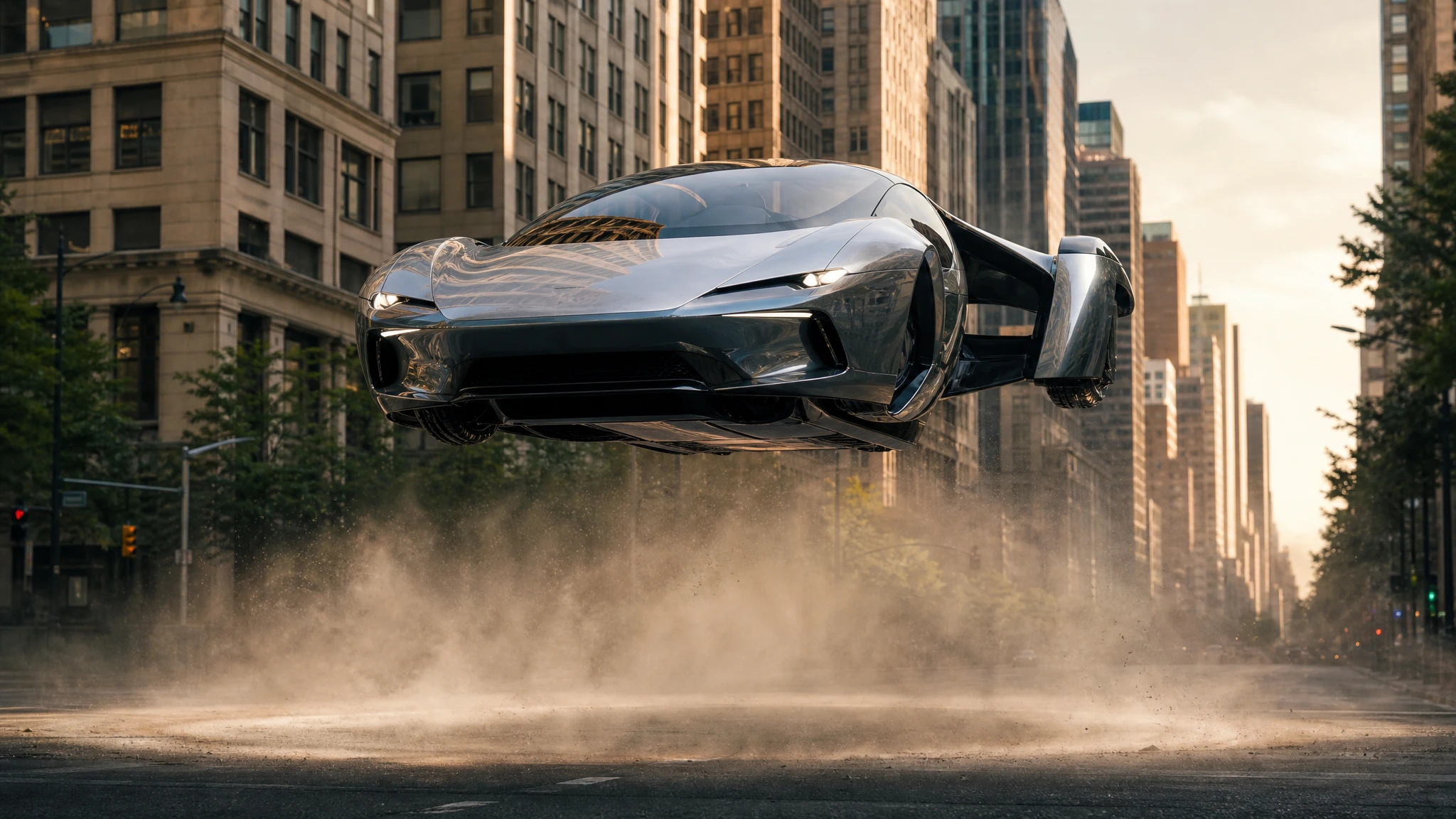 Video
VideoFlying Car Image to Video
Upload one flying car image and animate it into a 5–12 second clip. Control the camera move, the hover and the landing, then download the MP4.
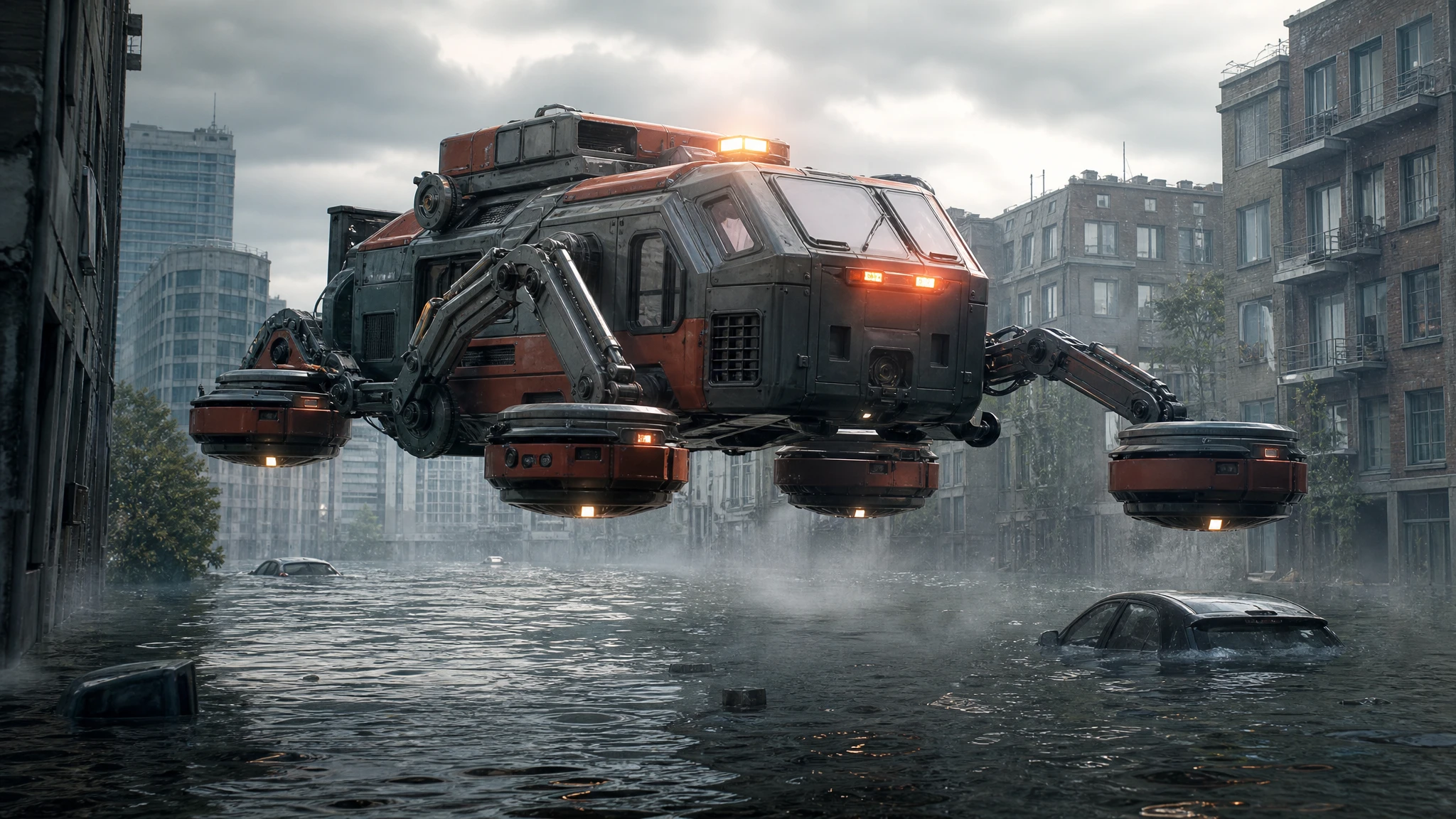 Image
ImageSci-Fi Vehicle Image Generator
Generate sci-fi vehicle concept art: rescue hovercraft, lunar rovers and cargo lifters. Pick a role, a setting and a camera, then download the still.
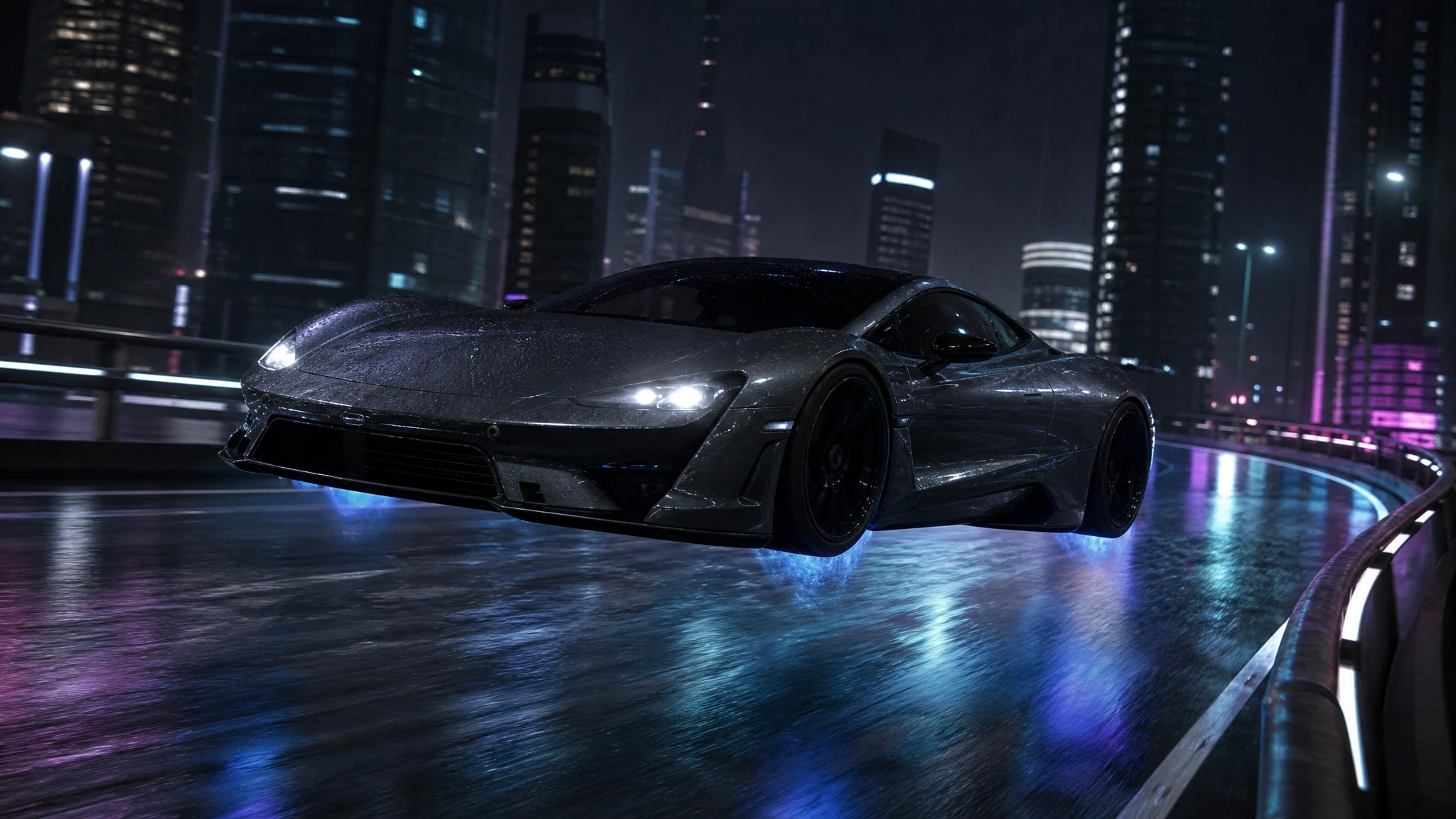 Image
ImageFlying Car Photo Editor
Upload a car photo and edit it into a flying car scene. Keep the body, colour and angle, then add landing gear, thruster glow or a new background.
One pack. Thirty credits. Start with one result.
The single pack costs $9.90 and the credits never expire. Use them on this tool, or on any other tool in the directory.