Flying car image tool
Flying Car Image Upscaler
A great composition should not die at 1024 pixels. Upscale the still, keep the car exactly as it is, and recover the detail you need for print.
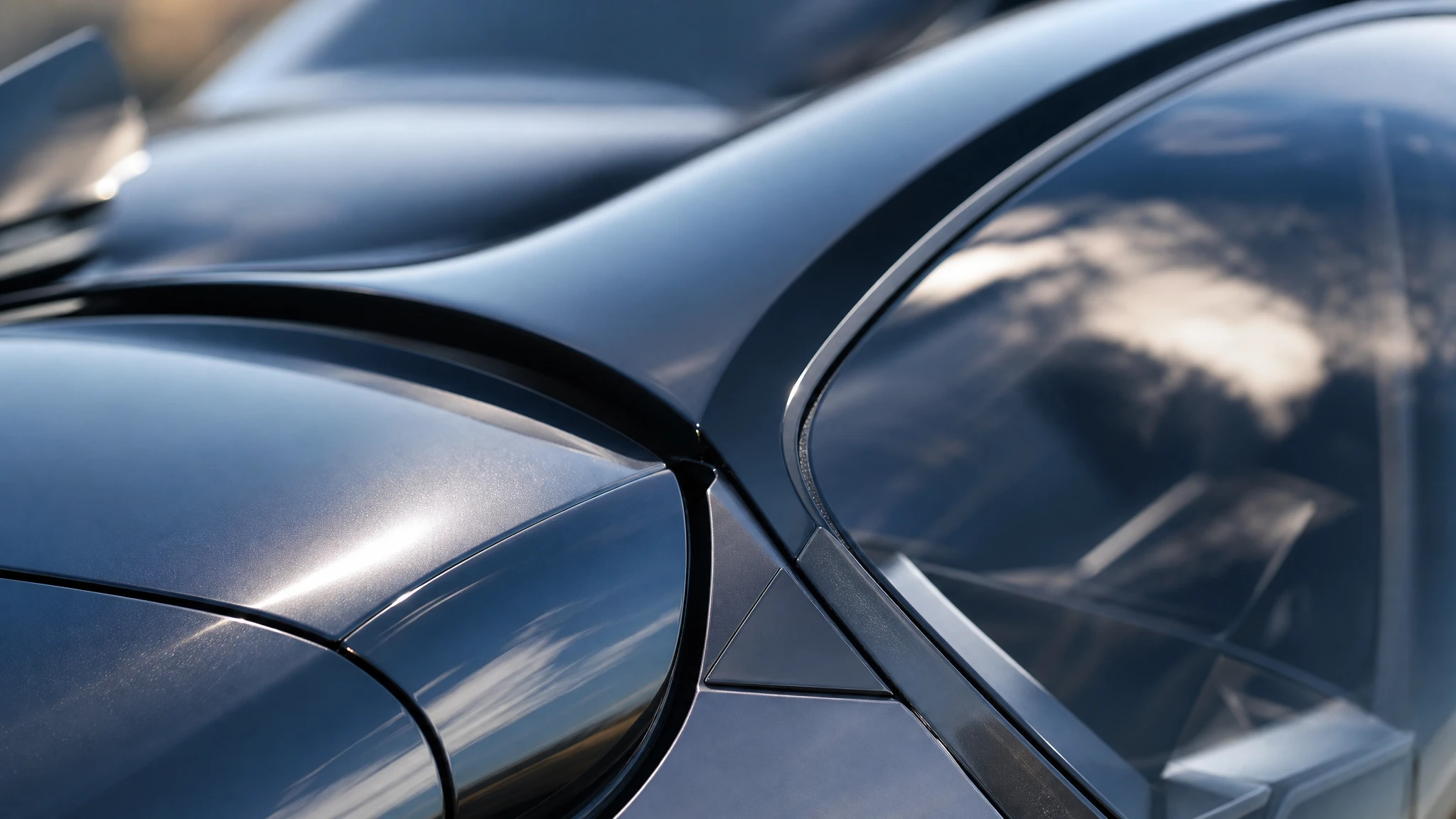
One 2x upscale costs 2 credits and returns a larger file with the original composition intact.
Sign in to generate. Your prompt and photo are saved for this tab.
How it works
From input to a result you can publish
The guide explains the decision. The tool lets you make the result without leaving the site.
- 01
Add your photo
Use a sharp photo with the vehicle fully visible. The tool keeps the subject and changes the scene.
- 02
Choose a preset
Start from a tested direction, then edit the sentence. The price stays visible before you generate.
- 03
Download or iterate
Keep the result, generate a variation, or move it into a related tool for editing or animation.
What people use it for
Built for real publishing work
The same output has to survive a thumbnail crop, a client review and a phone screen. These are the jobs the tool is tuned for.
Creators
Thumbnails, Shorts, Reels and a repeatable visual style for a weekly upload.
Dealers & detailers
Concept visuals for a campaign, a listing hero or a showroom screen, clearly labelled as AI.
Design & film
Concept stills, storyboards and animatics before a shoot or a 3D render is commissioned.
When to upscale, and when to regenerate
Upscale when the composition and the car are already right and you only need more pixels. Regenerate when the car is wrong, the angle is wrong or the lighting does not work. Upscaling cannot fix a bad concept; it can only make a good one usable at a larger size.
The best candidates are sharp, low-noise images with clean edges. If the source is blurry or heavily compressed, the upscaler will enlarge the artefacts. Fix the source first, or generate a new still at a larger aspect ratio.
Print, thumbnail or showroom
For a YouTube thumbnail, 2x from a 1280-wide still is enough for a crisp 2560-wide master. For a showroom print, check the final physical size and the viewing distance; a 2x upscale from a 1536-wide image is a starting point, not a guarantee of gallery quality.
Keep the upscaled file separate from the original. If you need a different crop later, go back to the source rather than upscaling an already cropped export.
A clean finishing pass
After upscaling, inspect the panel gaps, the glass edges and the reflections. Add a light sharpen only if the result looks soft at 100%. Over-sharpening creates halos around the car, which are more visible in print than on screen.
If the image will be composited, upscale after the composite so the final scene is sharp as a whole. If it will be a standalone still, upscale the final render and keep the master.
Questions before you generate
How large will the output be?
The upscaler doubles the long edge. A 1536-wide source becomes roughly 3072 pixels wide, subject to the model’s output limits.
Does it change the car?
It is designed to preserve the composition. Check fine details such as badges and plates at 100%; AI upscalers can invent texture where the source had none.
Can I upscale a generated image?
Yes. Generated stills are a good fit because they are clean and have no camera noise. Use the original file, not a compressed screenshot.
What does an upscale cost?
One 2x upscale costs 2 credits. The result is returned as a downloadable image.
Results are AI-generated. Check details before publishing.
Related tools
Keep the workflow moving
 Image
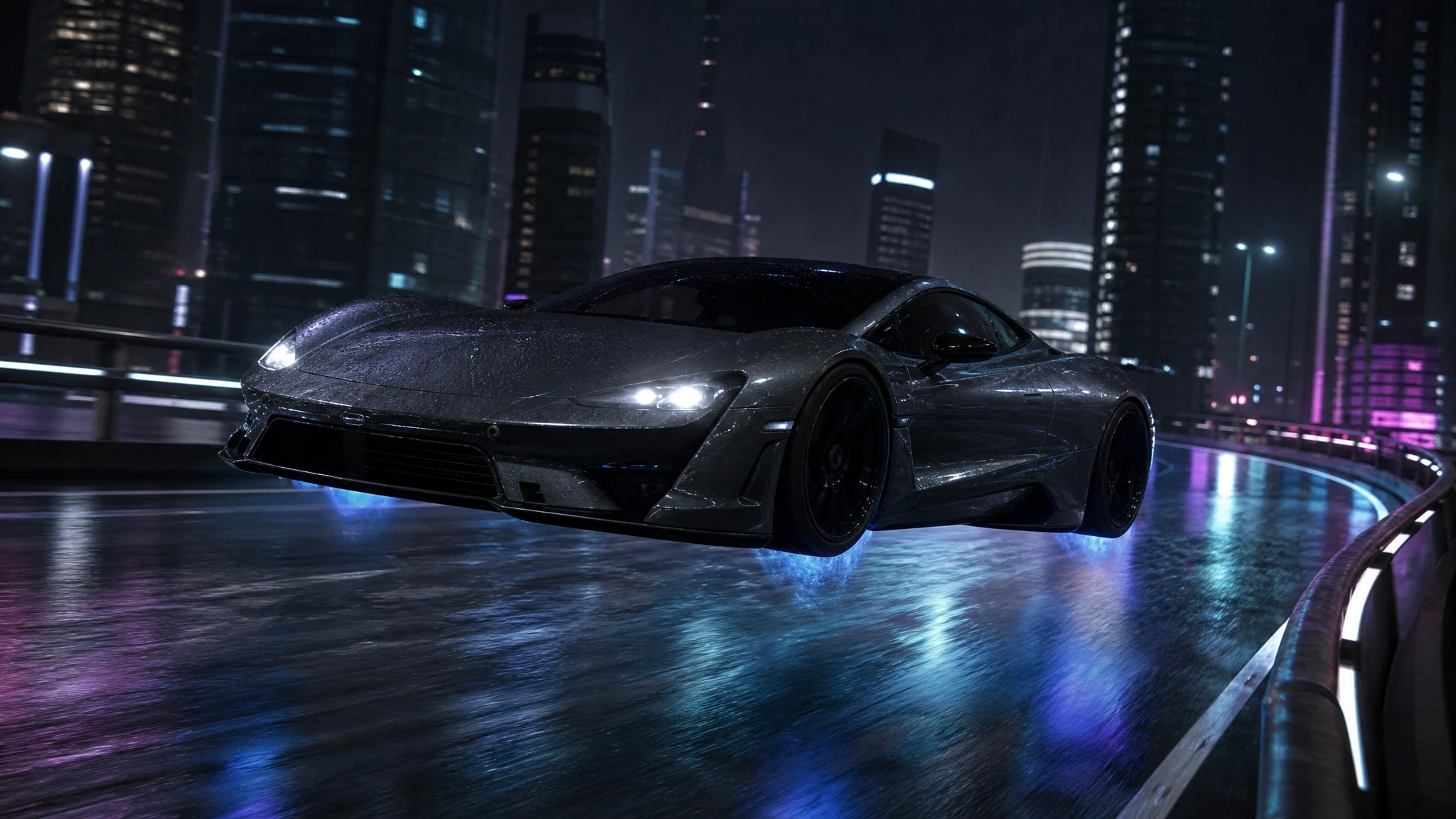
ImageFlying Car Photo Editor
Upload a car photo and edit it into a flying car scene. Keep the body, colour and angle, then add landing gear, thruster glow or a new background.
 Image
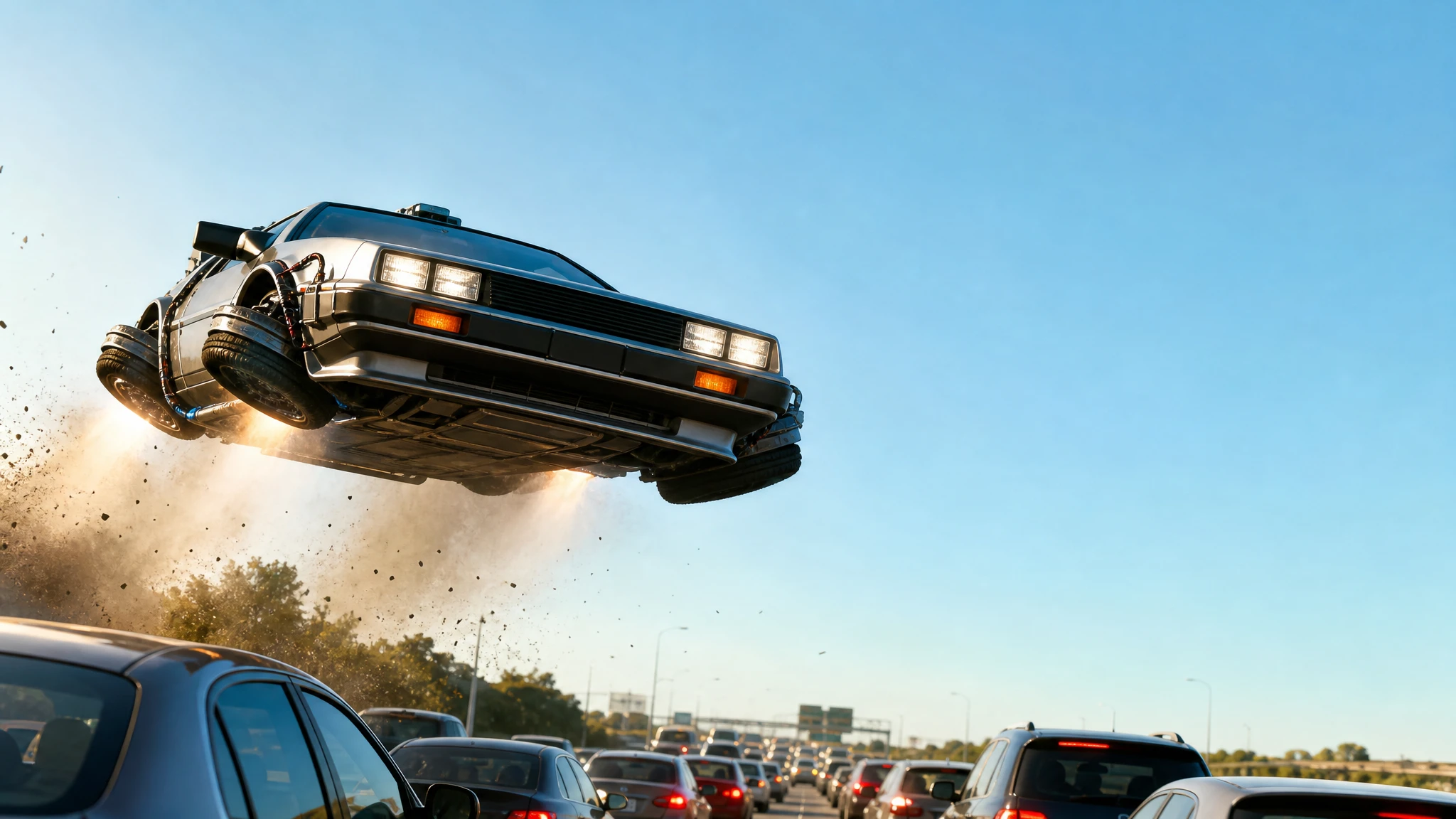
ImageFlying Car Thumbnail Maker
Generate flying car YouTube thumbnails with a strong subject, clean negative space and no baked-in text. Download the still and add your headline.
 Image
ImageAI Flying Car Image Generator
Turn a sentence into a photoreal flying car image. Choose a city, desert or rooftop scene, generate a concept still, then animate it into video.
One pack. Thirty credits. Start with one result.
The single pack costs $9.90 and the credits never expire. Use them on this tool, or on any other tool in the directory.