Flying car image tool
Flying Car Photo Editor
Keep the car you photographed. Change the world around it. Upload one photo, describe the edit, and get a believable flying car version without rebuilding the vehicle.
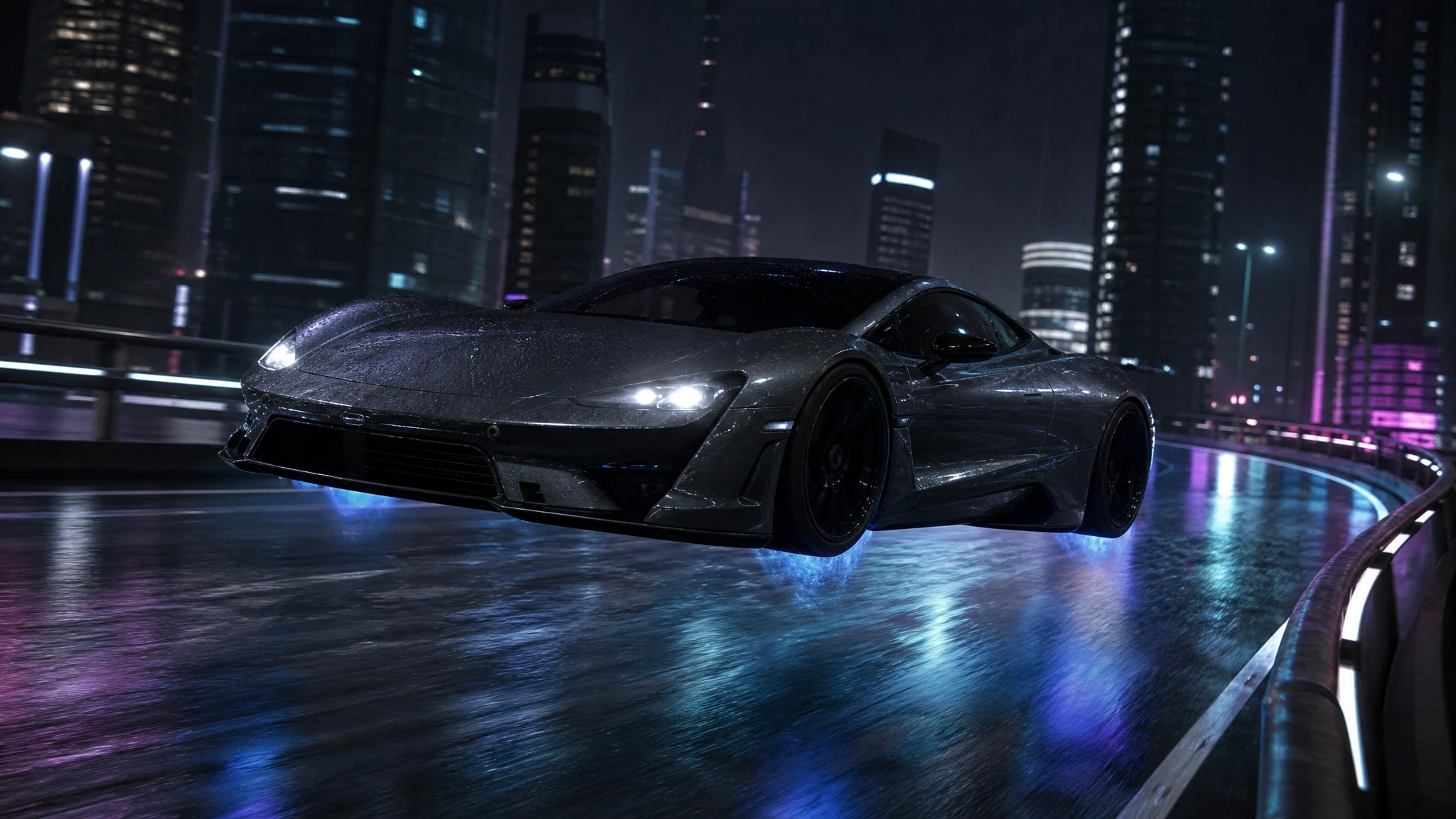
The editor is built for identity-preserving edits: the body, colour and camera angle stay, while the scene and the hover details change.
Sign in to generate. Your prompt and photo are saved for this tab.
How it works
From input to a result you can publish
The guide explains the decision. The tool lets you make the result without leaving the site.
- 01
Add your photo
Use a sharp photo with the vehicle fully visible. The tool keeps the subject and changes the scene.
- 02
Choose a preset
Start from a tested direction, then edit the sentence. The price stays visible before you generate.
- 03
Download or iterate
Keep the result, generate a variation, or move it into a related tool for editing or animation.
What people use it for
Built for real publishing work
The same output has to survive a thumbnail crop, a client review and a phone screen. These are the jobs the tool is tuned for.
Creators
Thumbnails, Shorts, Reels and a repeatable visual style for a weekly upload.
Dealers & detailers
Concept visuals for a campaign, a listing hero or a showroom screen, clearly labelled as AI.
Design & film
Concept stills, storyboards and animatics before a shoot or a 3D render is commissioned.
What stays, what changes
A good edit starts with an explicit list of invariants. Tell the model to keep the car, its colour, its reflections and the camera angle. Then describe what should change: retracted landing gear, a low hover height, a blue thruster glow, a different street, rain, or a sunset sky. The prompt is a contract, not a mood board.
The model will still make small changes. Badges, plates and fine trim are the first details to drift. If those details matter, remove or cover them before uploading, or use the result as a concept preview rather than a catalogue image. The tool is strongest when the car is clean, well lit and occupies a clear part of the frame.
Three edits that work well
First, the lift: keep the car and the street, add a low hover and a soft shadow, and remove the wheels’ contact with the road. Second, the setting swap: keep the car and the light direction, replace the background with an elevated highway or a rooftop. Third, the weather pass: keep the composition and add rain, wet reflections and a cool grade.
Each of these changes one layer of the image. That is deliberate. A single-layer edit is easier to judge and easier to correct. If you need a new car, a new angle and a new background, start from a generated image instead of forcing one photo to do three jobs.
A practical workflow for dealers and creators
Photograph the car from a clean three-quarter angle with the whole body in frame. Upload it, run a low-cost draft, and check the silhouette before you ask for a final. If the result holds, download it and use the image upscaler for a larger export.
For a dealership, the safest use is a concept or campaign image, clearly labelled as an AI visualization. Do not present an edited hover shot as a photograph of a real vehicle for sale. The same rule applies to social posts: label the visual, keep the real listing photos separate.
Questions before you generate
Will the editor keep my car exactly?
It preserves the main body, colour and angle far better than text-to-image, but small badges, plates and trim can drift. Inspect the result before publishing.
Can I edit two photos at once?
Yes. Two reference images are accepted, which is useful for a car plus a background reference. Keep the instructions explicit about which image supplies the vehicle.
Does it work on phone photos?
Yes, as long as the car is sharp and the file is under 10MB. A clean three-quarter view gives the model more to preserve than a tight crop.
What does an edit cost?
One edit costs 2 credits. Credits are reserved when the task starts and returned if the provider confirms a failure.
Results are AI-generated. Check details before publishing.
Related tools
Keep the workflow moving
 Image
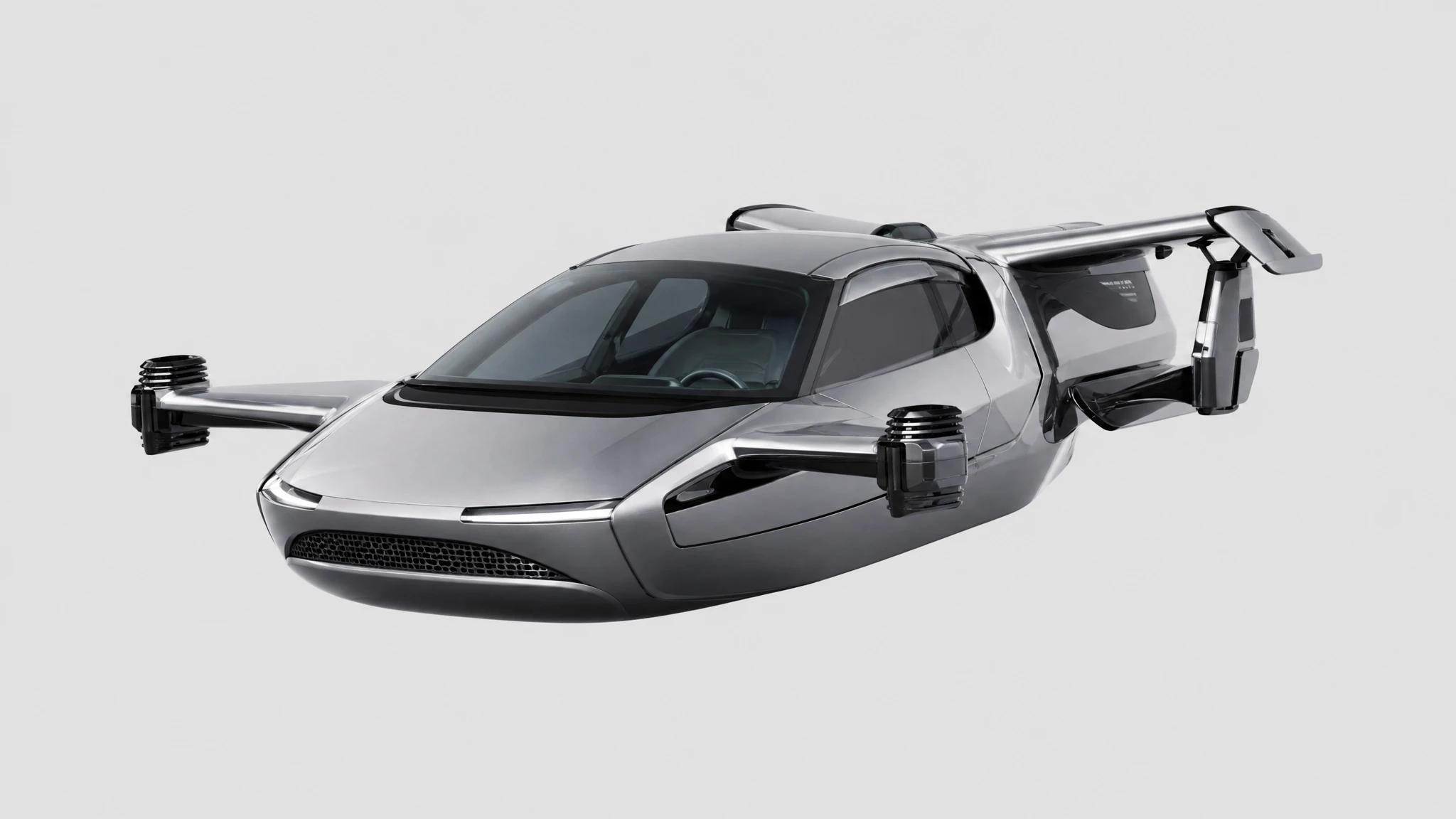
ImageFlying Car Background Remover
Remove the background from a car photo and keep a clean transparent cutout. Use it for listings, thumbnails, decks and compositing.
 Image
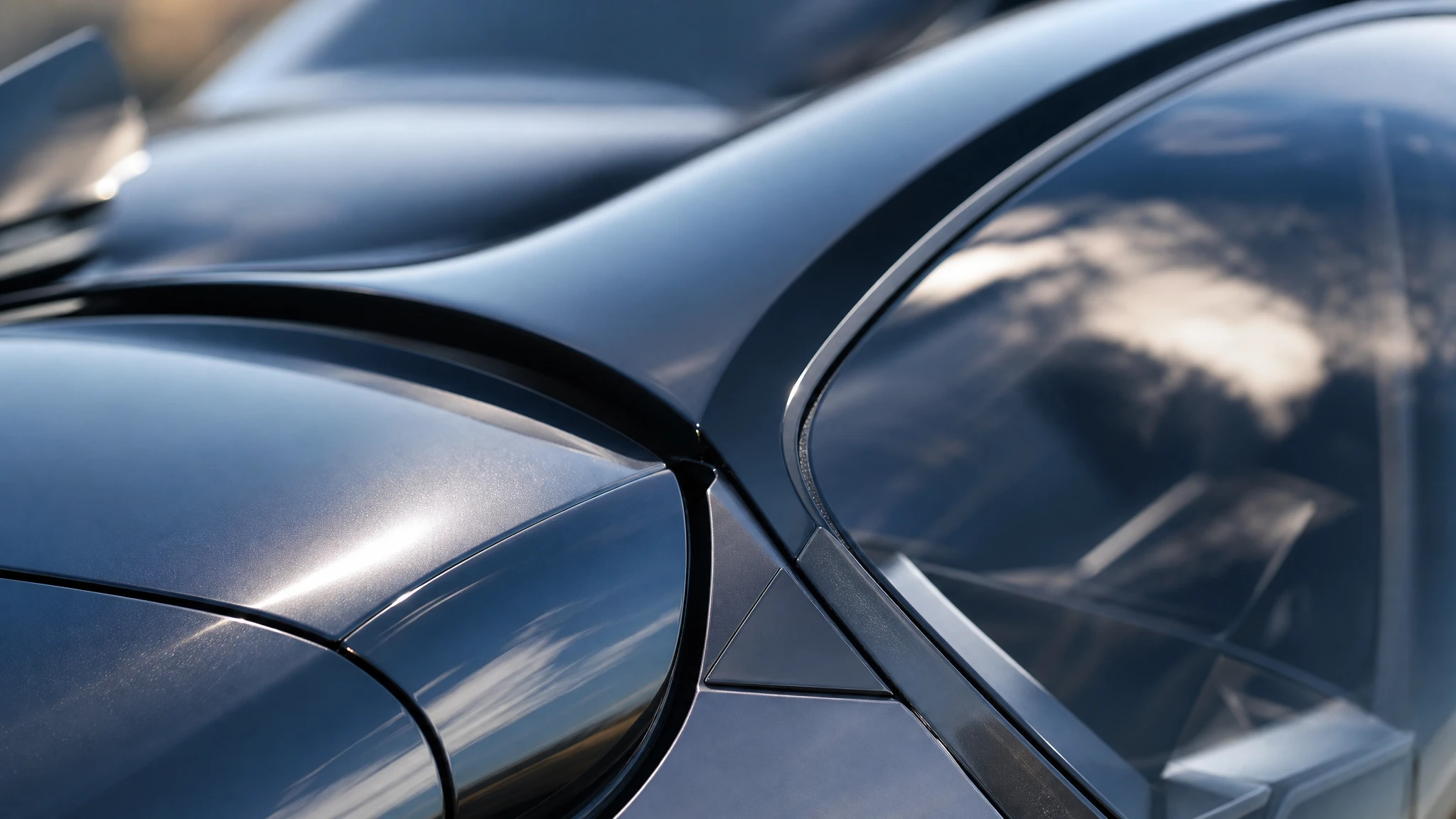
ImageFlying Car Image Upscaler
Upscale a flying car image 2x for print, 4K thumbnails or showroom displays. Keep the composition and recover panel-line detail without redrawing the car.
 Image
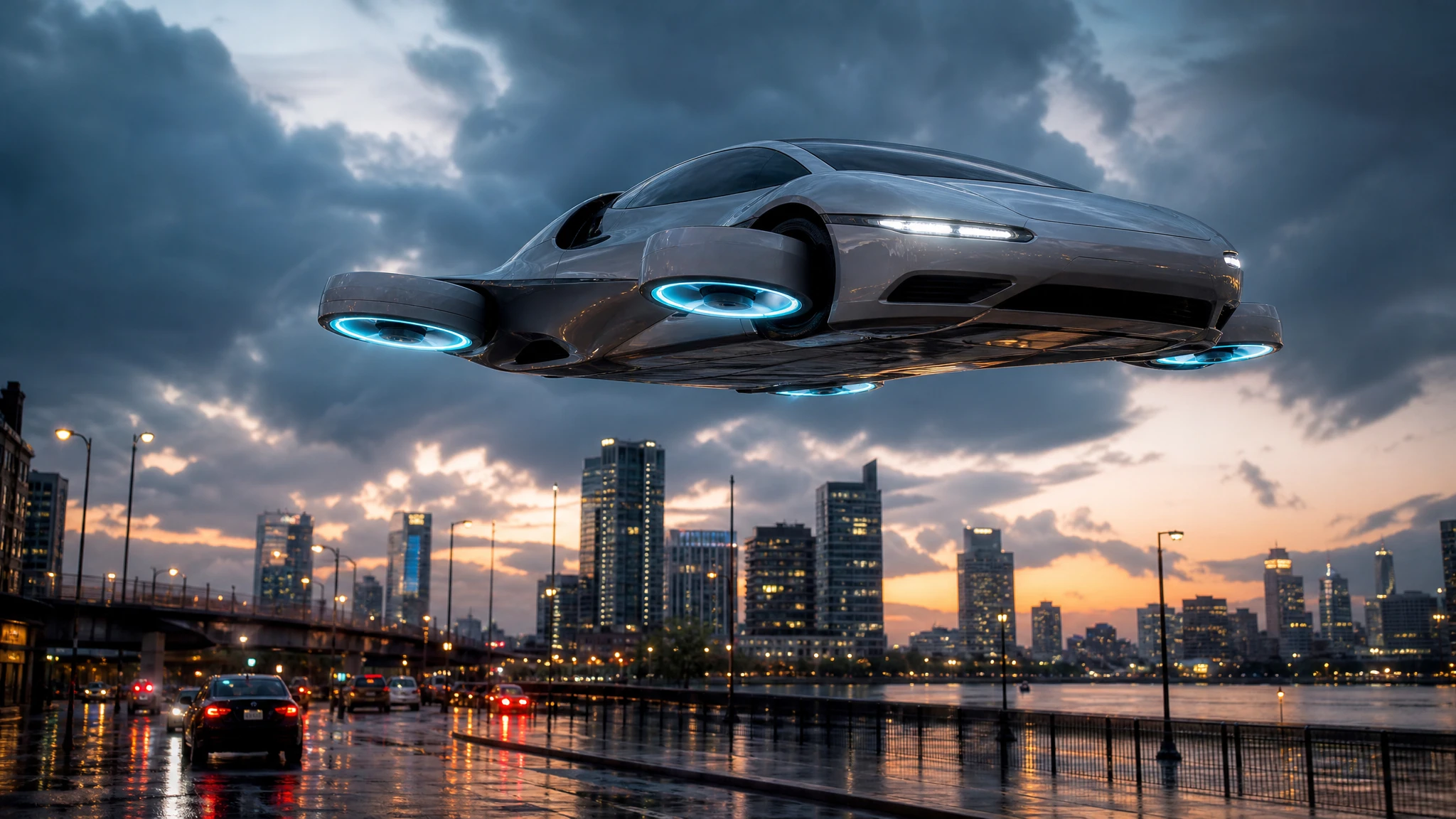
ImageAI Flying Car Image Generator
Turn a sentence into a photoreal flying car image. Choose a city, desert or rooftop scene, generate a concept still, then animate it into video.
One pack. Thirty credits. Start with one result.
The single pack costs $9.90 and the credits never expire. Use them on this tool, or on any other tool in the directory.