Flying car image tool
Sci-Fi Vehicle Image Generator
Start with a job, not a shape. A rescue vehicle, a cargo lifter or a lunar rover already implies the proportions, the markings and the environment.
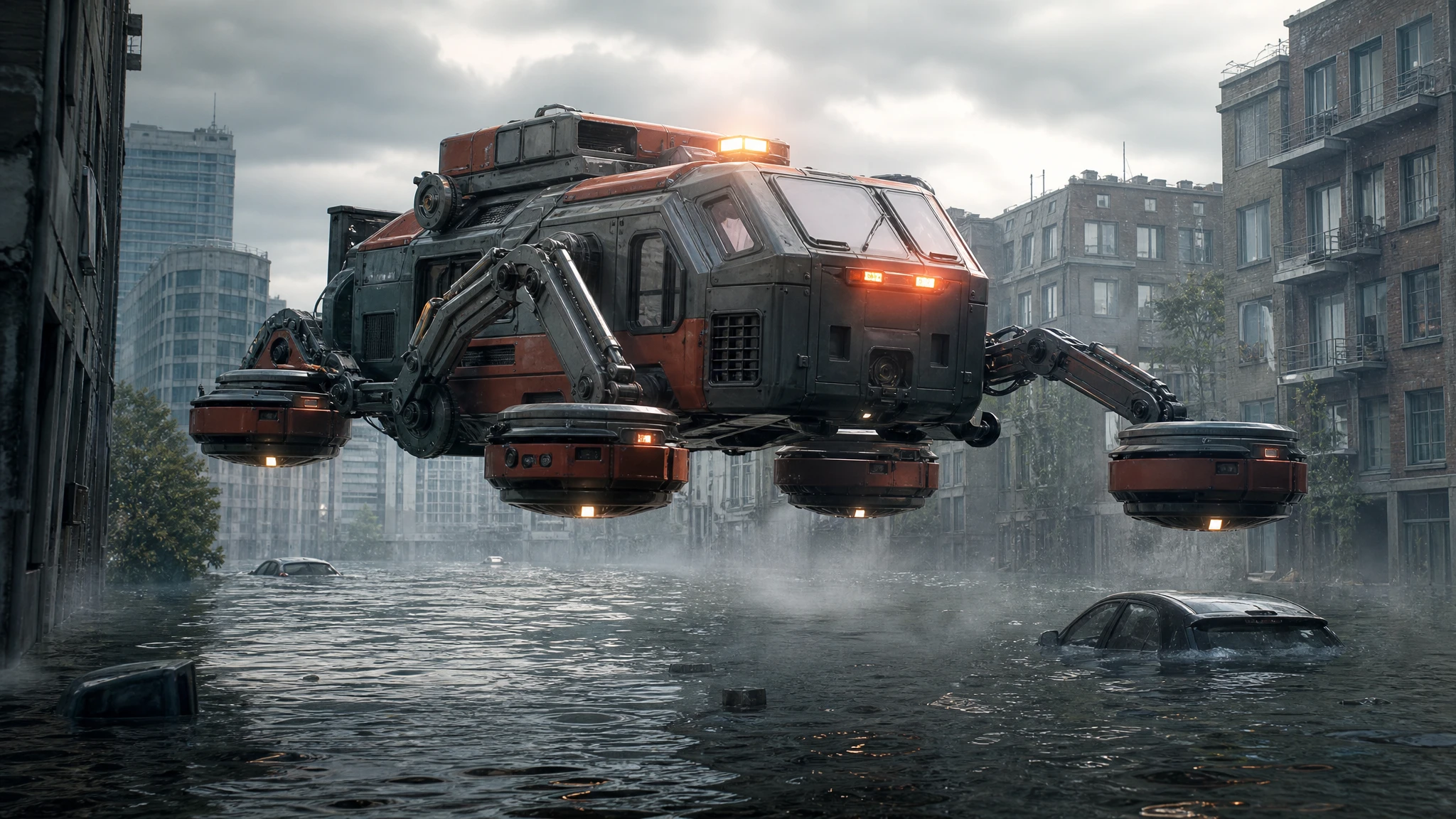
One image costs 2 credits, and every result can be edited again or animated into a short video.
Sign in to generate. Your prompt and photo are saved for this tab.
How it works
From input to a result you can publish
The guide explains the decision. The tool lets you make the result without leaving the site.
- 01
Describe the shot
Name the vehicle, the action, the camera and the light. One clear moment beats three half-ideas.
- 02
Choose a preset
Start from a tested direction, then edit the sentence. The price stays visible before you generate.
- 03
Download or iterate
Keep the result, generate a variation, or move it into a related tool for editing or animation.
What people use it for
Built for real publishing work
The same output has to survive a thumbnail crop, a client review and a phone screen. These are the jobs the tool is tuned for.
Creators
Thumbnails, Shorts, Reels and a repeatable visual style for a weekly upload.
Dealers & detailers
Concept visuals for a campaign, a listing hero or a showroom screen, clearly labelled as AI.
Design & film
Concept stills, storyboards and animatics before a shoot or a 3D render is commissioned.
Design from the job to be done
A vehicle that carries water looks different from one that carries people. Describe the payload, the environment and the failure mode: a rescue craft that must land on a flooded street, a cargo lifter that operates in a canyon, a rover that survives a lunar night. Those constraints produce a more believable design than “a futuristic vehicle”.
Add a scale cue. A ladder, a person, a container or a doorway tells the viewer how large the vehicle is. Without a cue, the model may produce something that reads as a toy or as a building.
Materials and lighting
Sci-fi concept art lives on material contrast: brushed metal against rubber, ceramic panels against glass, orange rescue paint against grey concrete. Name the materials and the wear. “Dust in the panel seams” and “heat discoloration around the vents” do more than “highly detailed”.
Light the vehicle like a product, not a poster. A hard key light, a soft fill and a rim light reveal the form. If the scene is night, add one practical light source on the vehicle so the silhouette stays readable.
From concept to storyboard
Once you have a design you like, generate the same vehicle in three views: front three-quarter, side and rear. Then place it in a storyboard with a wide, a medium and a detail shot. The consistency comes from repeating the design description, not from hoping the model remembers.
For a pitch deck, pair each image with a one-line role statement: what the vehicle does, who operates it and what goes wrong. That turns a collection of renders into a design proposal.
Questions before you generate
Can I generate a vehicle for a game or film pitch?
Yes. Use the images as concept exploration. Check the rights and the disclosure requirements of the platform or client you are pitching to.
How do I keep the same vehicle across images?
Reuse a written design recipe: role, proportions, materials, markings and camera. For exact continuity, use the photo editor with an approved concept image as the reference.
Can I animate the concept?
Yes. Download the still and open the image-to-video tool. Describe one motion and one camera move to keep the design stable.
What aspect ratio should I choose?
16:9 for pitch decks and YouTube, 1:1 for social feeds, 9:16 for vertical storyboards. Choose before generating so the composition fits.
Results are AI-generated. Check details before publishing.
Related tools
Keep the workflow moving
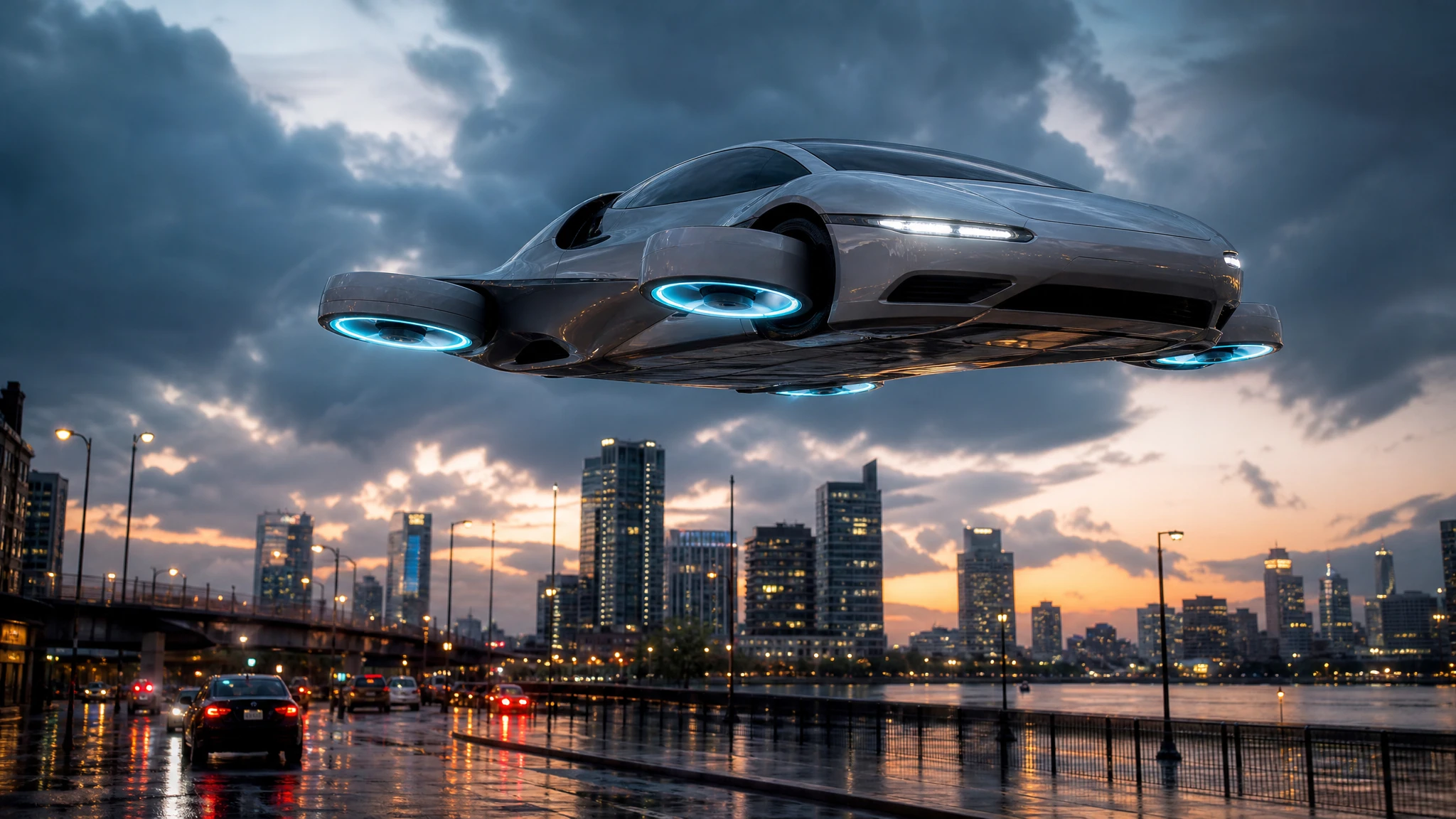 Image
ImageAI Flying Car Image Generator
Turn a sentence into a photoreal flying car image. Choose a city, desert or rooftop scene, generate a concept still, then animate it into video.
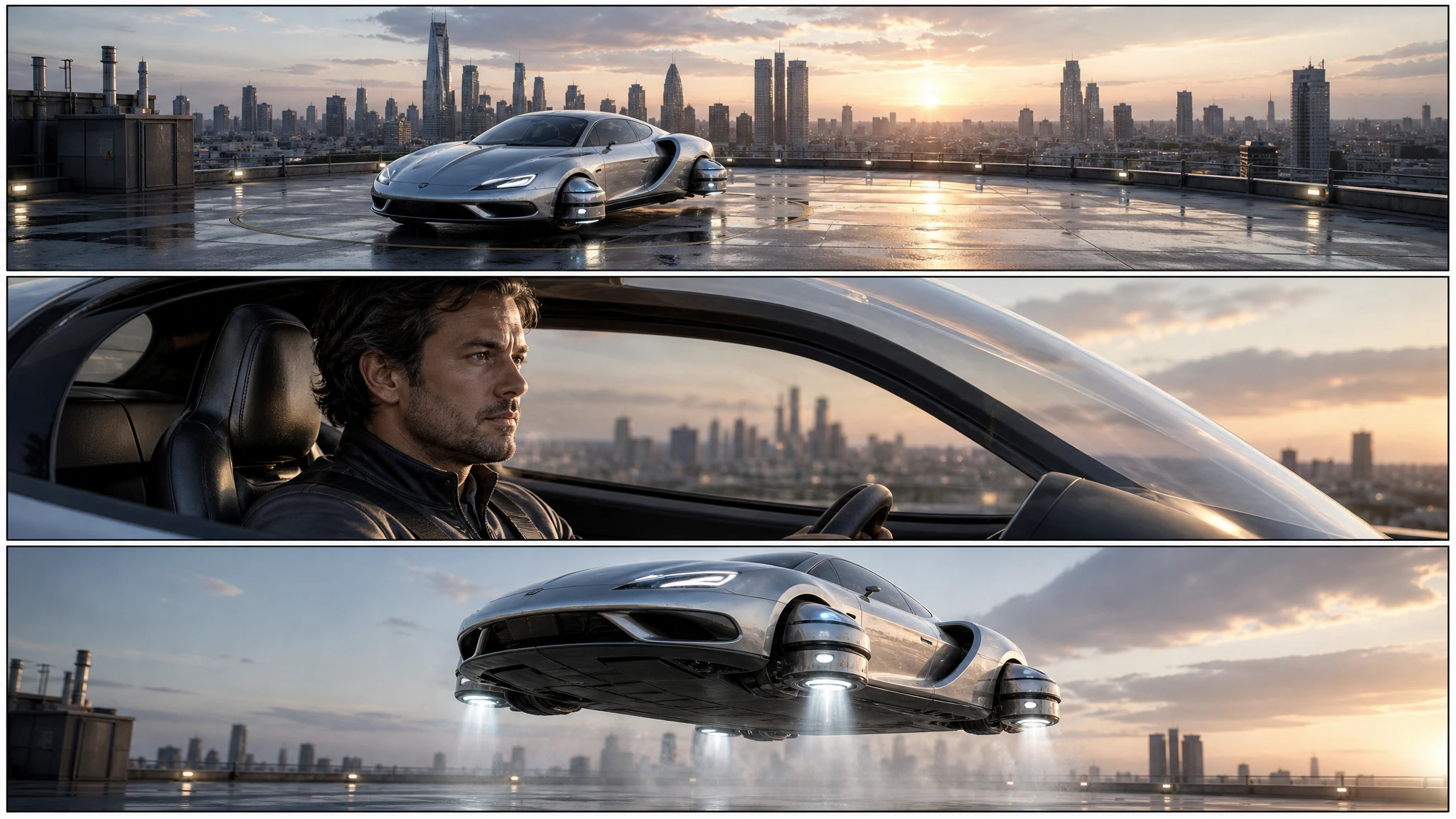 Image
ImageFlying Car Storyboard Generator
Turn a flying car idea into a three-panel storyboard. Plan the wide, medium and detail shots, keep the vehicle consistent, then animate each panel.
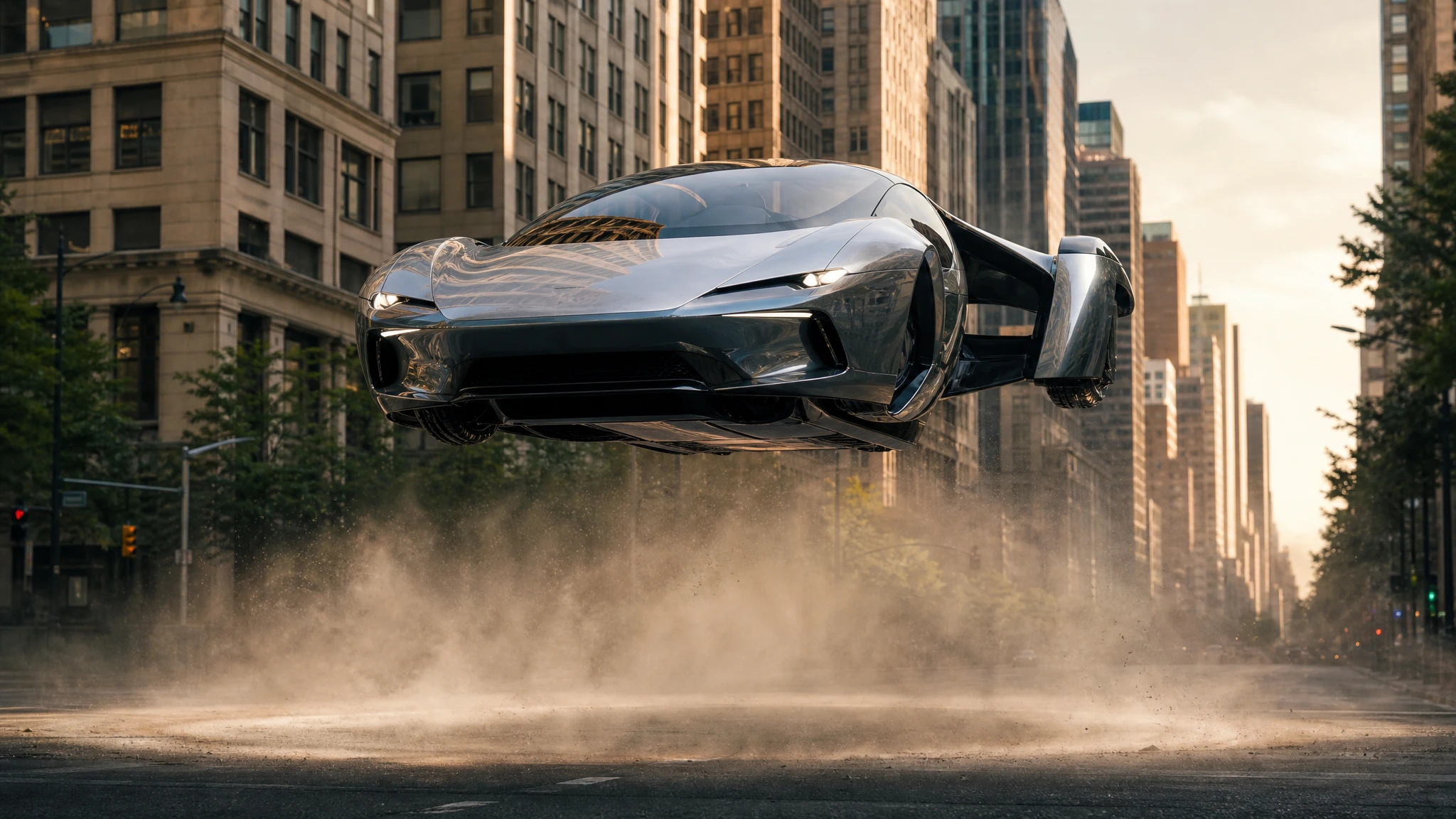 Video
VideoFlying Car Image to Video
Upload one flying car image and animate it into a 5–12 second clip. Control the camera move, the hover and the landing, then download the MP4.
One pack. Thirty credits. Start with one result.
The single pack costs $9.90 and the credits never expire. Use them on this tool, or on any other tool in the directory.