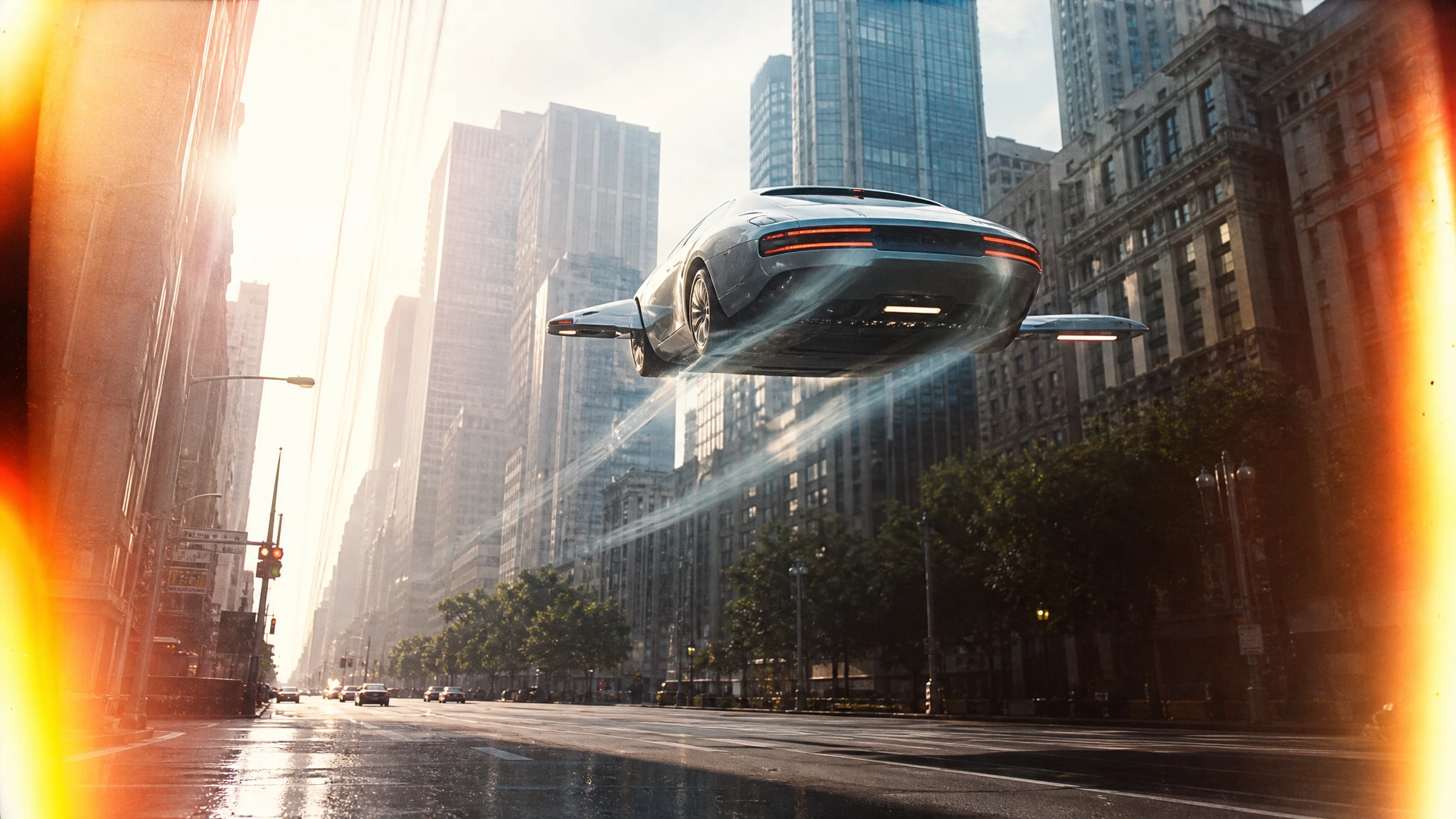
 Flying Car AI Video Team
A dealership does not need a film crew to test a campaign idea. It needs a clean car photo, a shot list and a realistic budget. AI video can produce the attention-grabbing beat; the real listing photos still close the sale.
This guide is for dealers, detailers and agencies who want to test a flying car commercial without misrepresenting inventory.
Sign in before uploading a photo. You can prepare your prompt and settings first.
This clip: 30 credits — about 6 a month on Pro for $39.90, or 80 a year for $319.
Sign in to generate — your upload and settings stay put.
Most clips finish in a few minutes. If a render fails, its credits are returned automatically.
What the commercial is for
The clip is a hook, not a product listing. It should make someone stop scrolling and then send them to the real photos, the price and the inventory details. Treat it like a teaser, not a substitute for the listing.
That distinction keeps the creative honest and the funnel measurable. Put the clip in a paid social ad, a landing page hero or a showroom screen. Keep the real photos one click away.
The three-shot structure
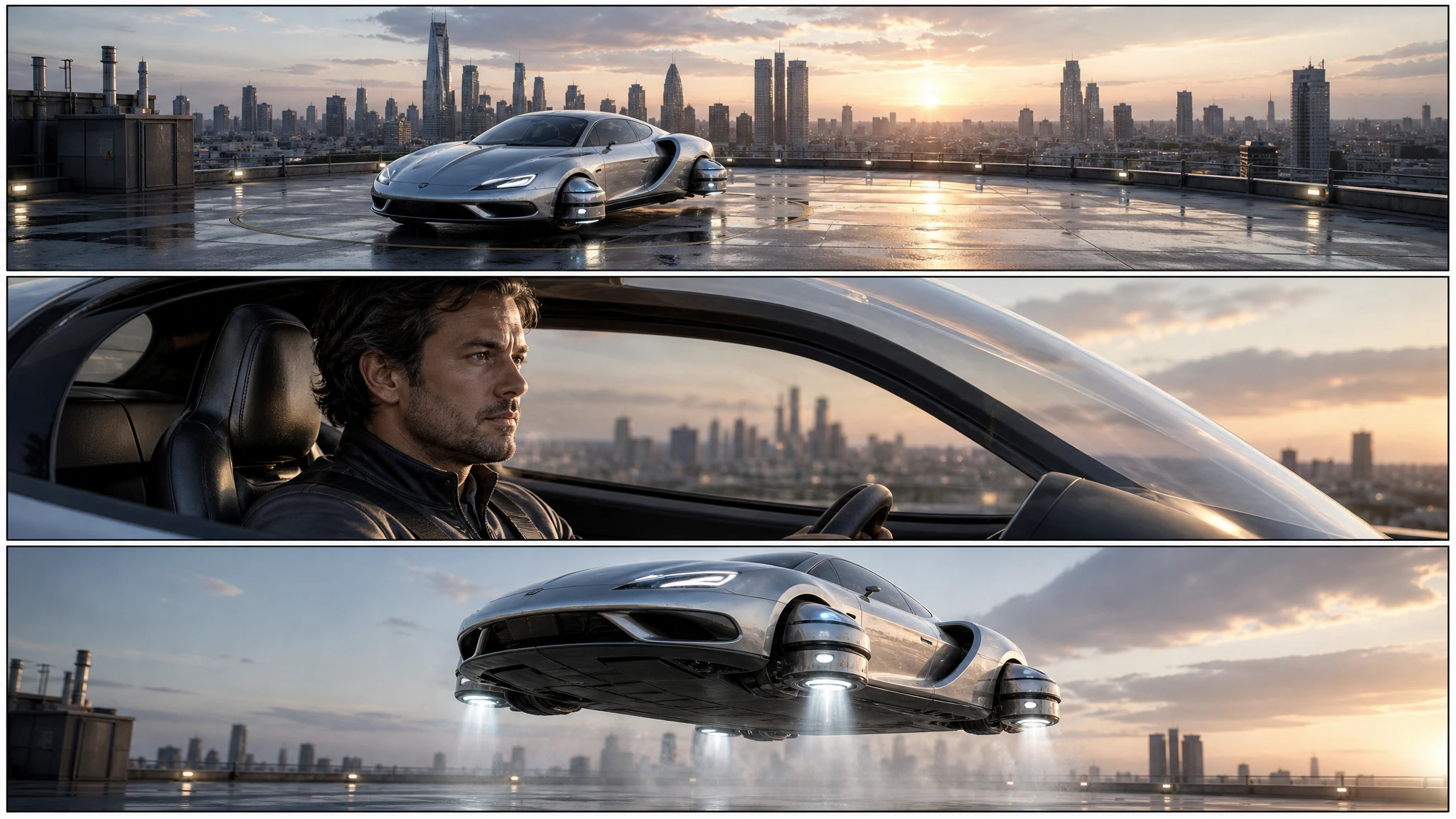
A 15-second commercial usually needs three shots:
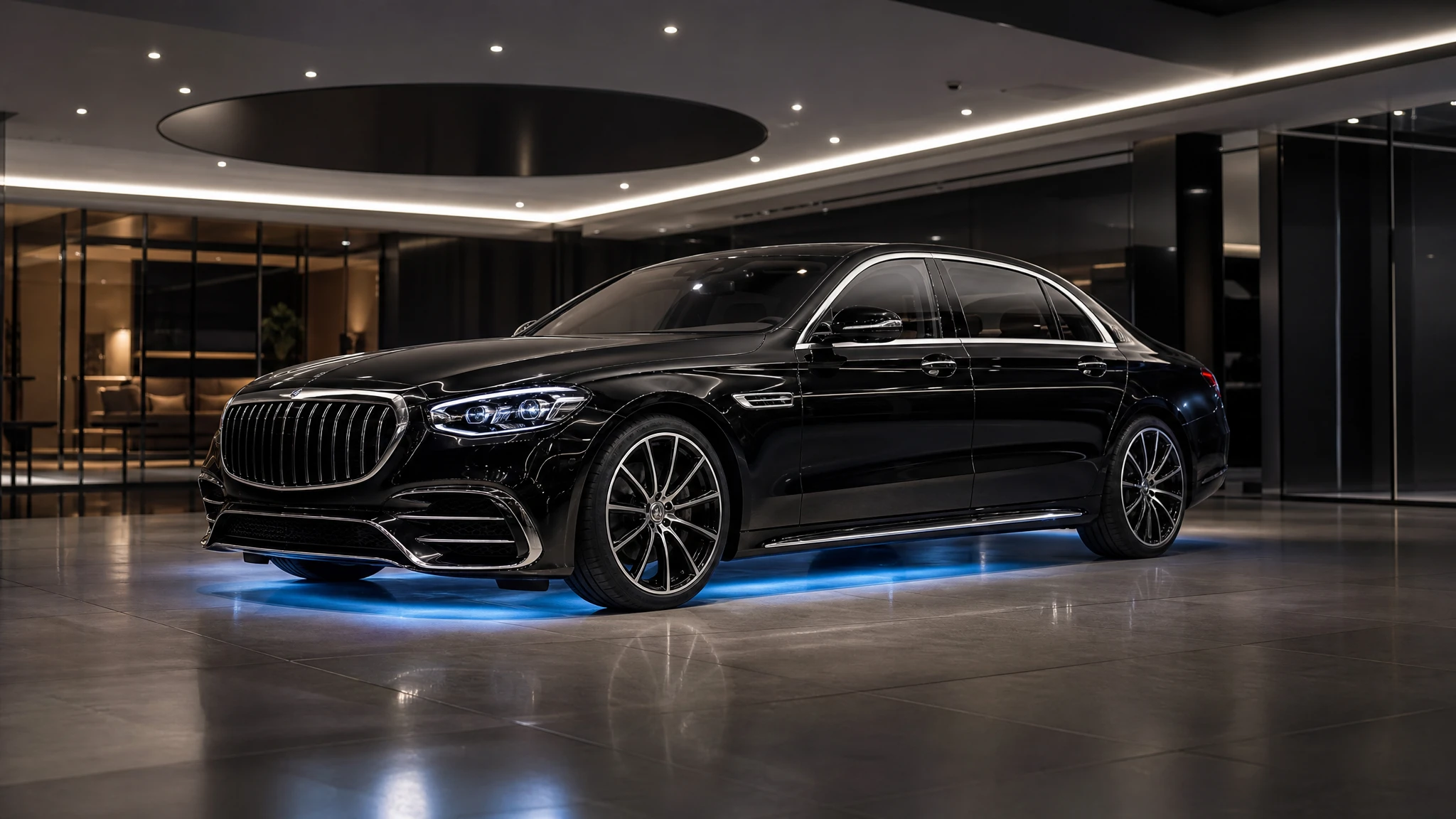
- Establishing: the car in the world. A forecourt, a showroom, a rooftop or a road.
- Detail: a wheel, a light, a canopy or a badge. This is where the design reads.
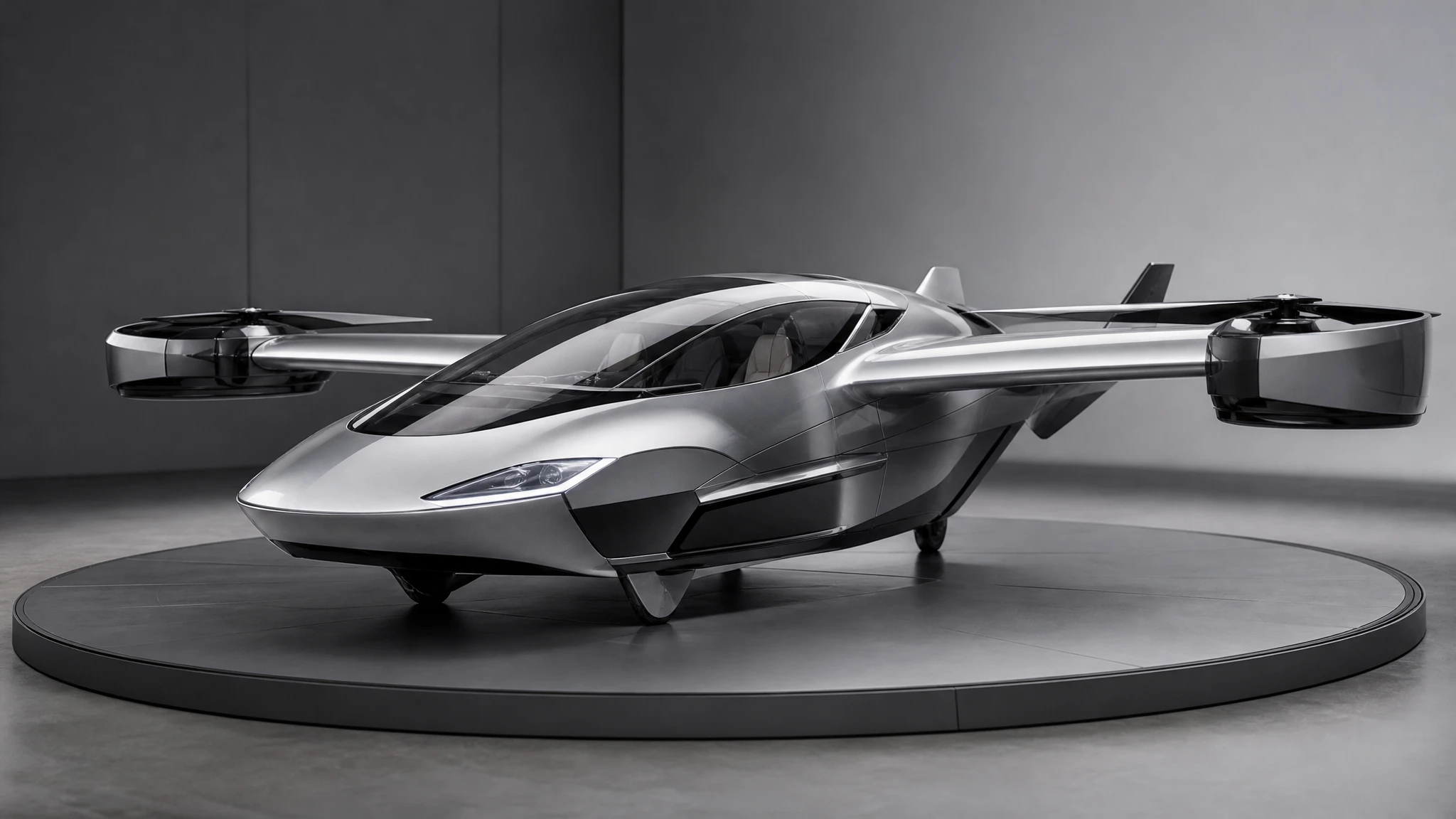
- Hero: the car lifts, glides or transitions. This is the shareable moment.
Generate each shot separately. A single 15-second generation is harder to control and harder to replace when one beat is wrong.
Shoot the source photo
Photograph the car from a three-quarter angle with the whole body in frame. Avoid direct sun on the roof. Keep the background simple. If the car is in a showroom, include a little floor and ceiling so the model has room to extend the set.
Remove or cover the number plate before uploading. A generated plate is usually garbled, and a real plate in a fictional commercial can create a privacy problem.
Prompt the first shot
Use the uploaded photo as the first frame. The car lifts slightly, the camera orbits slowly, showroom lights sweep across the paint. Premium car commercial, realistic reflections, no text.
The first sentence anchors the car. The second describes the motion. The third describes the light. Keep the prompt to one beat.
Disclosure
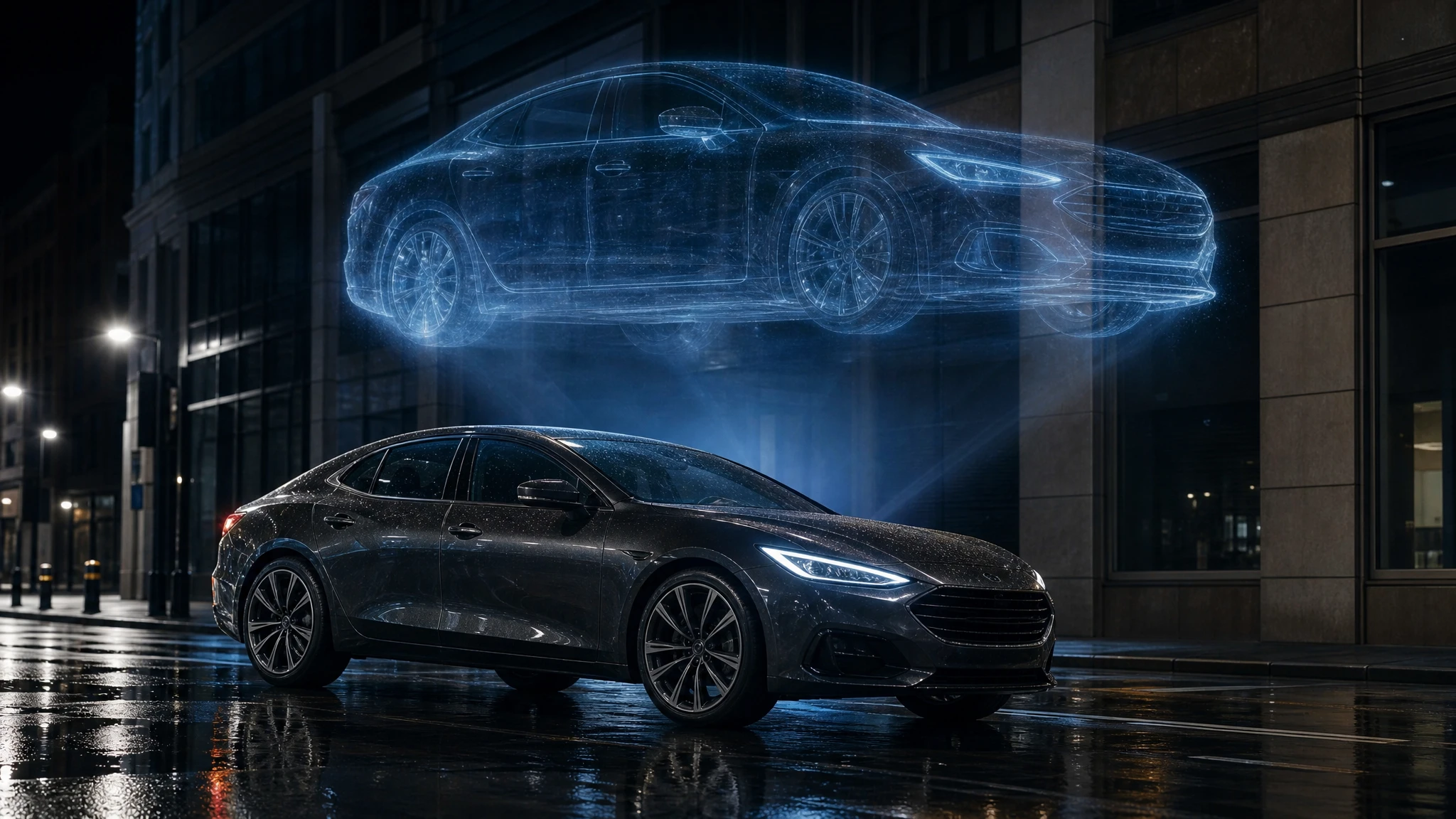
Label the result as an AI visualization. Do not present it as footage of a real vehicle or as a manufacturer’s official advertisement. If you use the clip in paid media, follow the platform’s synthetic-media disclosure rules.
For a dealer, the safest framing is: “Concept visual. The vehicle shown is an AI visualization. See the real inventory photos and price below.”
A budget for the first test
A storyboard image costs 2 credits. A 12-second 720p clip costs 30 credits. A $9.90 single pack contains 30 credits, so it covers one clip or fifteen images.
Start with a storyboard, then one draft clip, then the full sequence. Do not buy a large subscription before you know the creative works.
Measure the result
Track:
- click-through rate from the clip to the listing;
- landing-page conversion rate;
- cost per lead;
- showroom enquiries that mention the clip.
If the clip gets attention but not clicks, the CTA or the landing page is the problem. If it gets clicks but not leads, the inventory or the price is the problem.
A worked example: a one-week dealership test
Pick one car, not the whole lot. Choose a vehicle with a clean photo and a clear price. The goal is to learn whether the format works, not to produce a month of content.
Day one: generate a three-panel storyboard. One board costs 2 credits. Review the sequence with the sales team. If the hero moment feels wrong, change it now.
Day two: generate one draft clip from the best panel. Use the AI car commercial generator with a five-second duration. Watch it on a phone, not on a desktop monitor.
Day three: if the draft works, generate the full 12-second version and a vertical crop. If it does not, change one variable: the camera, the light or the action. Do not regenerate the same prompt and hope.
Day four: publish the clip as a paid social ad with a clear disclosure and a link to the real listing. Use a small budget. The point is to measure click-through and lead quality, not to reach everyone.
Day five to seven: compare the clip against a normal photo ad. Track clicks, leads and showroom enquiries. If the clip wins on attention but loses on lead quality, the landing page or the offer is the problem, not the video.
At the end of the week, decide: keep the format, change the format, or stop. A one-week test with one car and a small budget is a much better teacher than a month of production without measurement.
Write down what you learned: which shot got the most attention, which headline got the click, and which lead quality was best. That note is the real asset; the clip is replaceable.
Common mistakes
Showing a fictional car as real inventory. Misleading and risky.
Using a manufacturer photo without permission. Use your own photo or a licensed asset.
One long generation. Split the sequence into shots.
No landing page. The clip needs somewhere to send the viewer.
No disclosure. Label synthetic media.
Frequently asked questions
Can I use a photo from a manufacturer’s website? Only with permission. Use your own photo or a licensed asset.
Can I generate a voiceover? The clip is silent. Add a voiceover, music and titles in your editor.
How many clips for a 15-second ad? Three: establishing, detail and hero.
Can I use a vertical format? Yes. Choose 9:16 for Reels, Shorts and TikTok.
How much does a clip cost? A standard 12-second 720p clip costs 30 credits. Failed renders return the credits.
Open the AI car commercial generator and start with the showroom orbit.