 Flying Car AI Video Team
Most “best AI image generator” lists compare model names. That is the least useful comparison for a flying car project. The model matters, but the thing that decides whether you get a usable image is the workflow around it: what input the tool accepts, how much of the scene you can control, what a failed generation costs, and whether the result can move into a video step without starting over.
This guide is a practical test. It explains what to compare, what a fair test looks like, and where a focused flying car tool beats a general-purpose image generator.
Sign in before uploading a photo. You can prepare your prompt and settings first.
This clip: 30 credits — about 6 a month on Pro for $39.90, or 80 a year for $319.
Sign in to generate — your upload and settings stay put.
Most clips finish in a few minutes. If a render fails, its credits are returned automatically.
What “best” should mean for a flying car image
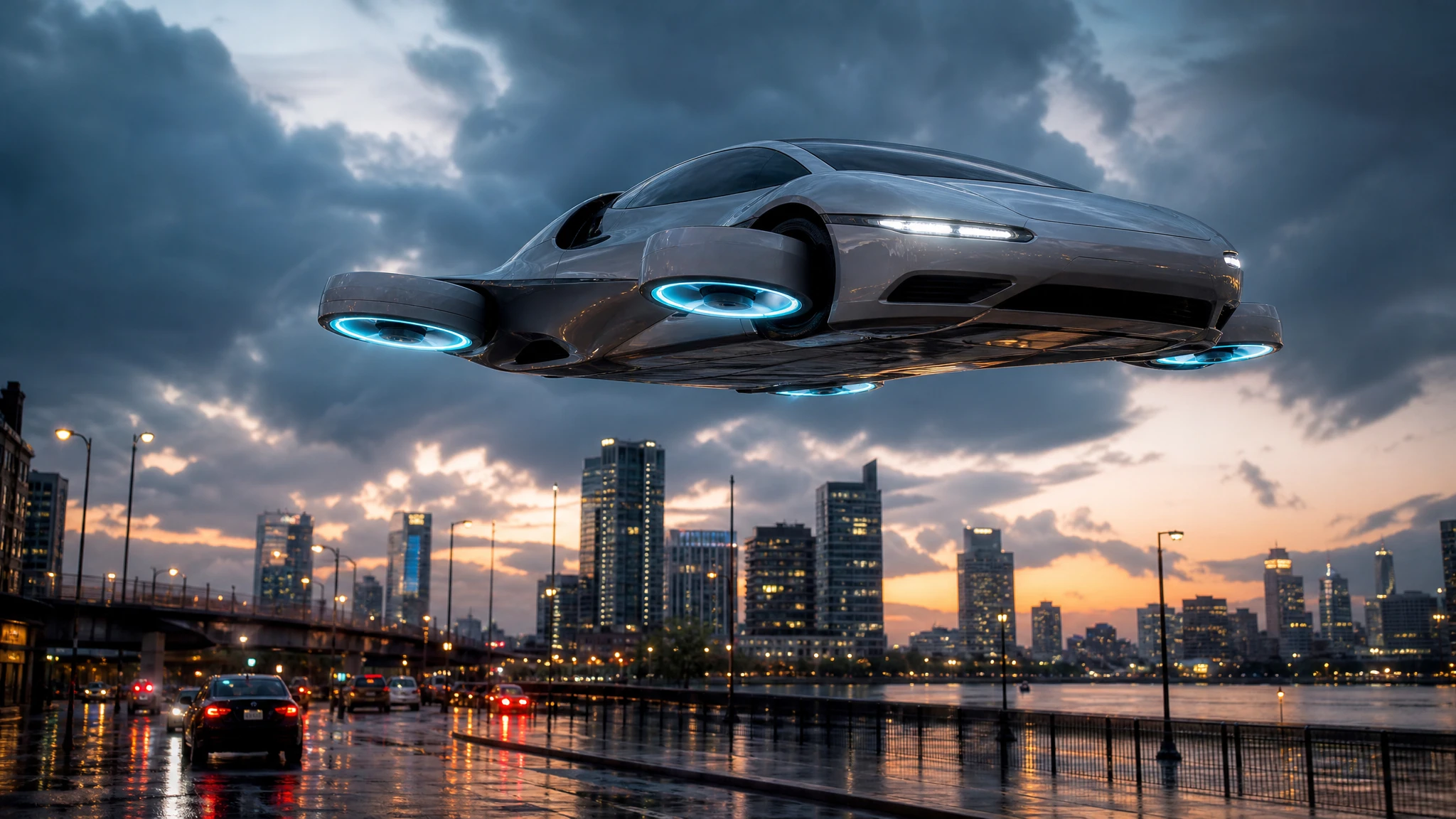
A flying car is a fictional object. There is no real-world reference for the model to fall back on, so the prompt has to carry more weight than it would for a portrait or a product shot. The best tool for this job is the one that makes the fictional parts legible: the lift mechanism, the scale, the relationship between the vehicle and the ground, and the light.
That leads to four practical criteria:
- Input flexibility. Can you start from text, a photo, or both? A photo is essential when the car must be a specific vehicle. Text is better when the car does not exist yet.
- Scene control. Can you specify the camera, the time of day, the weather and the background without fighting the model? A tool that only accepts a mood sentence gives you less repeatable results.
- Failure handling. Does a failed render cost credits? Does the tool tell you why it failed? A cheap generation that fails half the time is not cheap.
- Continuity. Can the still become a video, a thumbnail or a storyboard panel? A tool that traps the result in one format adds work later.
Price matters, but it belongs below those four. A $2 image that needs six attempts is more expensive than a $4 image that works on the second try.
The four inputs that decide quality
Before you compare tools, fix the inputs. Most disappointing results come from the source material, not the model.
The subject. “A flying car” is too vague. A silver 1980s wedge with four ducted fans is a subject. A matte-black family vehicle with a glass canopy is a different subject. The more specific the vehicle, the more the model has to work with.
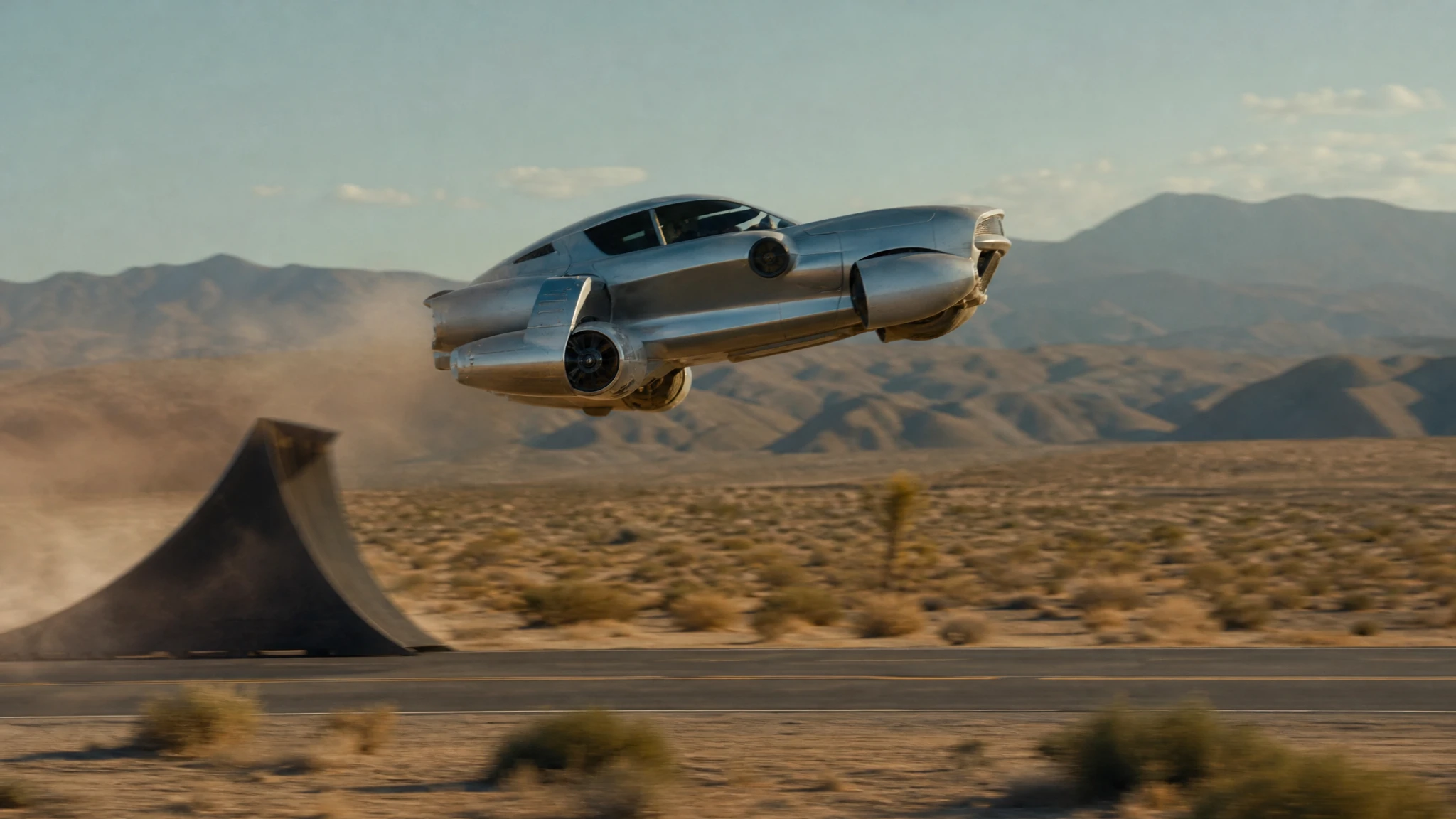
The action. A still can show a hover, a launch, a landing or a mid-air rotation. Pick one. If you ask for three, the model averages them into something that reads as none.
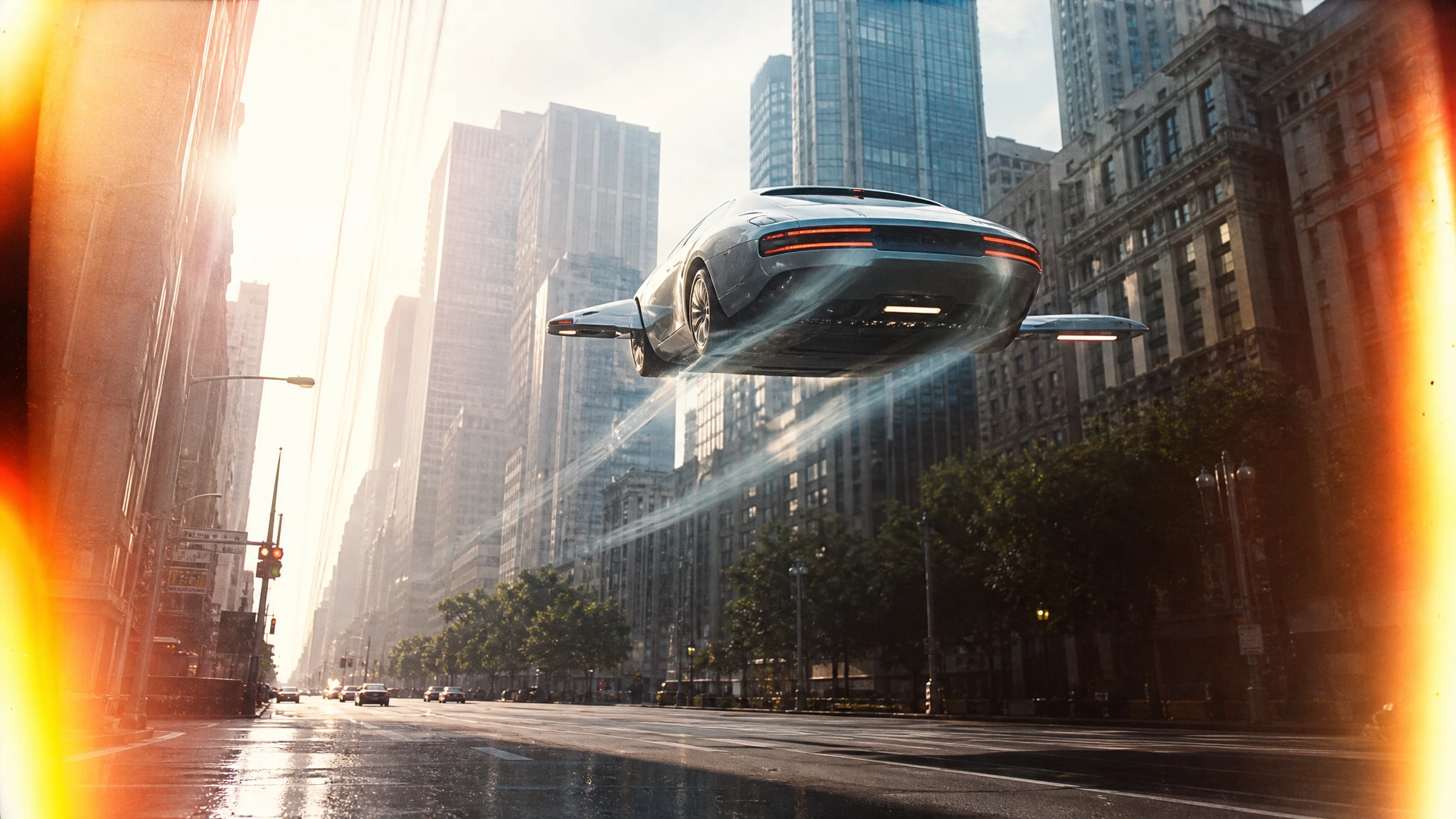
The camera. Wide, low three-quarter, overhead, telephoto side view. The camera changes the story. A low angle makes the car feel heavy; an overhead shot makes the city look like a map.
The light. Golden hour, overcast, hard midday sun, neon night after rain. Light is the cheapest way to make two images from the same prompt look like different scenes.
If a tool makes you specify all four, that is a feature, not friction. It is the difference between a slot machine and a design tool.
Text-to-image versus photo editing
These are different jobs and they should not be judged by the same standard.
Text-to-image is for concept work. You describe a vehicle that does not exist, and the model builds it. The result can be surprising in a good way, but it will not preserve a real car’s badge, plate or exact proportions. Use it for pitch decks, thumbnails, mood boards and storyboards.
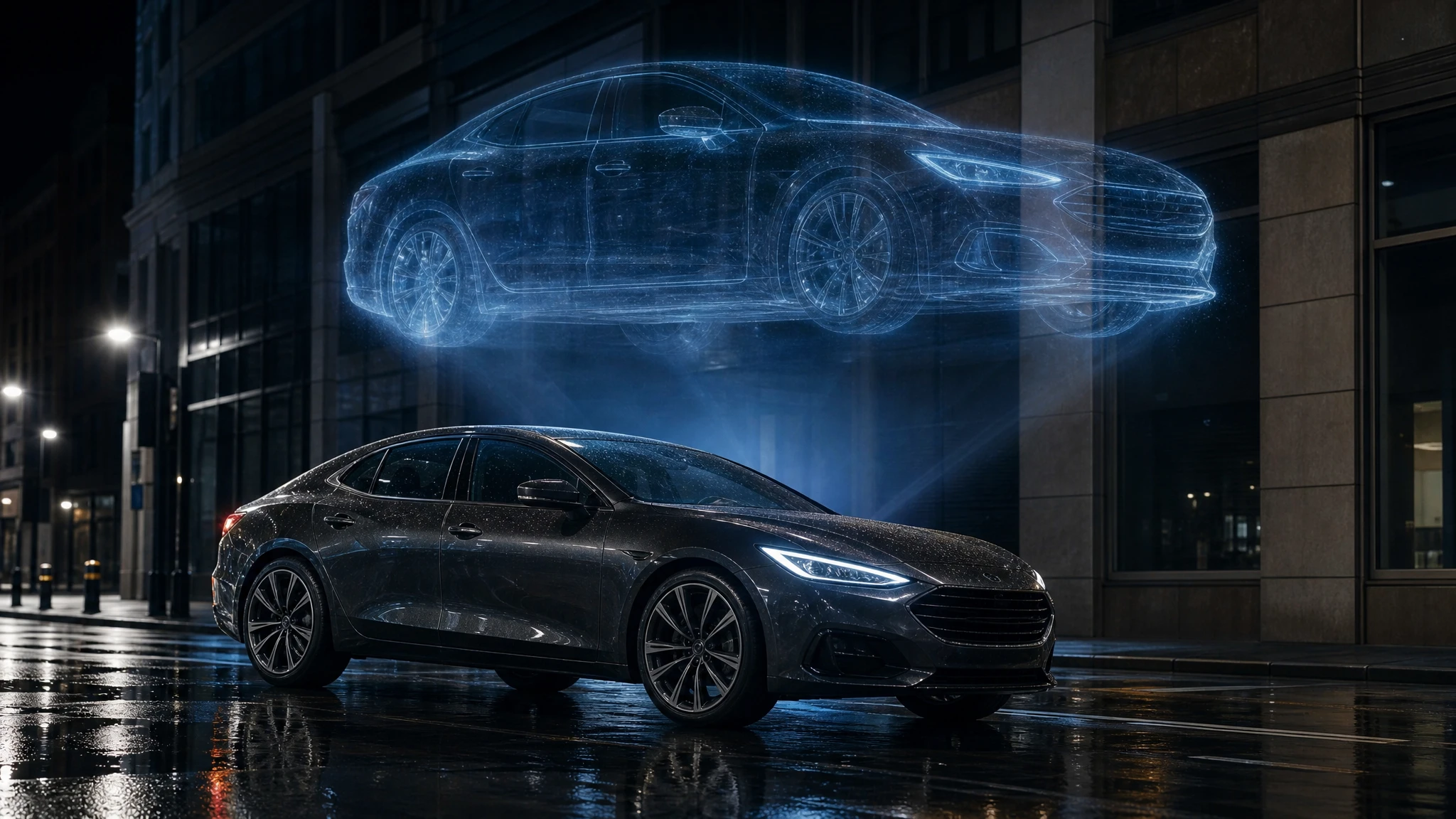
Photo editing is for identity. You upload a car you photographed, and the model changes the scene around it. The body, colour and camera angle can survive; the background, weather and hover details change. Use it for dealer campaigns, client previews and social posts built around a real vehicle.
A good flying car workflow uses both. Generate a concept until the design is right, then use that image as a reference for the next shot. Or photograph the real car, edit it into the scene, and animate the result.
A fair comparison checklist
When you test a generator, keep the prompt identical and change only the tool. Score each result on:
- Silhouette: can you read the vehicle in one second?
- Scale: does it look like a car, or like a toy or a building?
- Contact with the world: is there a shadow, dust, a reflection or a heat haze that explains the hover?
- Camera consistency: did the model follow the requested angle?
- Text artefacts: are there garbled signs, plates or badges?
- Repeatability: does a second run with the same prompt produce a compatible image?
Do not judge at full size only. Shrink the image to 320 pixels wide, which is roughly how a thumbnail appears in a feed. If the car disappears, the composition is too busy.
Why we built a focused tool
General image generators are excellent at beautiful surprises. They are less good at a repeatable shot list. Flying Car AI Video is built around the specific decisions a flying car image needs: a car or a sentence, a camera, a scene, a hover mechanic and a next step into video.
The image tool costs 2 credits. A $9.90 single pack contains 30 credits, so it covers 15 images before any subscription. If a render fails, the reserved credits are returned. That is not a marketing promise; it is how the task pipeline is wired.
The trade-off is scope. This is not a general-purpose design suite. It does one visual family well: vehicles that should not be airborne, in scenes that would be expensive to photograph.
A ten-minute test you can run
- Write one prompt with a vehicle, an action, a camera and a light.
- Generate a 16:9 still on the lowest useful setting.
- Shrink it to thumbnail size and check the silhouette.
- Change only the camera sentence. Generate again.
- Compare the two images. If the camera change is visible and the car still reads, the tool has real control.
- If you need a specific car, upload a photo to the photo editor and run the same test with an identity-preserving prompt.
That test tells you more than a gallery of cherry-picked examples. It shows whether the tool responds to direction.
Pricing without a subscription trap
The flying car image market has two pricing models: subscriptions and credit packs. Subscriptions make sense if you generate every week. Credit packs make sense if you are testing a campaign, a thumbnail or a single client idea.
We keep both, but the first paid action is a one-time pack. You should not have to start a monthly plan to find out whether the tool fits your workflow. The pricing page lists every pack, and the studio shows the exact credit cost before you generate.
Frequently asked questions
Is the cheapest tool always the best value? No. Multiply the price by the number of attempts you need. A tool that needs five tries is rarely cheaper.
Can I use the images commercially? If you own the rights to the prompt and any source image, and the use is lawful in your market. Do not present a generated image as a photograph of a real vehicle for sale.
Do I need a photo? No. Text-to-image is the right start for a concept. Use the photo editor when the exact car matters.
Can I make a video from the image? Yes. Download the still and open the image-to-video tool. Describe one vehicle move and one camera move.
What if the result is bad? Change one variable at a time: the camera, the light, the action, then the subject. A failed render returns the credits, but a successful render that you dislike is still a paid lesson. Draft cheaply.