 Flying Car AI Video Team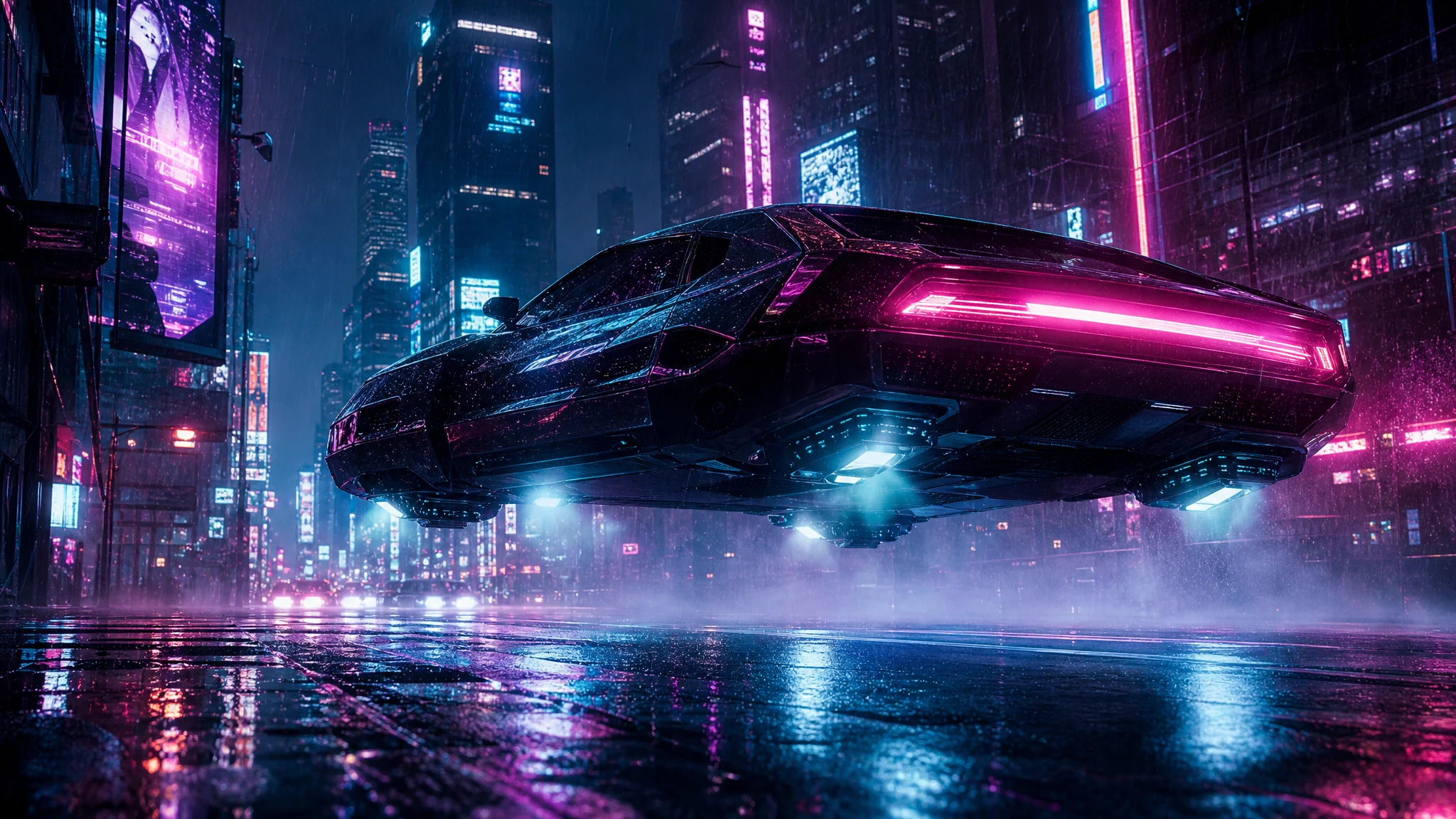
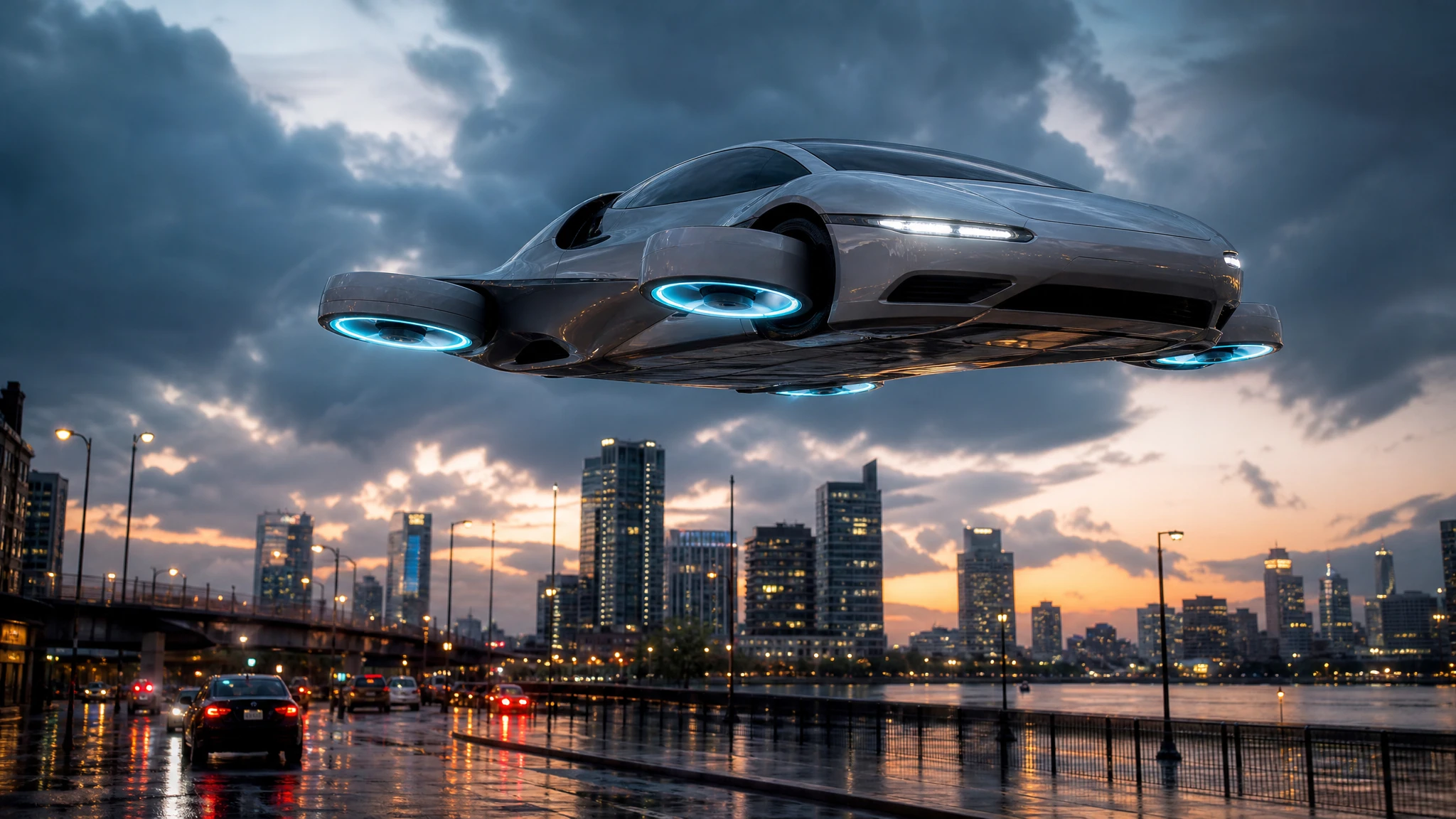
Cyberpunk is a useful style for a flying car because the genre has already accepted the impossible. You do not have to explain why the car is airborne; the city explains it. The job is to make the city feel specific, the car feel heavy and the camera feel close.
This guide is a shot list, not a lore dump. Each idea is designed for a short generation, with one action and one camera move.
Sign in before uploading a photo. You can prepare your prompt and settings first.
This clip: 30 credits — about 6 a month on Pro for $39.90, or 80 a year for $319.
Sign in to generate — your upload and settings stay put.
Most clips finish in a few minutes. If a render fails, its credits are returned automatically.
The palette rule
“Cyberpunk” on its own produces a generic blue-purple city. Pick a palette:
- teal and magenta;
- sodium orange and cold blue;
- monochrome with one red hologram;
- green terminal light and wet concrete;
- amber streetlights and black glass.
One dominant colour and one accent colour is enough. If everything glows, nothing reads.
The camera rules
Low angles make the car heavy. A camera at wheel height makes the vehicle feel close and physical.
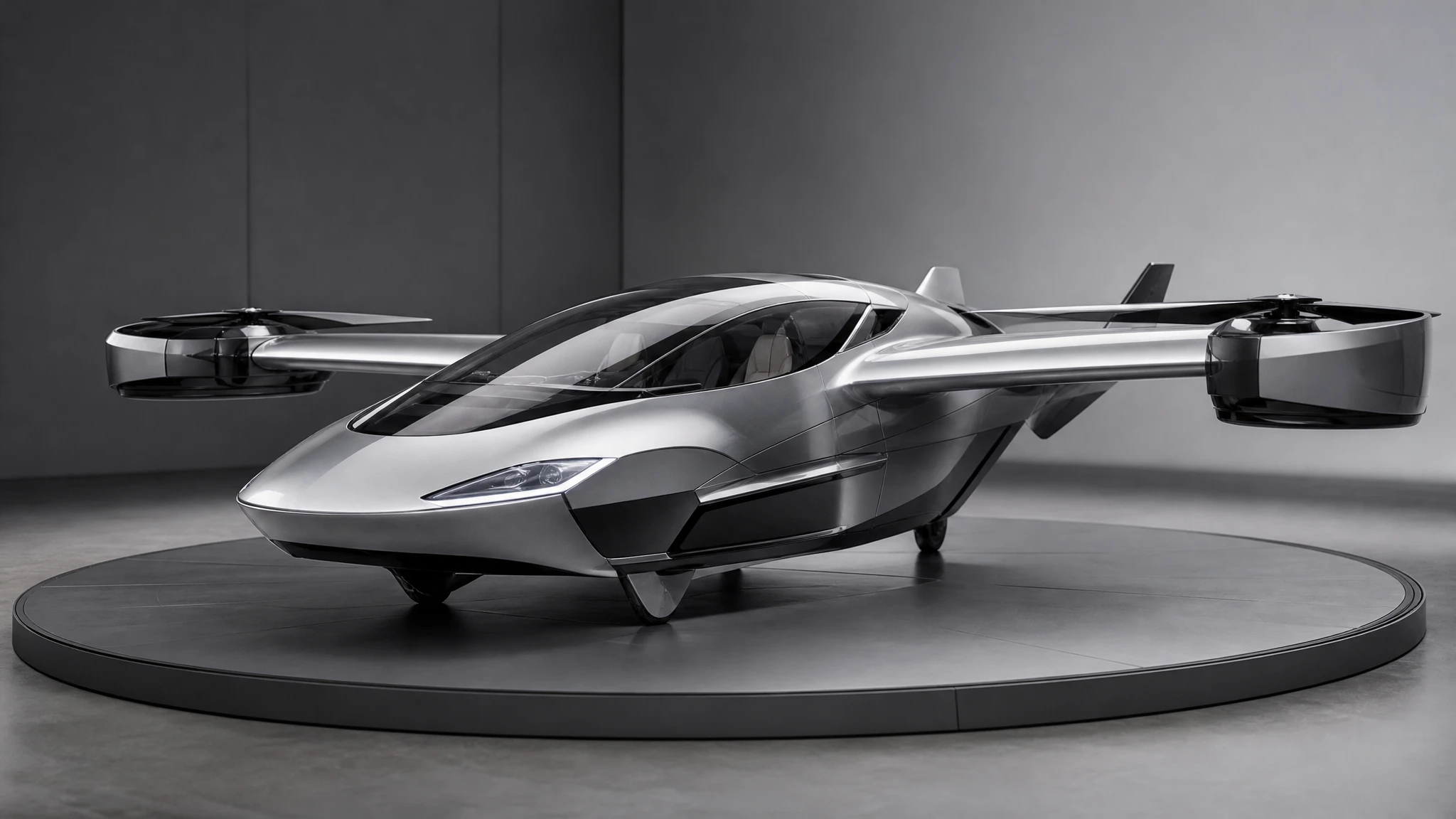
A slow orbit shows the design. Use it when the car is hovering and the city is the backdrop.
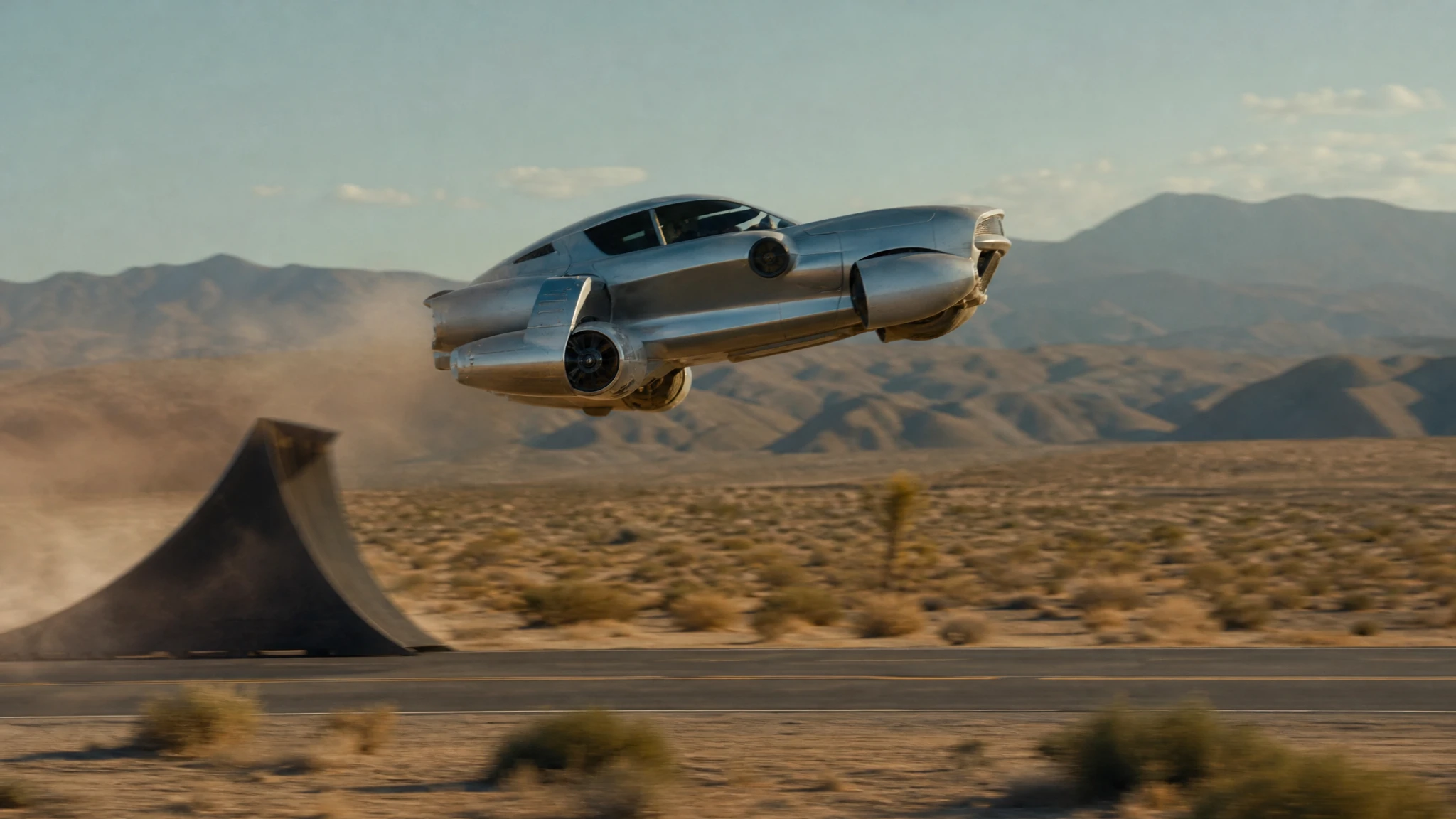
A tracking shot makes speed legible. Put the camera beside the car at wheel height and let the background streak.
A high wide shot makes the city the subject. Use it sparingly; the car can disappear.
Pick one camera per clip. Two cameras in five seconds reads as a cut, and the model may not cut where you want.
Nine shot ideas
1. Neon rain drift. A matte-black car drifts between towers in heavy rain. The camera tracks at wheel height; holograms reflect on the body. The action is a slow drift, not a chase.
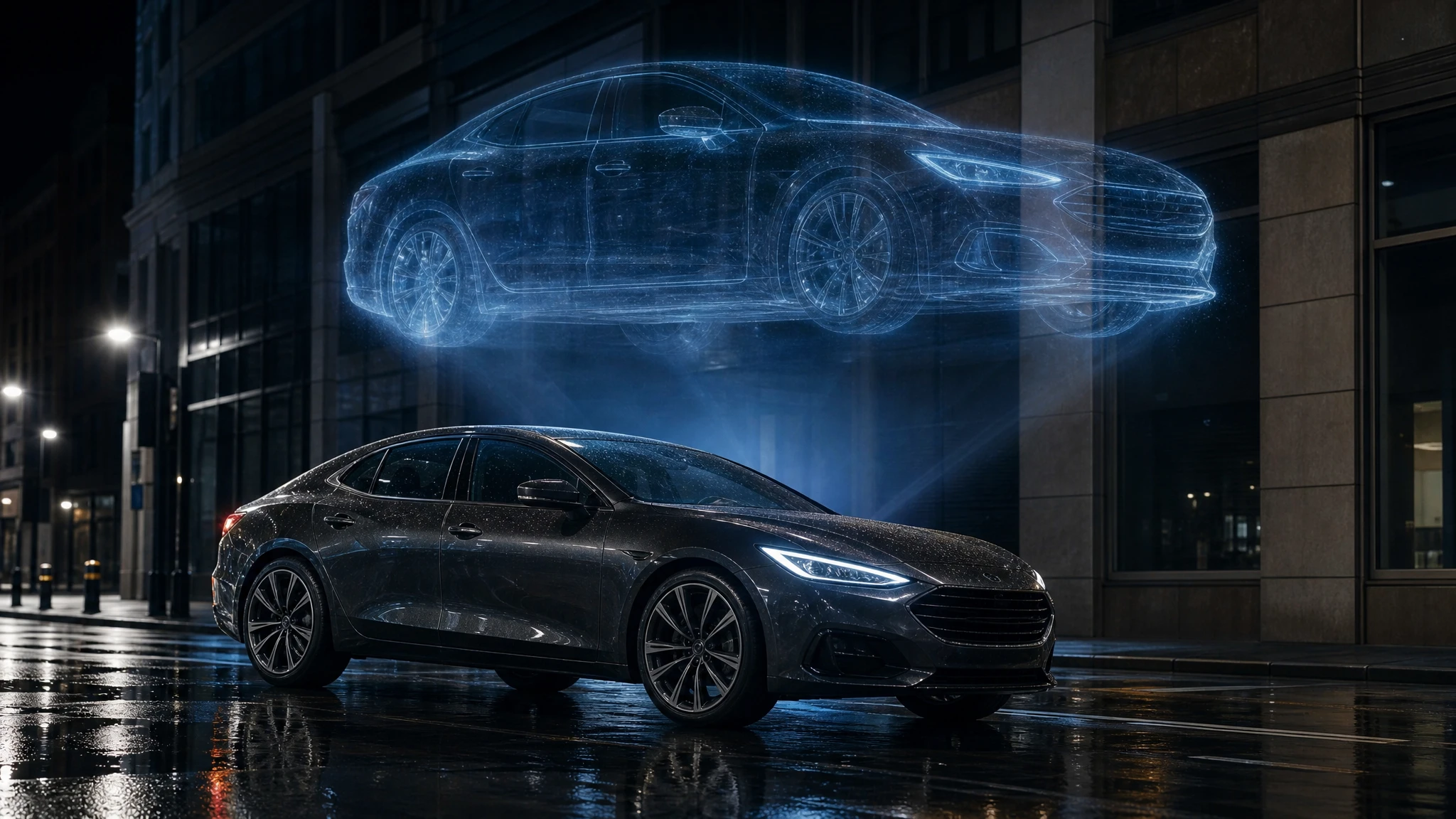
2. Hologram hover. A car hovers beside a giant hologram of a face. The camera orbits slowly. The face is abstract, not a real person. The car’s thrusters pulse in time with the sign.
3. Tunnel chase. A police flying car follows a smaller hover bike through a tunnel of neon signs. Sparks fall from the ceiling. Handheld camera, high shutter speed.
4. Rooftop approach. A car descends onto a rooftop landing pad. Steam rises from vents. The camera looks up from the pad, then tilts down as the car settles.
5. Market flythrough. A car glides over a crowded night market. Paper lanterns and steam fill the frame. The camera stays close to the car, with the market blurring below.
6. Bridge crossing. A car crosses a suspension bridge in the rain. The city is a wall of light behind it. Telephoto side view, compression, slow pan.
7. Reflected city. A car hovers over a flooded street. The camera looks down at the reflection, then tilts up to the car. The water is still; the only motion is the car’s glow.
8. Silent patrol. A police car glides through an empty street at 4 a.m. No chase, no music. The camera is static; the car crosses the frame. The restraint makes it feel expensive.
9. Vertical ascent. A car rises between two skyscrapers. The camera tilts up with it. The top of the frame is open sky, which gives the shot somewhere to go.
What to write in the prompt
Use the same four-part structure as any flying car prompt:
A matte-black flying car drifts through a rainy cyberpunk street, teal and magenta neon reflecting on the body. The car banks slowly to the left. The camera tracks at wheel height. Heavy rain, steam from vents, anamorphic flares.
The subject is specific. The action is one bank. The camera is one tracking shot. The light is a two-colour palette. That is enough.
Add atmosphere, not clutter
Rain, steam, fog and reflections add depth. Crowds, readable signs and complex traffic add noise. At thumbnail size, noise becomes mush.
If you need a crowd, keep it in the background and out of focus. If you need a sign, describe the colour and the glow, not the words. Generated text is usually wrong, and a wrong sign breaks the illusion faster than an empty street.
A three-shot sequence
- Establish: a wide shot of the car approaching between towers.
- Engage: a low tracking shot as it passes a hologram.
- Reveal: a close detail of the thrusters folding as it lands.
Generate each as a separate clip. Cut them on the beat. The sequence feels more expensive than one long generation because each shot has one job.
Credit-safe testing
Start with a five-second draft at the lowest resolution that lets you judge the composition. If the camera is wrong, change the camera sentence. If the palette is wrong, change the light sentence. Do not raise the resolution until the shot reads.
The studio shows the cost before you generate. A failed render returns the credits. A successful render you dislike is still a paid lesson, so test the composition cheaply.
Frequently asked questions
Can I make a vertical cyberpunk clip? Yes. Choose 9:16 before you write the prompt. A vertical frame needs a taller composition, not a crop of a wide shot.
Can I use my own car photo? Yes. Use the image-to-video tool with the same prompt. The photo supplies the car; the prompt supplies the city.
Why is the neon text unreadable? Models are still weak at precise lettering. Add real text in your editor if the sign must be readable.
How much does a clip cost? A standard 12-second 720p clip costs 30 credits. A five-second draft costs less.
Can I use the result commercially? If you own the rights to the prompt and the use is lawful. Do not imply a real manufacturer or a real city endorsed the clip.
Open the cyberpunk flying car video generator and start with the neon rain drift.