 Flying Car AI Video Team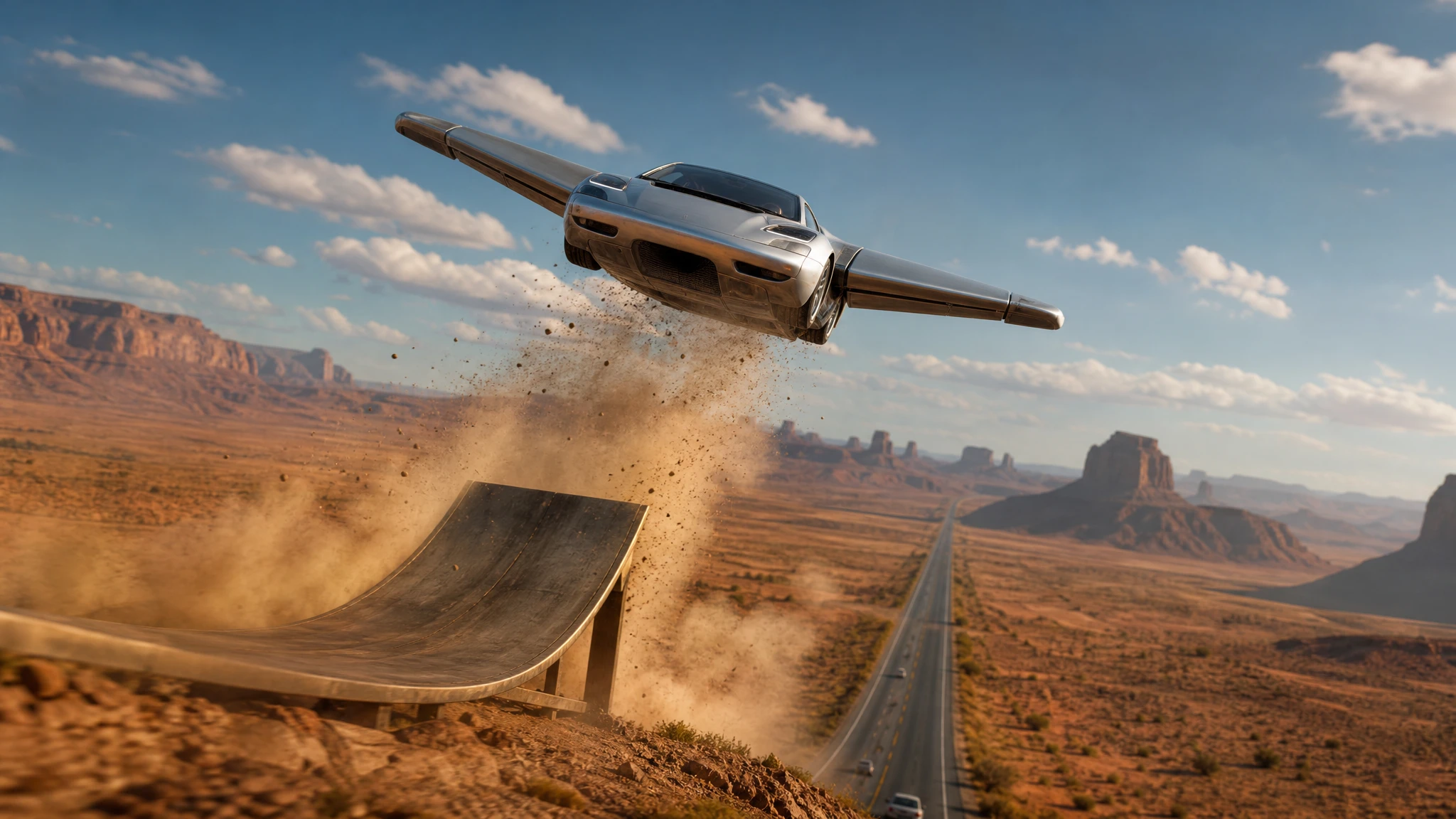
Text-to-video is the fastest way to test an idea. You do not need a photo, a shoot or a 3D model. You need a sentence that gives the model a subject, an action, a camera and a light.
The hard part is that flying cars have no real-world physics for the model to copy. A prompt has to explain how the vehicle stays in the air and what the camera is doing. This guide gives you a repeatable formula and twelve directions you can adapt.
Sign in before uploading a photo. You can prepare your prompt and settings first.
This clip: 30 credits — about 6 a month on Pro for $39.90, or 80 a year for $319.
Sign in to generate — your upload and settings stay put.
Most clips finish in a few minutes. If a render fails, its credits are returned automatically.
The four-part formula
Every useful prompt has four parts:
Subject. A matte-black family flying car with a glass canopy. Not “a flying car”.
Action. It lifts from a rooftop, glides over traffic, rotates once, lands on four wheels. One action.
Camera. Low three-quarter, wide side tracking, overhead drone, slow push-in. One camera.
Light. Late-afternoon sun, cold blue hour, neon night after rain, hard midday sun. One light.
Put them in that order. If the result is wrong, change one part at a time. If the camera is wrong, change the camera sentence; do not rewrite the whole prompt.
Add the physics
A flying car needs a reason to be in the air. Add one or two cues:
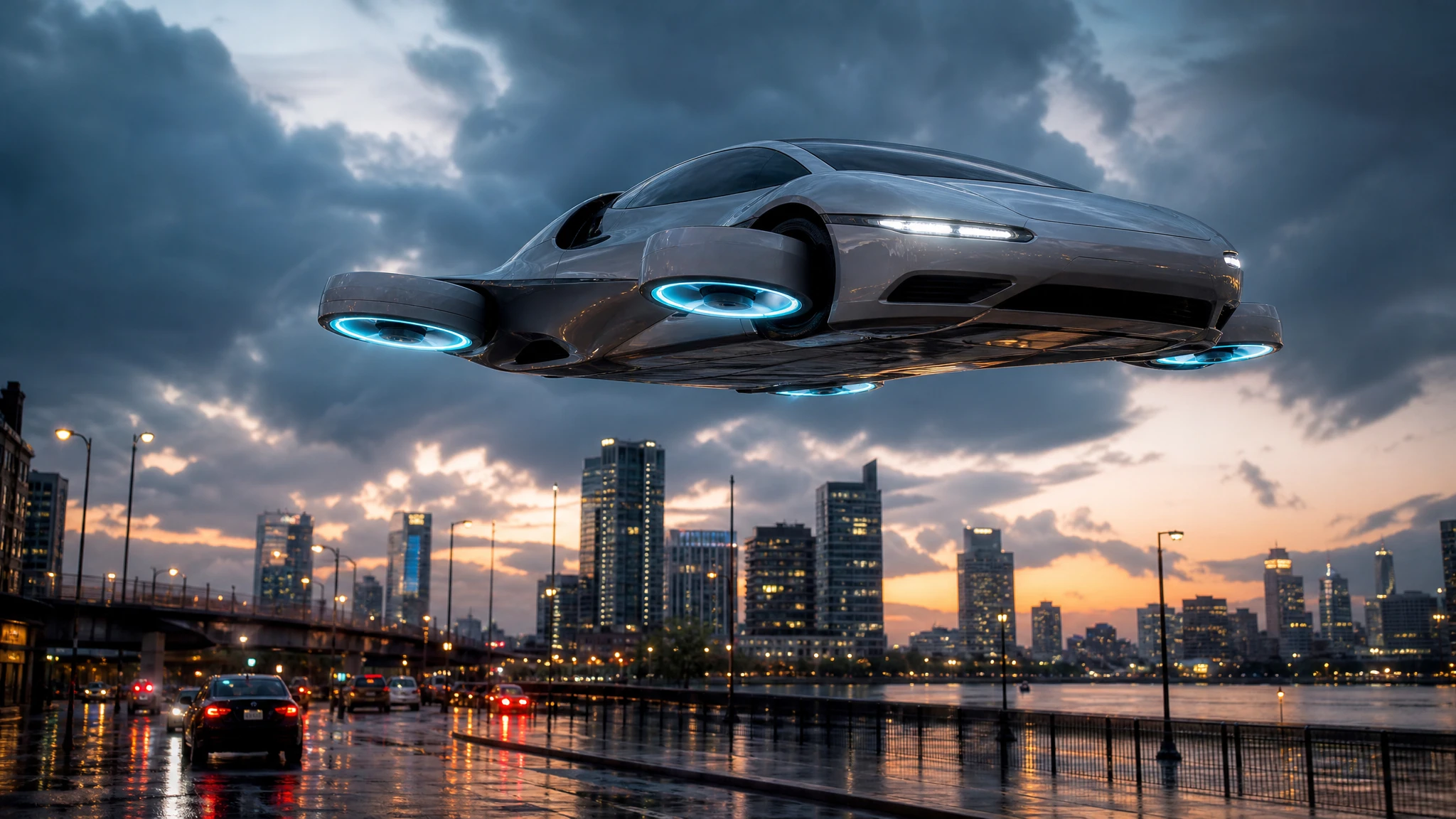
- four ducted fans glowing cyan;
- landing gear folding into the body;
- a heat haze under the chassis;
- a dust ring on the ground;
- a soft shadow that moves with the car;
- thrusters firing as it climbs.
Those cues make the motion feel designed. Without them, the car tends to float like a cut-out.
Twelve directions to try
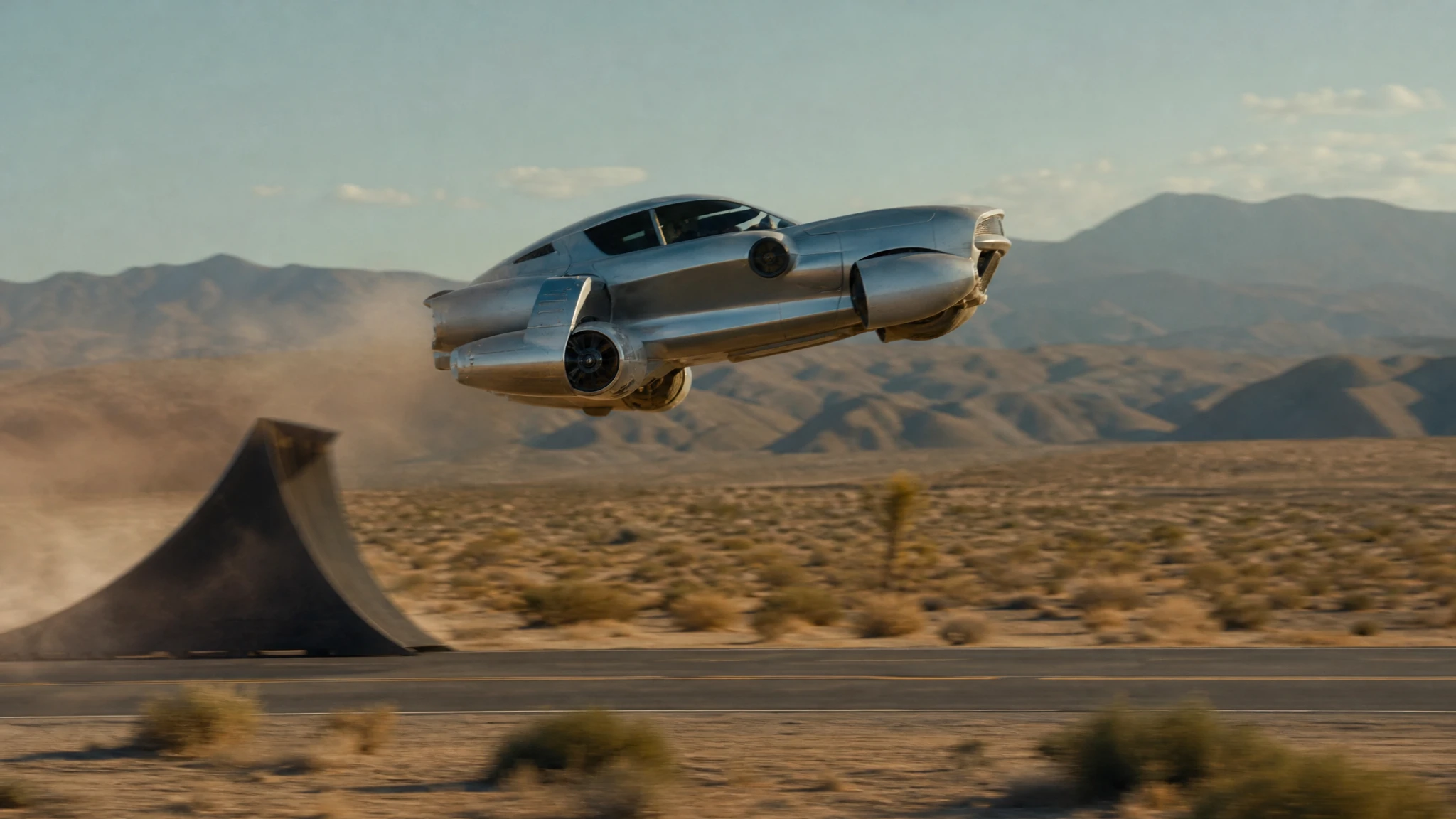
- Ramp launch. A silver car climbs a curved ramp, launches, rotates once and lands on all four wheels. Wide side tracking shot, late-afternoon sun, dust.
- Traffic flyover. A black car rises over stopped traffic, banks between two buildings and disappears into low cloud. Aerial drone shot, blue hour.
- Desert low pass. A matte car skims a desert highway at wheel height, thrusters glowing, camera tracking alongside.
- Rooftop landing. A family car descends onto a rooftop garden, landing gear unfolding, warm practical lights, slow orbit.
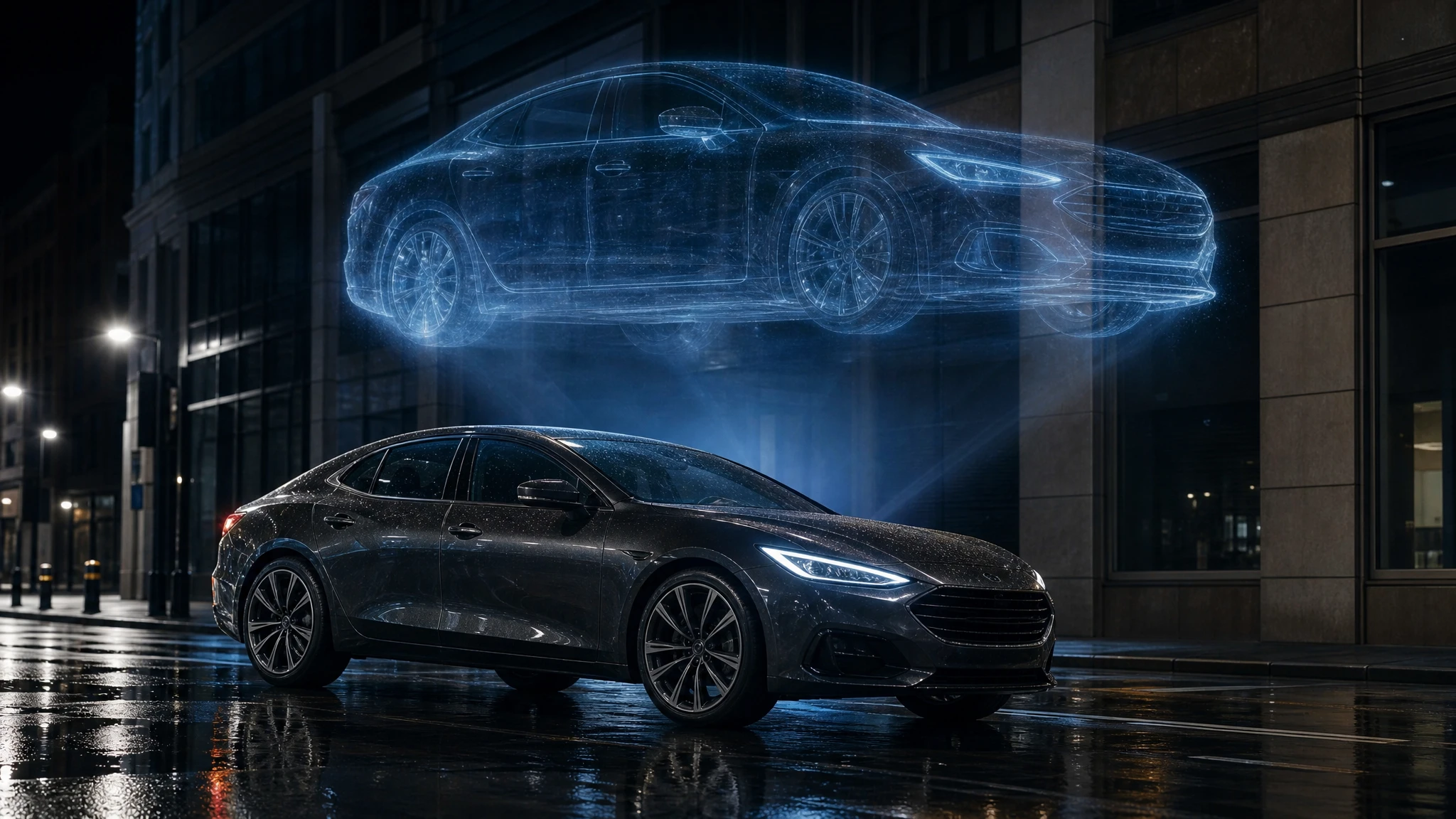
- Neon rain drift. A cyberpunk car drifts through a rainy city, holograms reflecting on the body, low camera, anamorphic flares.
- Police chase. A flying police car chases a smaller hover bike through a tunnel of neon signs, sparks and rain, handheld camera.
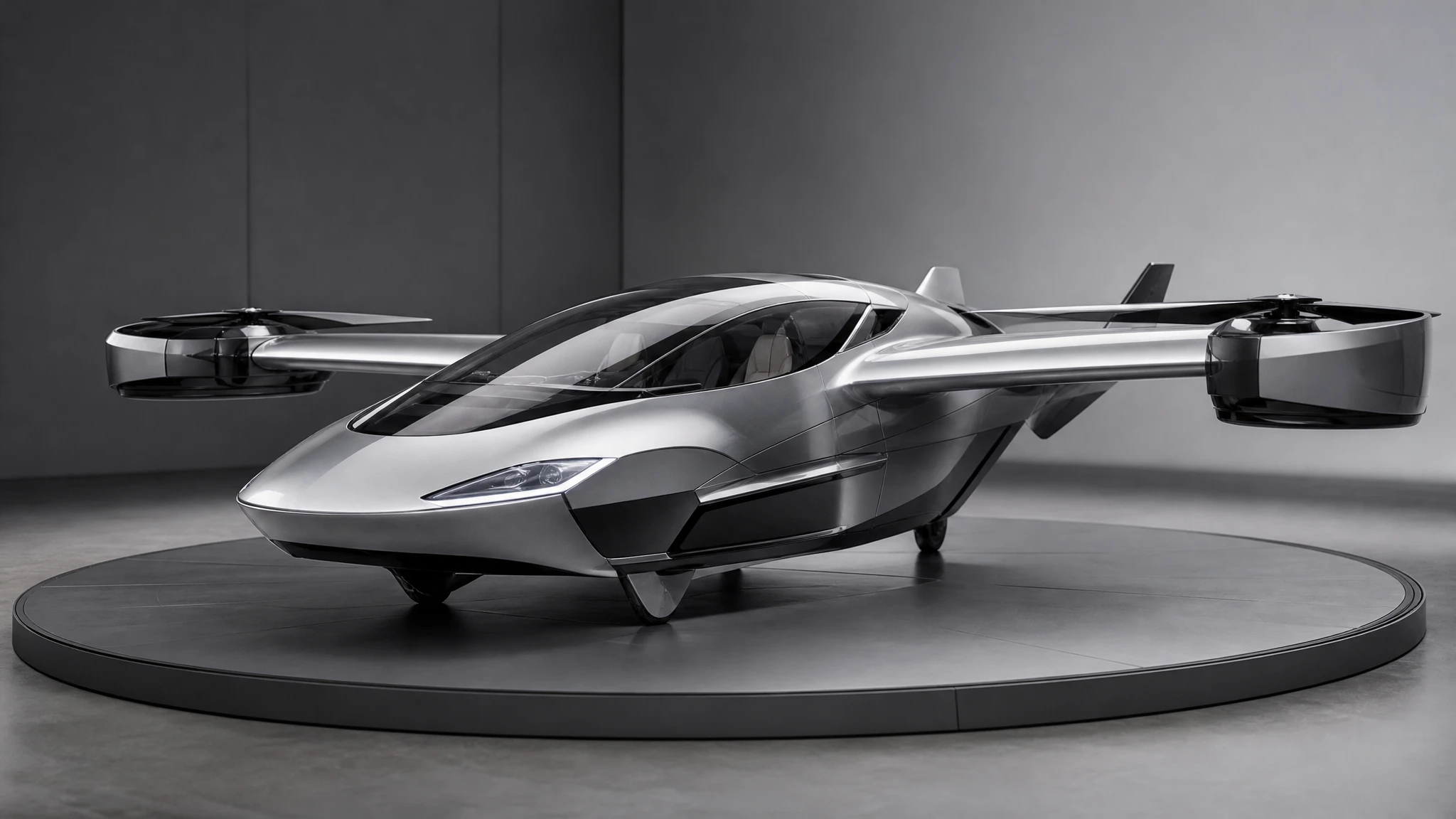
- Showroom reveal. A car in a premium showroom lifts a few centimetres, lights sweep across the paint, camera orbits slowly.
- Mountain pass. A car threads a narrow mountain road, lifts over a rockfall and lands on the far side, hard sunlight.
- Harbour crossing. A car lifts from a pier and glides over water, reflections below, overcast light, telephoto side view.
- Storm approach. A car climbs into a dark storm cell, lightning in the distance, cockpit lights on, wide shot.
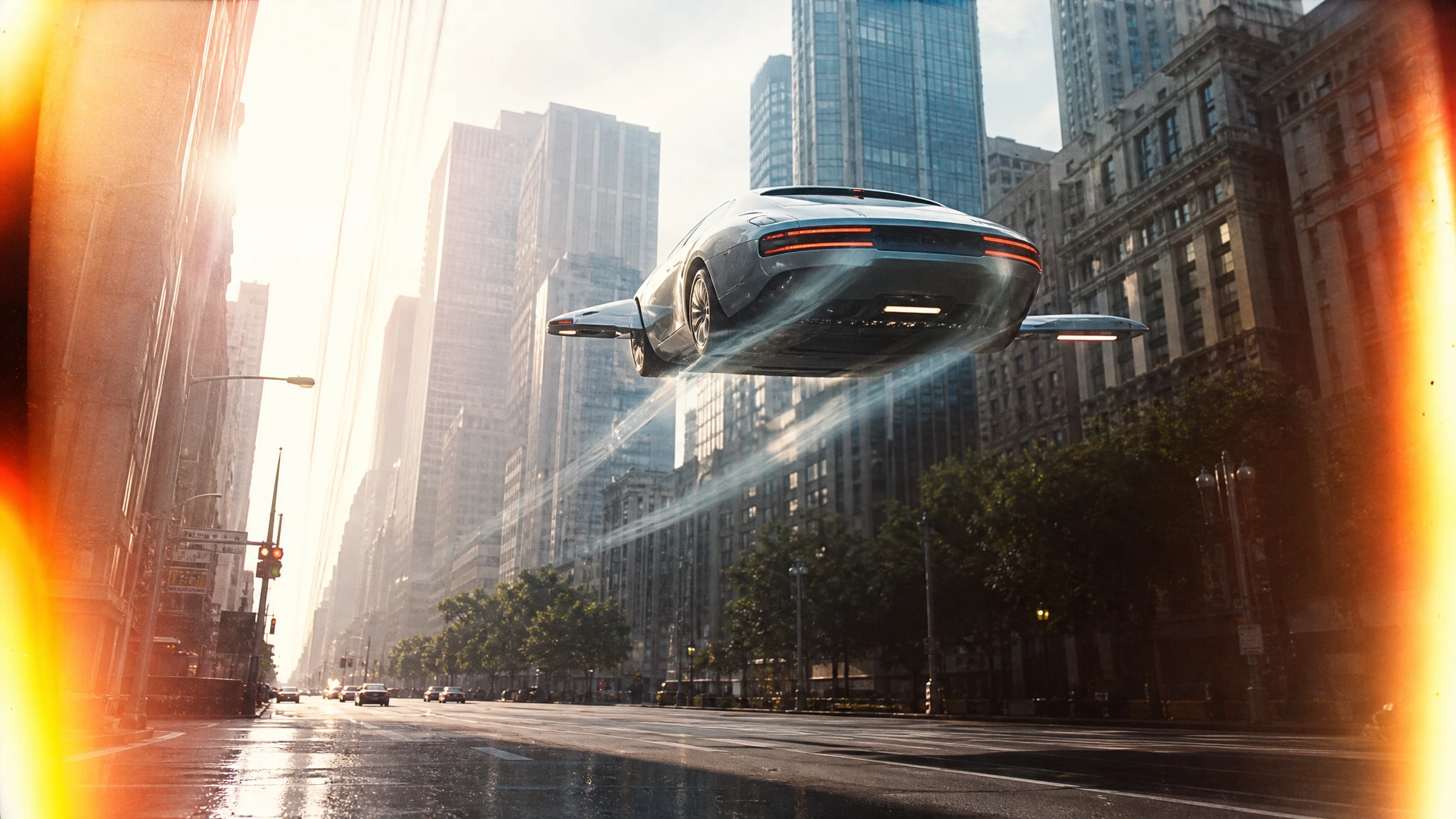
- Vertical city. A car rises between two skyscrapers, the camera tilting up, glass facades reflecting the sky.
- Quiet hover. A car hovers in a quiet suburban street at dawn, no dramatic action, just a slow push-in and a soft shadow.
The quiet hover is the most underrated direction. It is easier to control, it looks expensive, and it gives you a clean shot to cut against a bigger action.
What to avoid
Readable text. Signs, plates and logos turn into nonsense. Describe colour and glow instead.
Exact real geography. The model will invent a plausible street, not reproduce yours. If the location matters, photograph it and use image-to-video.
Complex choreography. Two cars interacting precisely, a driver waving on cue, a specific face. These drift.
Three actions in one clip. A lift, a rotation and a landing in five seconds will lose coherence. Pick one.
Brand claims. Do not imply a real manufacturer made a fictional vehicle or that the clip is real footage.
Draft cheap, finish once
Generate a five-second draft at the lowest resolution that lets you judge the shot. Watch it for composition, not detail. If the camera is wrong, fix the camera sentence. If the car is wrong, fix the subject sentence. Only then raise the resolution and duration.
The studio shows the exact credit cost before you generate. A standard 12-second 720p clip costs 30 credits. A failed render returns the credits, but a successful render you dislike is still a paid lesson.
A worked example: the rooftop landing
Start with the four parts:
Subject: a matte-black family flying car with a glass canopy. Action: it descends onto a rooftop garden and the landing gear unfolds. Camera: a low three-quarter shot that tilts up. Light: warm golden hour with practical garden lights.
Add the physics:
Thruster glow, a soft dust ring on the rooftop, the suspension compressing as the wheels touch.
Generate a five-second draft. If the car lands too fast, add “slow descent, gentle touchdown”. If the camera tilts too far, say “tilt up slightly, then hold”. If the background changes, simplify the rooftop description.
Once the motion reads, generate the 12-second version. Do not add a second action; the landing is the clip. If you need the car to drive away afterward, generate a separate shot and cut it after the landing.
Turning a prompt into a series
Once a direction works, keep the subject and light sentences and change only the action or the camera. That gives you a coherent series without repeating the same shot. Write the recipe down:
- vehicle: matte black, glass canopy, four fans;
- light: blue hour, wet street;
- camera: low three-quarter;
- action: lift, glide, land.
Four lines are enough to reproduce the look across a week of posts.
Frequently asked questions
Do I need a photo? No. Text-to-video is the right start for a concept. Use image-to-video when the car must be specific.
How long can the clip be? Five to twelve seconds in the standard flow. Longer sequences should be separate shots.
Does it generate audio? No. Add licensed music and sound design in your editor.
Why is the car floating? Add physics cues: thrusters, landing gear, dust, shadow, heat haze.
Can I use the clip commercially? If you own the rights to the prompt and the use is lawful in your market. Disclose synthetic media where required.
Start with the flying car text to video tool, paste one of the directions above and change one variable at a time.