 Flying Car AI Video Team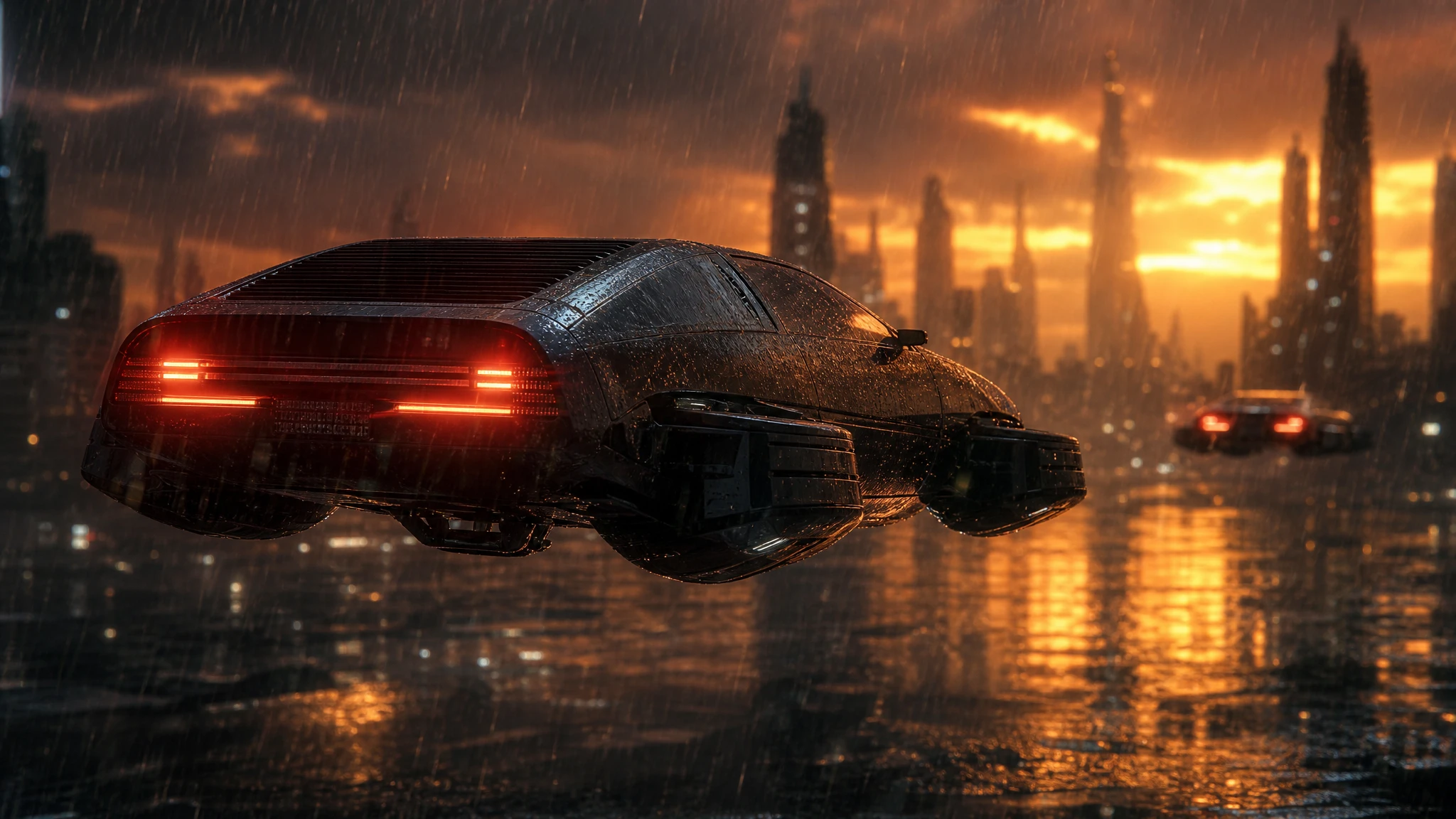
The first approved flying car clip is rarely the last version. A client wants it warmer. A platform needs a vertical cut. A thumbnail needs a different frame. Reshooting is expensive; regenerating the whole scene is slow. A frame-based edit is the middle path.
This workflow uses one sharp frame as the anchor, changes one layer at a time, and keeps the approved cut untouched.
Sign in before uploading a photo. You can prepare your prompt and settings first.
This clip: 30 credits — about 6 a month on Pro for $39.90, or 80 a year for $319.
Sign in to generate — your upload and settings stay put.
Most clips finish in a few minutes. If a render fails, its credits are returned automatically.
What a frame-based edit can do
It can change the weather, the grade, the atmosphere and the camera move. It can keep the vehicle design and the framing close to the source frame. It can produce a variation that cuts against the original.
It cannot remove an object that moves across the whole clip, cut a specific second out of an existing MP4, or invent a camera angle that was never in the frame. Those are different jobs.
Pick the anchor frame
Choose a frame where:
- the car is sharp;
- the whole vehicle is visible;
- there is no heavy motion blur;
- the light direction is clear;
- the background is not a mess of repeating patterns.
The first frame of a shot is usually the best anchor because the model can continue from it naturally. Export it as a full-resolution PNG, not a screenshot.
Change one layer
Write the invariants first:
Keep the car, the camera and the framing unchanged. Replace only the weather with heavy rain and wet reflections. Keep the same light direction.
Then run the edit. If the result is close, change one more layer. If it drifts, go back to the anchor frame and simplify the prompt.
Version the shot
Name each version by intent:
hero-rain-v1;hero-sunset-v2;hero-pushin-v1;hero-night-v1.
Keep the source frame, the prompt and the generated MP4 together. When a client asks for “the same shot but warmer”, you can regenerate the variation without touching the approved cut.
A vertical variation
Do not crop a wide shot and call it vertical. Compose for 9:16:
- put the car lower in the frame;
- leave sky above it;
- keep the action inside the vertical safe area;
- avoid wide lateral movement.
If the original wide shot cannot support a vertical crop, generate a new anchor frame in 9:16 and build the variation from there.
Sound and finishing
The clip is silent. Add music, sound design and titles in your editor. Keep a licensed track and a written record of the license.
For a final delivery:
- conform the clips to the same frame rate;
- match the grade across shots;
- add a title card and an AI disclosure;
- keep the project file and the source frames.
A worked example: the rain version
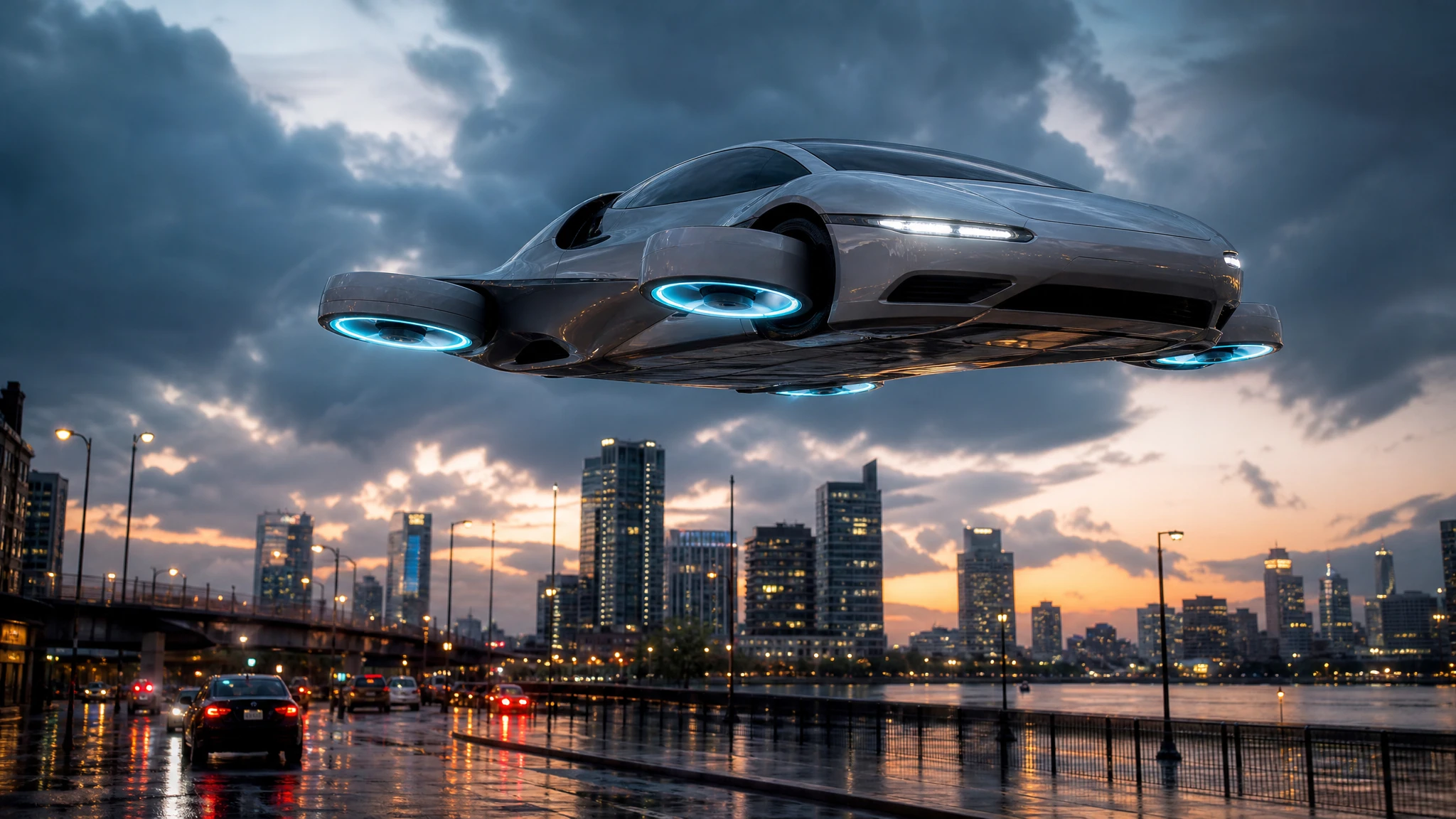
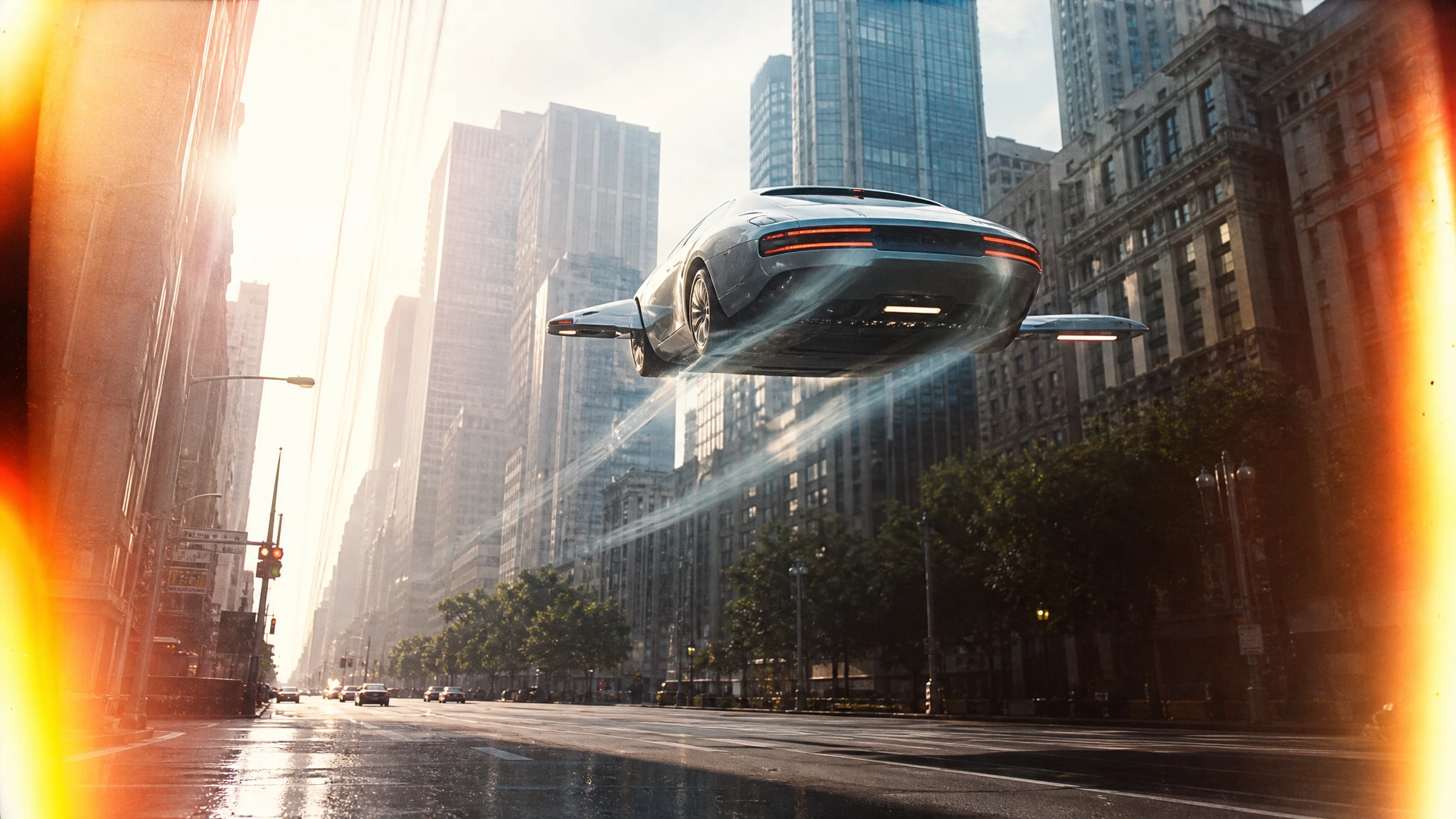
The approved shot is a low-angle hover on a dry street at sunset. The client wants the same shot for a campaign that launches in autumn. They do not want a new car or a new camera angle.
Export the first frame as a full-resolution PNG. Do not use a screenshot; the compression will show in the rain detail.
Open the flying car video editor and upload the frame. Write the invariants first:
Keep the car, the camera and the framing unchanged. Replace only the weather with heavy rain and wet reflections. Keep the same light direction and the same colour of the car.
Run a five-second draft. Check three things: the car shape, the reflection on the ground, and the light on the body. If the car drifts, shorten the clip and simplify the prompt. If the rain looks like static, ask for “soft rain, wet asphalt, distant mist” instead of “heavy storm”.
Once the draft works, generate the 12-second version. Keep the approved dry cut untouched. Put the rain version in a separate folder with the source frame and the prompt.
If the client wants a vertical cut, do not crop the wide version. Generate a 9:16 anchor frame with the car lower in the frame and more sky above it, then repeat the rain edit. The vertical version is a new composition, not a crop.
Deliver both versions with the same grade and the same disclosure. The client can choose; you have not reshot anything.
If the rain version wins, keep the dry version as an alternate. Seasonal campaigns often need both a warm-weather cut and a cold-weather cut, and a frame-based variation is cheaper than a second shoot. The important thing is to keep the source frame and the prompt together so the variation can be repeated next year.
Name the deliverables by campaign, shot and version, not by date alone. A folder called “autumn-rain-hero-v2” tells the next editor what the clip is; a folder called “final-final-2” does not.
Common mistakes
Using a compressed screenshot as the anchor. Export the frame from the original file.
Changing the car and the weather at once. One layer at a time.
Cropping a wide shot into 9:16. Recompose instead.
Overwriting the approved cut. Keep versions separate.
No disclosure. Label synthetic media where required.
Frequently asked questions
Can I upload a video file? This flow starts from a still frame. Export a frame, upload it, and generate a new shot from that anchor.
Will the car design change? The frame anchors the design, so it usually stays close. Check badges, plates and thin trim.
Can I change only the weather? Yes. State the invariants explicitly.
How much does a variation cost? A standard 12-second 720p variation costs 30 credits.
Can I make a vertical version? Yes, but compose a new 9:16 anchor frame rather than cropping a wide shot.
Open the flying car video editor and start from a sharp frame.