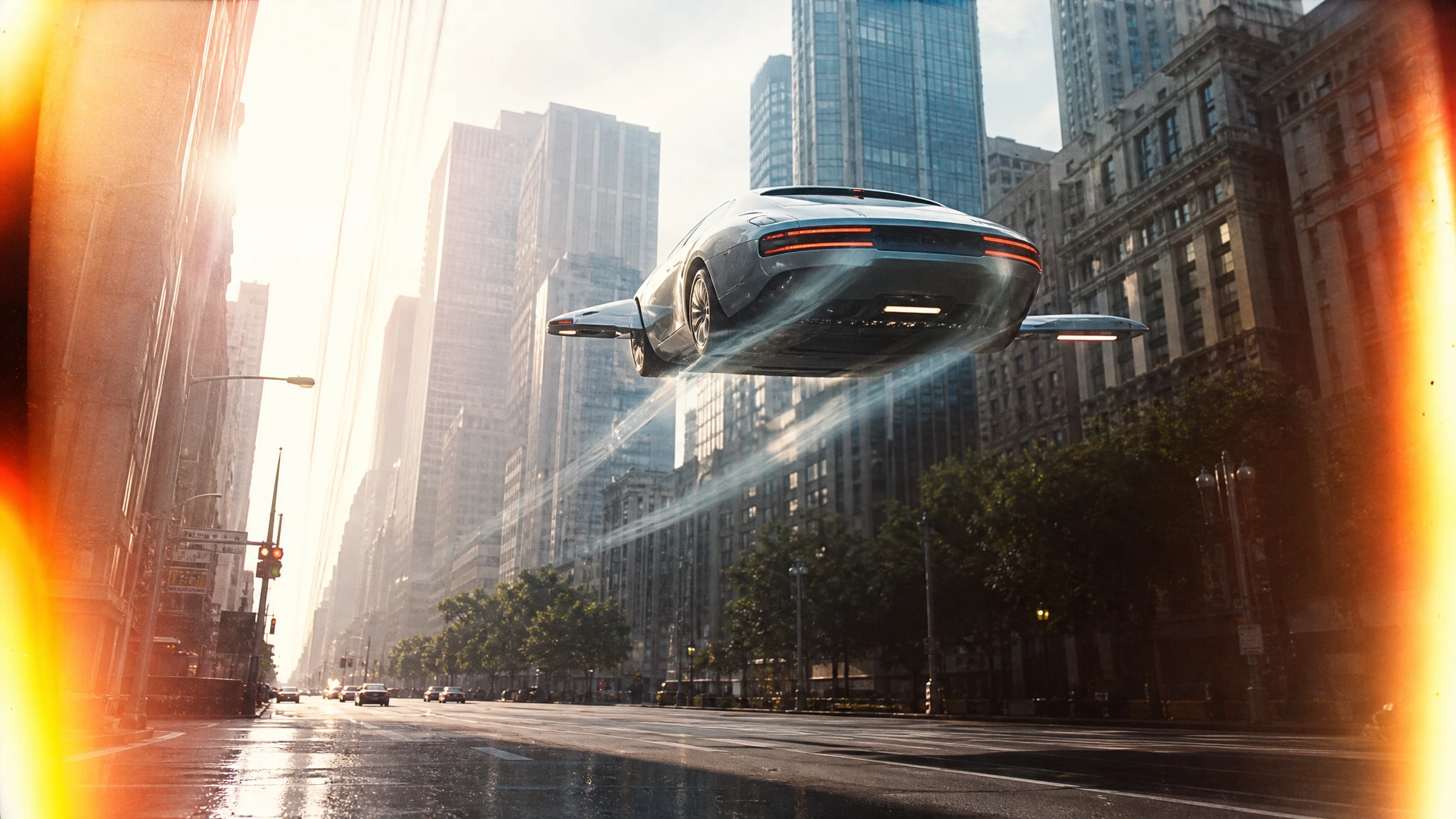
 Flying Car AI Video Team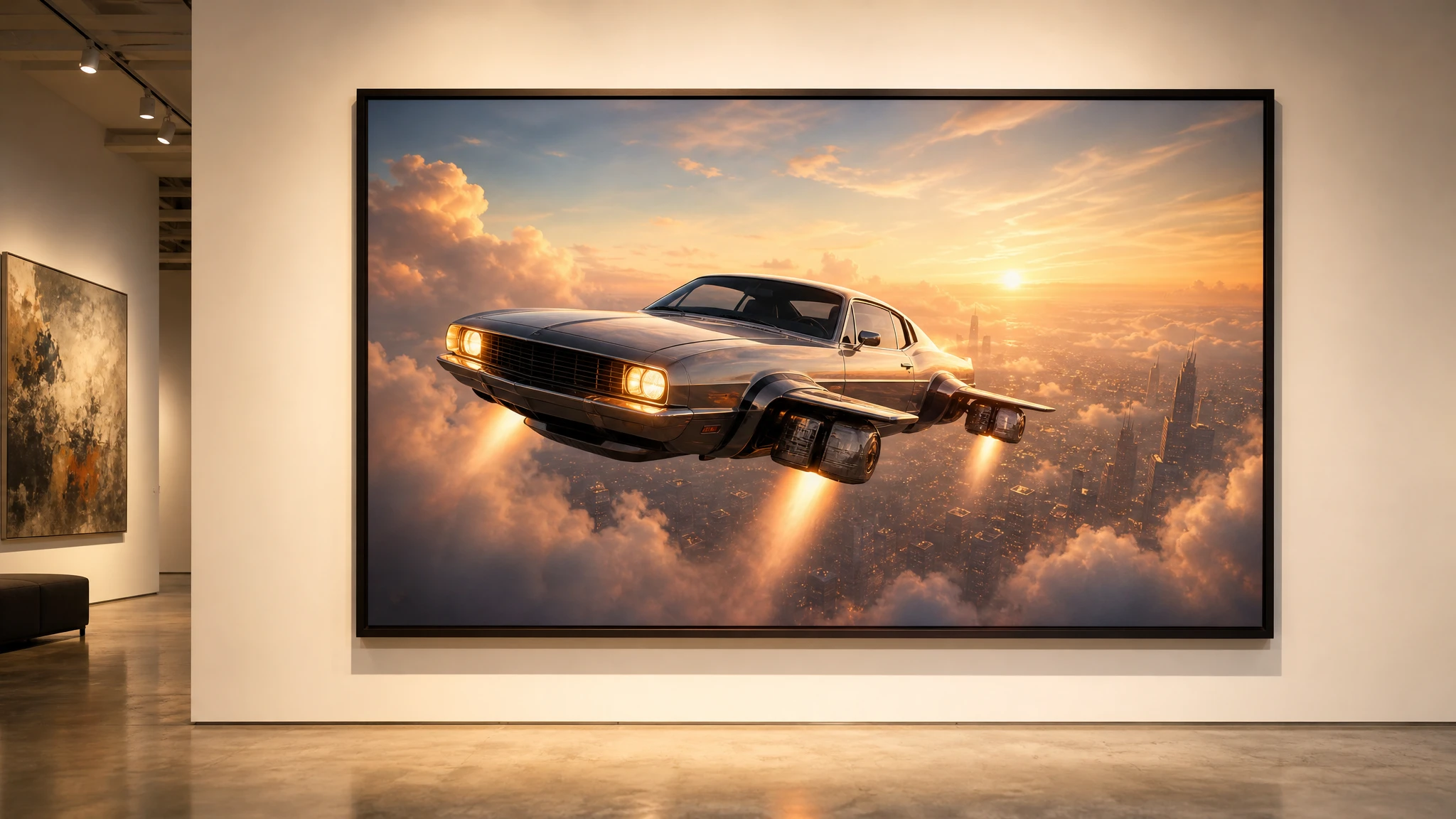
A good composition should not die at 1024 pixels. But upscaling is not a magic fix. It makes a good image bigger; it does not make a bad image good. This guide explains when to upscale, when to regenerate, and how to prepare the file for print or a large screen.
Sign in before uploading a photo. You can prepare your prompt and settings first.
This clip: 30 credits — about 6 a month on Pro for $39.90, or 80 a year for $319.
Sign in to generate — your upload and settings stay put.
Most clips finish in a few minutes. If a render fails, its credits are returned automatically.
Upscale or regenerate?
Upscale when the car, the angle and the light are right and you only need more pixels. Regenerate when the concept is wrong. No upscaler can fix a bad silhouette or a car that does not read.
The best candidates are sharp, low-noise images with clean edges. If the source is blurry or heavily compressed, the upscaler will enlarge the artefacts.
What 2x actually means
A 1536-wide source becomes roughly 3072 pixels wide. That is enough for a crisp 2560-wide thumbnail master and a small showroom print. It is not a guarantee of gallery quality.
For print, check the physical size and the viewing distance. A 2x upscale from a 1536-wide image is a starting point, not a spec sheet.
Prepare the source
Before uploading:
- use the original file, not a screenshot;
- fix the crop first;
- remove compression noise if you can;
- keep the car sharp;
- avoid heavy sharpening before the upscale.
Over-sharpening creates halos. The upscaler will preserve them and may make them worse.
Run the upscale
Upload the image to the flying car image upscaler. One 2x upscale costs 2 credits. The tool is designed to preserve the composition and recover detail without redrawing the car.
Inspect the result at 100%:
- panel gaps;
- glass edges;
- reflections;
- badges and plates;
- fine texture in the paint.
AI upscalers can invent texture where the source had none. If a detail matters, compare it with the original.
A finishing pass
Add a light sharpen only if the result looks soft at 100%. Add a subtle grain only if the print workflow expects it. Do not add grain to hide artefacts; it usually makes them more visible.
If the image will be composited, upscale after the composite. If it will be a standalone still, upscale the final render and keep the master.
Print checklist
- sRGB for screen, CMYK conversion for the printer;
- 300 ppi at the final physical size;
- check the darkest shadows for banding;
- check the highlights for clipping;
- keep a layered master if you added text;
- export a PDF with the correct bleed.
A worked example: a showroom print
The target is a 60 × 90 cm print for a dealership wall. At 300 ppi, that is roughly 7087 × 10630 pixels. A 1536-wide source cannot reach that natively, even with a 2x upscale.
That does not mean the project is impossible. It means the viewing distance matters. A wall print is viewed from one to two metres, not from 20 centimetres. A 2x upscale to roughly 3072 pixels wide can work at that distance if the source is sharp and the print shop uses a good RIP.
Start with the largest source you have. Crop to the final aspect ratio before upscaling. Run the 2x upscale, then inspect the panel gaps and the glass edges at 100%. If the car is clean, the print is viable. If the edges are mushy, generate a new still at a larger aspect ratio instead of pushing the upscaler further.
Ask the print shop for a small proof before the full run. A proof exposes banding, halos and colour shifts that a screen cannot show. Check the darkest shadow and the brightest highlight on paper, not on a monitor.
Keep a screen version and a print version. The screen version can be sRGB and lightly sharpened; the print version may need a different contrast curve. Do not apply the print curve to the web image.
Finally, record the source, the upscale settings and the print size. If the campaign continues, you will need to reproduce the same look, and a note is cheaper than a reprint.
If the print shop asks for a larger file than the upscaler can produce, do not keep enlarging the same image. Generate a new still at the largest available aspect ratio, compositing the car into the same scene if necessary. A clean second generation is usually better than a third upscale. Keep the two files clearly named so nobody sends the wrong one to print.
One more check: open the final file on a different screen. A laptop panel can hide banding that a large display reveals. If the shadows look smooth on one screen and striped on another, the file needs a lighter grade before it goes to the printer.
Common mistakes
Upscaling a compressed screenshot. The artefacts get bigger.
Upscaling before cropping. You waste pixels and may crop away the best detail.
Over-sharpening. Halos are more visible in print than on screen.
Assuming 2x is always enough. Check the final size and viewing distance.
Losing the original. Keep the source and the upscaled master separately.
Frequently asked questions
How large will the output be? The tool doubles the long edge, subject to the model’s limits.
Does it change the car? It is designed to preserve the composition. Check fine details at 100%.
Can I upscale a generated image? Yes. Generated stills are clean and have no camera noise.
What does an upscale cost? 2 credits. A $9.90 single pack covers 15 upscales.
Should I upscale before or after compositing? After, so the final scene is sharp as a whole.
Open the flying car image upscaler and upload the largest original you have.