 Flying Car AI Video Team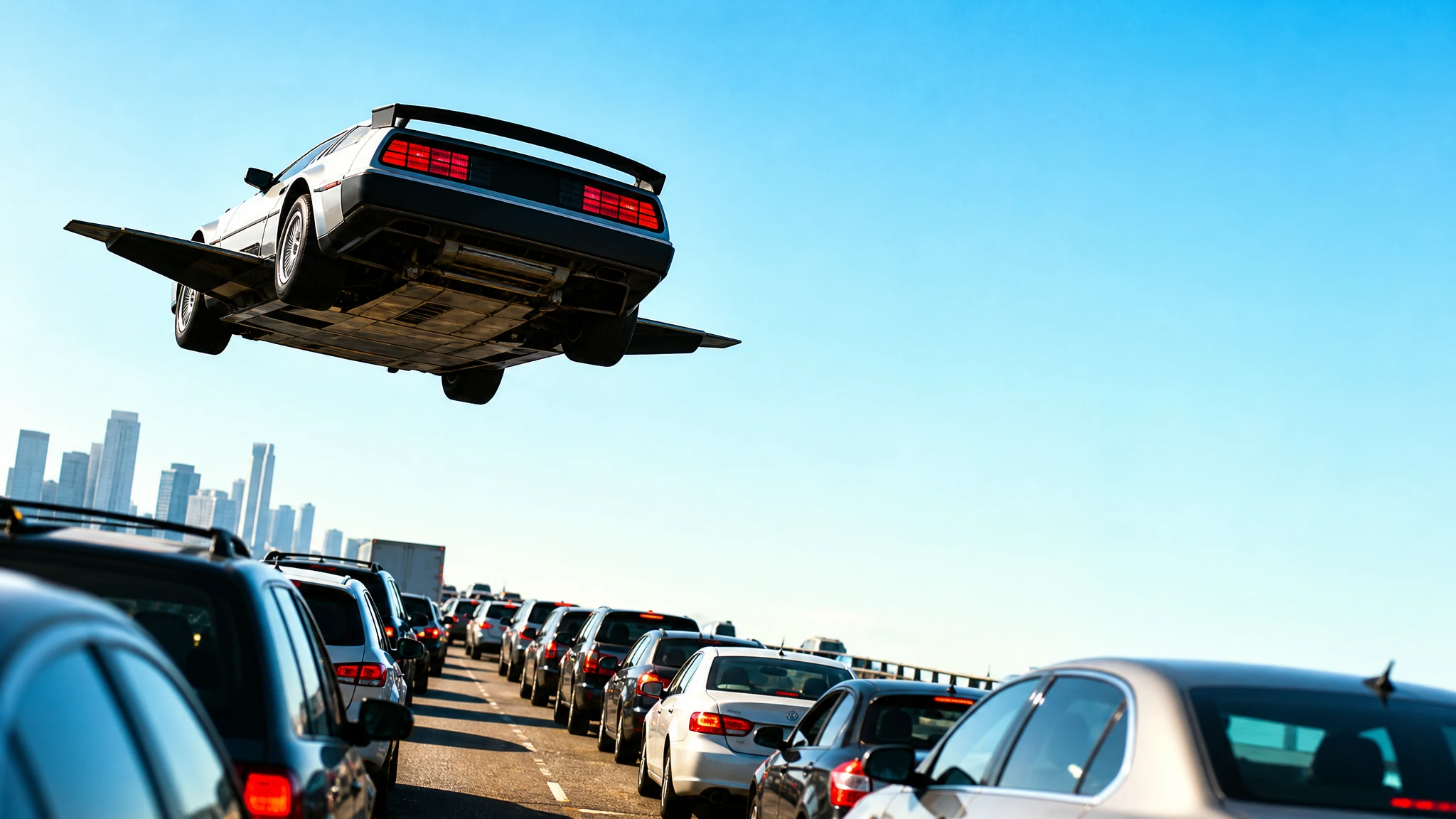
A thumbnail is not a poster. It is a 320-pixel argument for the next click. The subject has to read instantly, the headline has to fit, and the image has to survive compression on a phone.
This guide is a practical workflow for flying car thumbnails. It covers composition, negative space, text placement and how to test a design without wasting credits.
Sign in before uploading a photo. You can prepare your prompt and settings first.
This clip: 30 credits — about 6 a month on Pro for $39.90, or 80 a year for $319.
Sign in to generate — your upload and settings stay put.
Most clips finish in a few minutes. If a render fails, its credits are returned automatically.
The one-second test
Shrink your image to 320 pixels wide. If you cannot tell what the subject is, the thumbnail is too busy. If the headline is unreadable, the type is too small. If the background competes with the car, the contrast is wrong.
Do this before you upload anything. It is the fastest quality check in the workflow.
Composition that works
A flying car thumbnail needs three things:
- A clear subject. The car should occupy a meaningful part of the frame, not a corner.
- A simple background. Sky, a single building, a road, a wall. Not a detailed city.
- Negative space. One side of the frame should be calm enough for a headline.
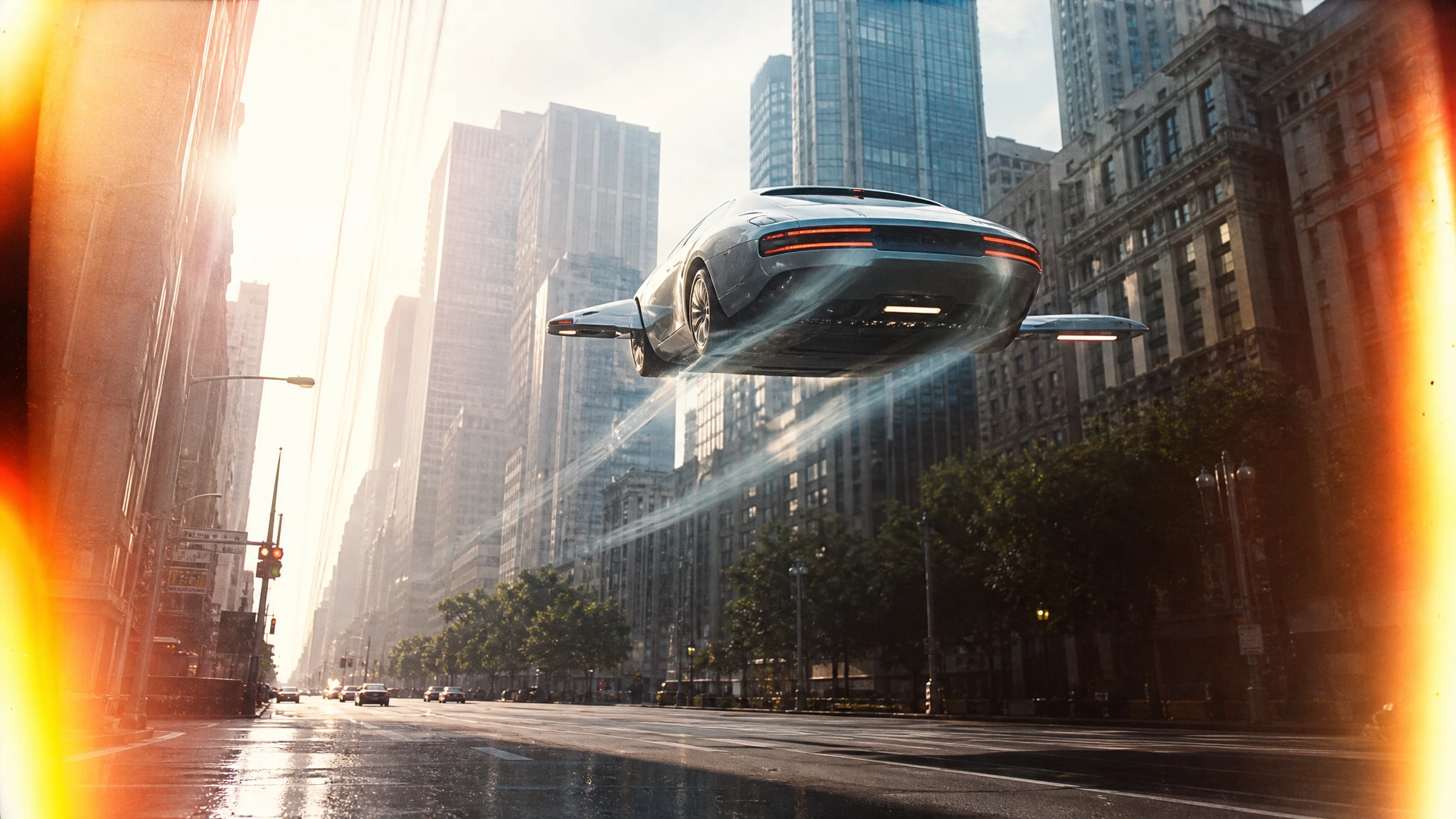
The classic layout is the car on the left, the headline on the right, with the brightest part of the background behind the car. A vertical layout can put the car at the bottom and the headline at the top.
Light and colour
High contrast beats subtle grading. Use one dominant colour and one accent:
- orange car, teal sky;
- black car, red sunset;
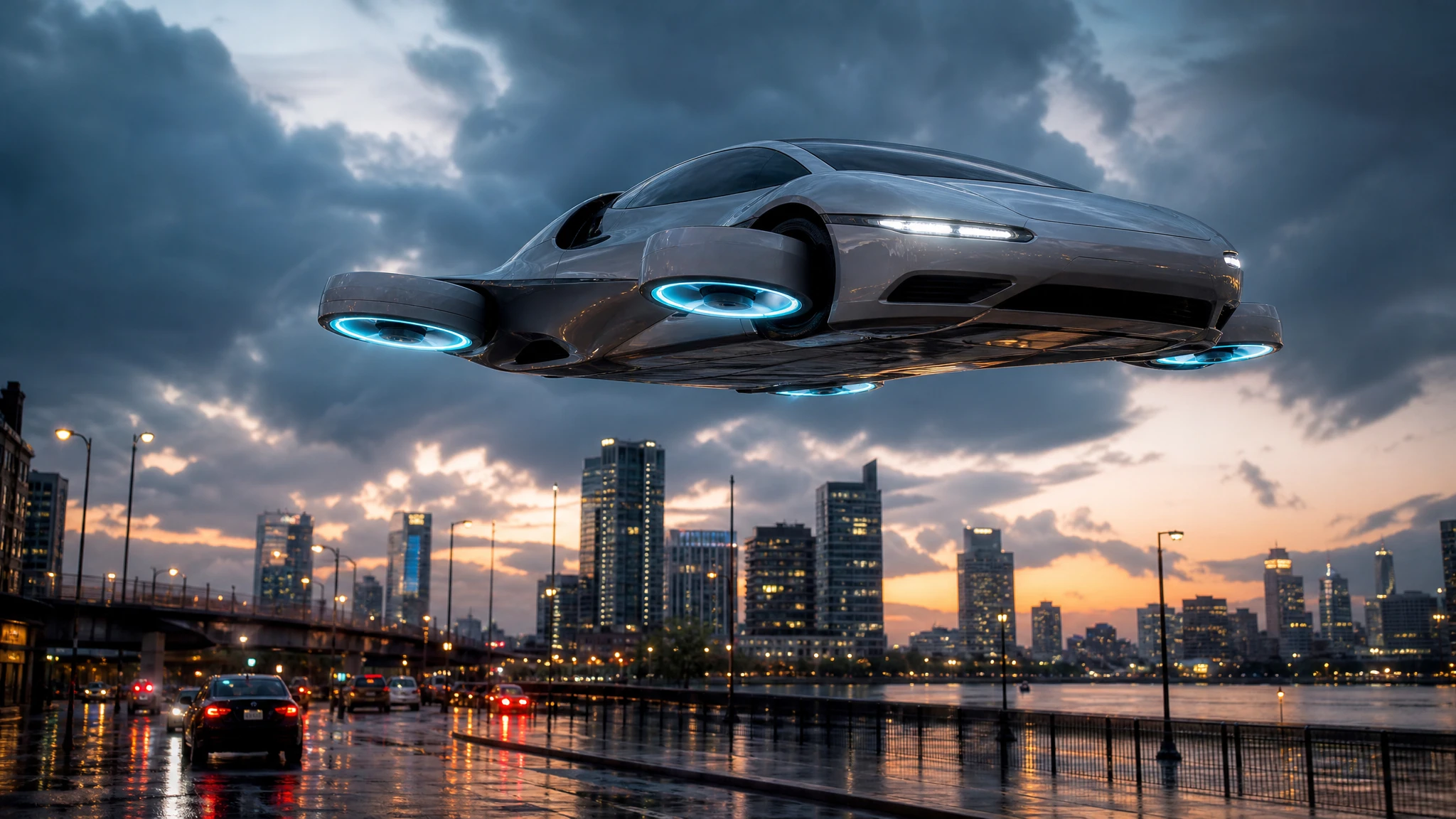
- silver car, deep blue night;
- yellow car, grey storm.
If the car is dark, add a rim light. If the background is bright, darken the subject slightly. The goal is separation, not realism.
Text placement
Do not ask the image model to render the headline. Generated text is the least reliable part of the image, and a misspelled title is worse than no title.
Generate the visual with empty space, then add the words in an editor. Keep the headline to three to five words. Use a heavy sans-serif, a solid colour, and a subtle shadow or outline. Leave a margin of at least 5% on every side.
Five thumbnail recipes
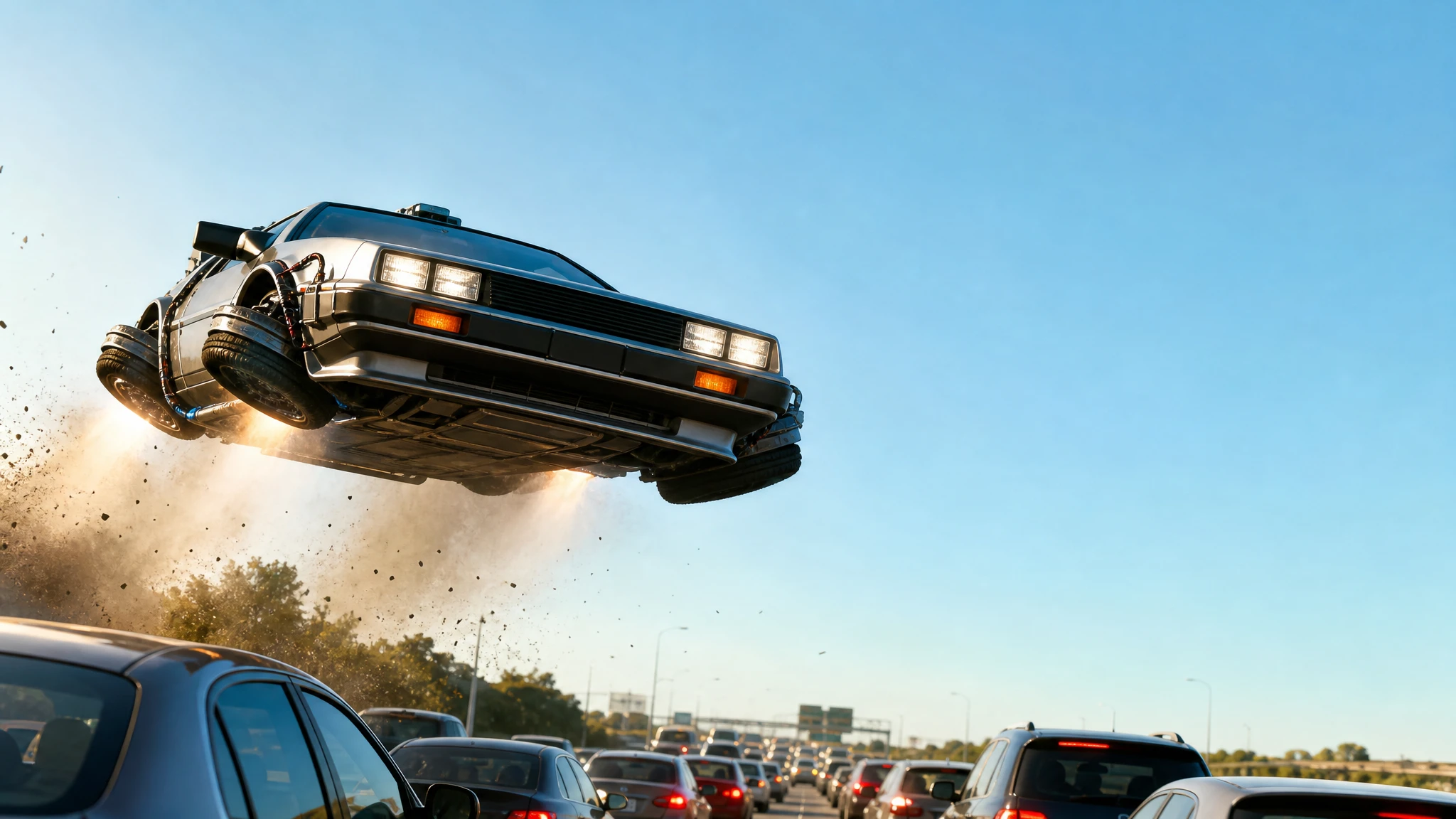
The jump. A flying car above a traffic jam, low angle, daylight, empty sky on the right.
The moon. A car silhouette against a huge moon, teal and orange, empty top-left.
The chase. A police flying car with lights flashing, motion blur below, strong central subject.
The reveal. A car emerging from a cloud, camera looking up, bright sky behind, space for a headline.
The detail. A close-up of a thruster or a wheel, with the car’s body filling the frame. This works when the title is about the technology rather than the stunt.
A credit-safe test
- Generate a 16:9 still at the default size. One image costs 2 credits.
- Shrink it to 320 pixels and check the subject.
- Add a placeholder headline in your editor.
- Compare two versions with the same title.
- Keep the version that reads faster at small size.
A $9.90 single pack covers 15 image generations, so you can test several directions before committing to a series.
A worked example: the traffic jump
Start with the composition, not the prompt:
A flying car above a stopped traffic jam, low angle, bright daylight, empty sky on the right.
Generate the image. At 320 pixels, check three things: can you see the car, is the traffic jam readable, and is the right side calm enough for a headline? If the car is small, crop tighter and regenerate. If the traffic is a mush of colours, simplify the background.
Add a three-word headline in your editor: “NO ROADS NEEDED” or “TRAFFIC, SOLVED”. Use a heavy sans-serif, white or yellow, with a thin dark outline. Put it in the empty sky, not over the car.
Now make a second version with the car on the left and the headline on the right. Compare both at phone size. The version that reads faster wins, even if the other one looks better at full size.
Keep the winning layout as a template. Next week, change the car colour and the headline, but keep the composition. Recognition compounds; a viewer who liked the first thumbnail will recognise the second before they read the title.
Finally, check the file size. A 1280×720 WebP or JPEG under 2MB loads quickly and still looks sharp. A 4K PNG is unnecessary for a thumbnail and may slow the page.
Common mistakes
Too many objects. A car, a building, a drone and a crowd cannot all be the subject.
Text baked into the image. It will be misspelled or distorted. Add it later.
Low contrast. A dark car on a dark street disappears in the feed.
No negative space. The headline has nowhere to go, so it covers the car.
Aspect ratio mismatch. Generate 16:9 for YouTube. Do not crop a square image and hope.
Frequently asked questions
What size should the final file be? 1280×720 or larger, 16:9. YouTube recommends 1280×720.
Can I use a photo of my own car? Yes. Use the photo editor or the image-to-video tool, then compose the thumbnail around the result.
Can the tool write the headline? No. Add it in your editor so the spelling and margins are under your control.
How many thumbnails can I make for $9.90? 15 at 2 credits each, before any subscription discount.
Should I use the same layout every week? A consistent layout builds recognition. Change the car and the colour, keep the composition.
Open the flying car thumbnail maker and start with the traffic jump.