 Flying Car AI Video Team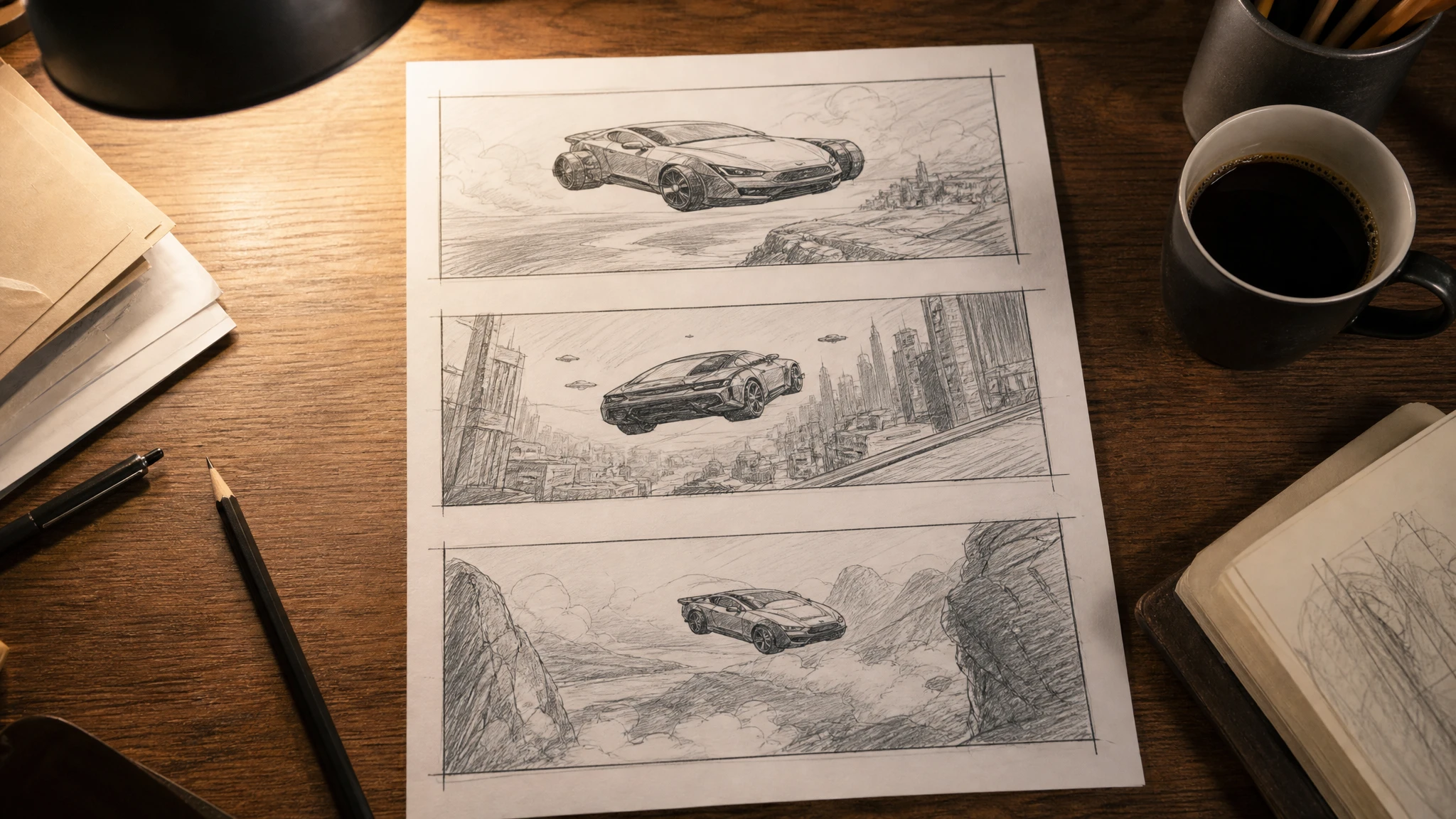
A commercial is a sequence, not a single clip. The storyboard is where you decide what each shot is for. If you skip that step, you end up with three beautiful clips that do not cut together.
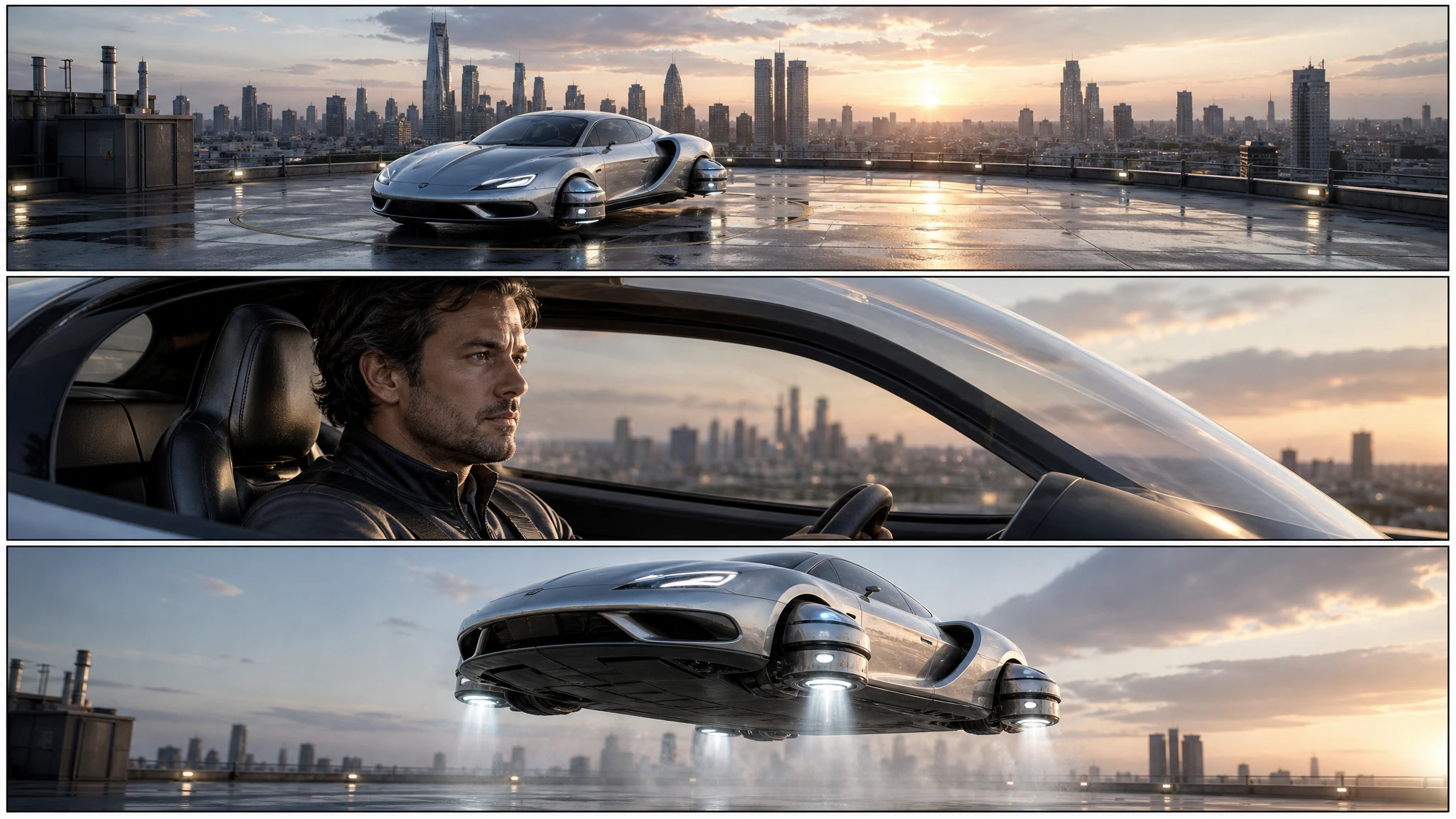
This guide uses a three-panel method: establish, engage, reveal. It is enough structure for a 15-second spot and small enough to test before you spend on video.
Sign in before uploading a photo. You can prepare your prompt and settings first.
This clip: 30 credits — about 6 a month on Pro for $39.90, or 80 a year for $319.
Sign in to generate — your upload and settings stay put.
Most clips finish in a few minutes. If a render fails, its credits are returned automatically.
Panel one: establish
The first panel tells the viewer where they are. A wide shot of the car on a rooftop, a forecourt, a launch pad or a desert road. The car should be small enough to show the world and large enough to recognise.
Write the camera and the light:
Wide establishing shot, car on a rooftop at golden hour, city skyline behind, camera at eye level.
Do not put the action in this panel. The job is orientation.
Panel two: engage
The second panel brings the viewer close. A medium shot of the driver, the canopy, a wheel or a thruster. This is where the vehicle’s design details live.
Medium shot of the driver’s hand closing the canopy, warm dashboard light, shallow depth of field.
The detail shot also gives you a place to hide a product feature: a badge, a screen, a material. Keep it subtle; a commercial is not a spec sheet.
Panel three: reveal
The third panel delivers the turn. The car lifts, jumps, lands or transitions from showroom to rooftop. This is the shot the audience remembers.
Low-angle shot of the car lifting off the rooftop, landing gear folding, dust ring below, city lights in the background.
One action. One camera. One light.
Keep the vehicle consistent
The three panels should read as the same car. Write a design recipe and repeat it in every prompt:
- body colour and finish;
- canopy shape;
- wheel or thruster design;
- markings;
- proportions.
If the design drifts, the board reads as three different films. For exact continuity, generate one approved still first and use it as a reference in the photo editor.
From board to animatic
Each panel becomes a video shot. Upload the panel to the image-to-video tool and describe one motion and one camera move. Cut the clips against a temporary music track.
The animatic does not need to be perfect. It needs to answer three questions:
- Does the sequence make sense?
- Is the car consistent?
- Does the reveal land on the beat?
If the answer is no, fix the board before generating more clips.
A budget for the first test
A storyboard image costs 2 credits. A 12-second 720p clip costs 30 credits. That means the board is roughly 1/15th of the cost of a single clip. Spend the 2 credits first; it is the cheapest way to find a sequence problem.
Generate one board, review it, then generate the three clips. Do not generate ten clips and hope an edit appears.
A worked example: the 15-second showroom ad
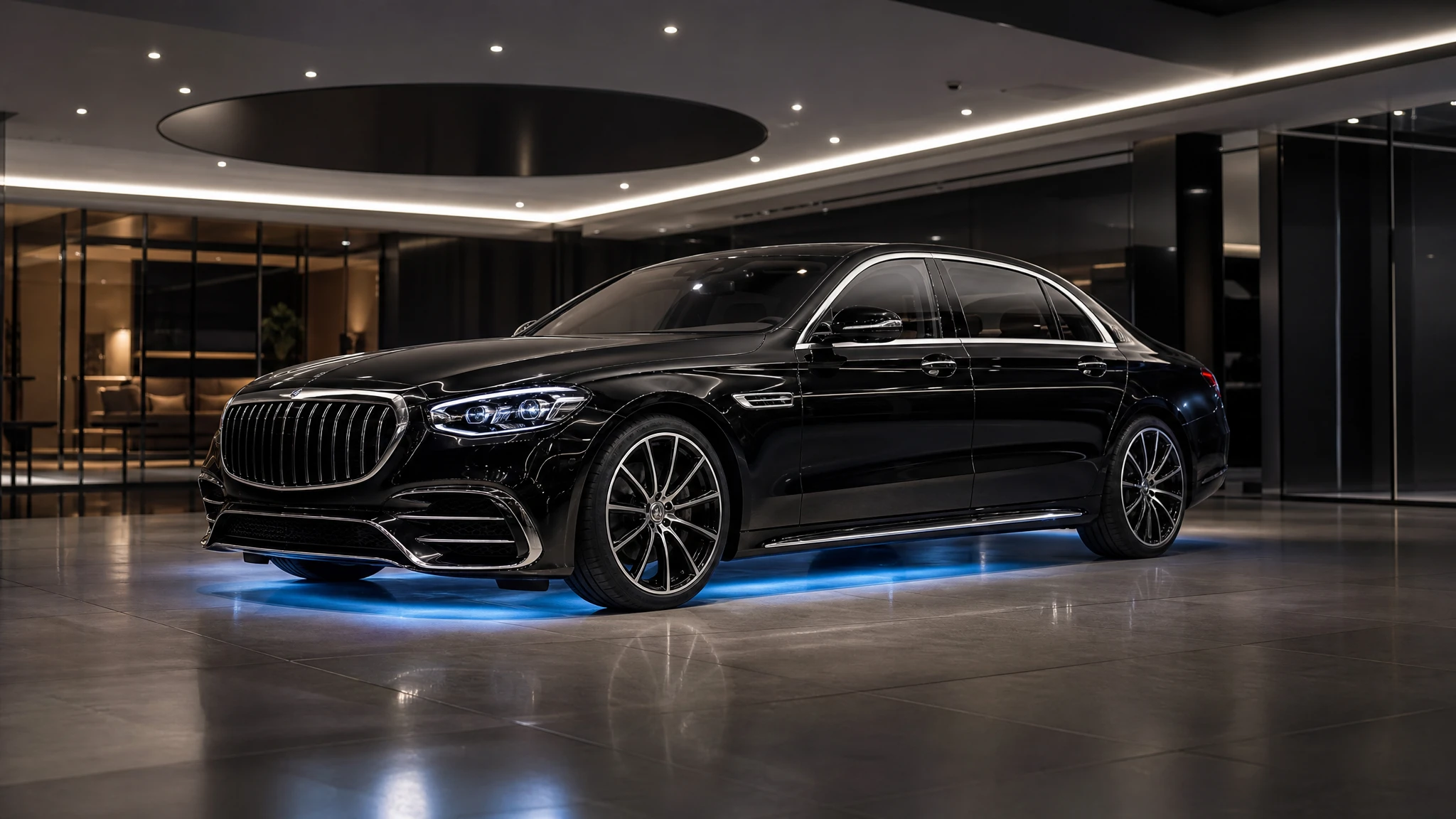
The brief: a dealer wants a 15-second vertical spot for a new coupe, with a premium feel and one impossible moment.
Panel one. A wide shot of the showroom at dusk. The car sits under a single overhead light. The camera is at eye level. The world is calm.
Panel two. A medium shot of the driver’s hand on the door handle. The showroom light reflects on the paint. The detail is close enough to show the material, not so close that the car disappears.
Panel three. A low-angle shot of the car lifting a few centimetres off the floor, the showroom lights sweeping across the body. The impossible moment is small and controlled, which makes it feel premium rather than silly.
Generate the board in 16:9 first, even though the final is vertical. It is easier to judge the sequence on a wide frame. Once the three shots read, regenerate the board in 9:16 with the car lower in the frame and more ceiling above it.
Then generate the clips. For the vertical spot, keep the camera moves slow: a push-in for panel one, a static detail for panel two, a low orbit for panel three. Fast moves plus a vertical crop create motion sickness.
Add a title card in the last two seconds: the dealership name, the model and a call to action. Keep the AI disclosure in the caption or the end card. The board is the plan; the disclosure is part of the delivery.
If the dealer wants a second version for a different model, keep the same three-panel structure and change only the vehicle description. The board becomes a reusable format, and the production cost stays predictable.
Common mistakes
Three beauty shots with no sequence. A board needs a beginning, a middle and a turn.
A different car in every panel. Repeat the design recipe.
Too much action per panel. One beat per frame.
No negative space for titles. Leave room for the end card and the logo.
Skipping the animatic. A board that reads well as stills can fail in motion.
Frequently asked questions
Can I get more than three panels? Yes. Generate a second board for additional beats.
Can I use the board for a client pitch? Yes. Add captions, timing and notes in your editor.
How do I keep the car consistent? Repeat a detailed design description and use an approved still as a reference.
Can I animate one panel? Yes. Upload the panel to image-to-video.
How much does a board cost? One image costs 2 credits. A $9.90 single pack covers 15 boards.
Open the flying car storyboard generator and start with the rooftop launch.