 Flying Car AI Video Team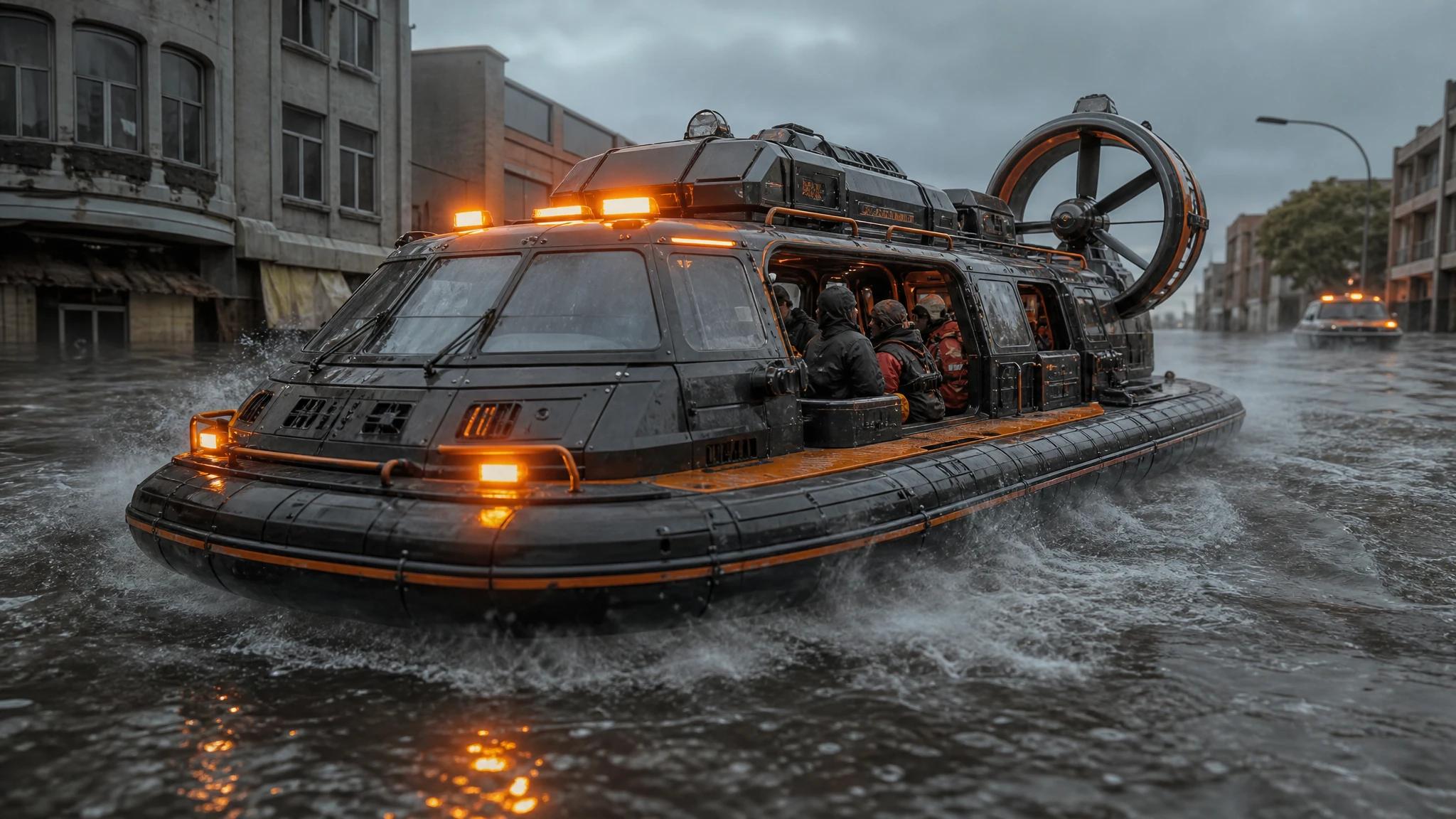
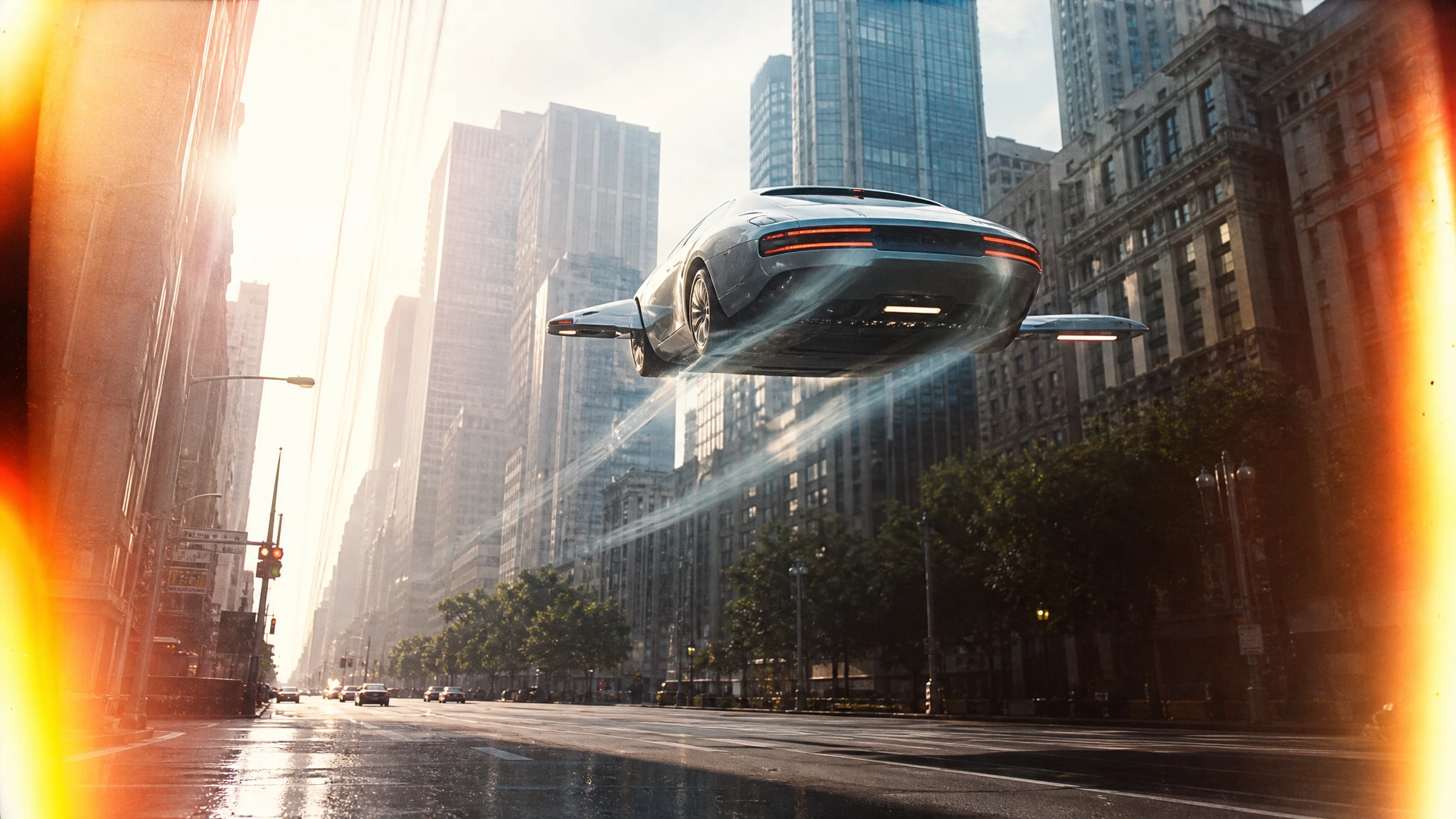
The fastest way to make a generic sci-fi vehicle is to ask for “a futuristic car”. The fastest way to make a believable one is to start with a job: rescue, cargo, patrol, survey, racing. The job implies the proportions, the markings and the environment.
This guide is a design workflow for AI concept art. It works for a game pitch, a film mood board or a product campaign.
Sign in before uploading a photo. You can prepare your prompt and settings first.
This clip: 30 credits — about 6 a month on Pro for $39.90, or 80 a year for $319.
Sign in to generate — your upload and settings stay put.
Most clips finish in a few minutes. If a render fails, its credits are returned automatically.
Start with the job, not the shape
Write one sentence:
A rescue vehicle that must land on a flooded street and carry four people.
That sentence already gives you a high cabin, a wide stance, sealed doors, rescue markings and a landing light. A cargo lifter gives you a flat deck, magnetic clamps and a heavy rear section. A patrol vehicle gives you a narrow cockpit, sensors and a light bar.
The model is good at turning constraints into shapes. Give it constraints.
Add a scale cue
A vehicle without a scale cue can read as a toy or a building. Add one:
- a person at the door;
- a ladder;
- a shipping container;
- a road marking;
- a window on a nearby building.
The cue does not have to be the subject. It just has to tell the viewer how big the vehicle is.
Control the materials
Sci-fi art lives on material contrast. Name the surfaces:
- brushed aluminium against rubber;
- ceramic panels against glass;
- orange rescue paint against grey concrete;
- heat-discoloured metal around the vents;
- dust in the panel seams.
“Highly detailed” is not a material. “Dust in the panel seams” is.
Light it like a product
A hard key light, a soft fill and a rim light reveal the form. If the scene is night, add one practical light on the vehicle so the silhouette stays readable. Avoid lighting the whole scene evenly; flat light makes a complex design look like a toy.
Build a three-view sheet
Once you have a design you like, generate the same vehicle in three views:
- front three-quarter;
- side;
- rear three-quarter.
Use the same design description in all three prompts. Keep the materials, markings and proportions identical. For exact continuity, use the photo editor with the approved concept as the reference.
A three-view sheet is more useful than ten random beauty shots. It shows whether the design holds up from another angle.
Put it in a story
A concept image becomes a pitch when it has a job and a problem. Pair each render with one line:
- what the vehicle does;
- who operates it;
- what goes wrong.
For example: “A flood-rescue hovercraft. Operated by a two-person crew. The rear intake clogs in debris.” That one line gives the viewer a reason to look at the details.
From concept to storyboard
Generate a three-panel board with a wide, a medium and a detail shot. The storyboard generator is built for this. Keep the same vehicle in all three panels and describe it once, in detail.
Then animate one panel with the image-to-video tool. A slow hover and a camera push-in are enough for an animatic.
A worked example: flood rescue
Start with the job:
A two-person flood-rescue hovercraft that can land on a narrow street and carry a stretcher.
That gives the model a reason for a high cabin, a wide stance, sealed doors and a rear ramp. Add the environment:
Brown floodwater, half-submerged cars, overcast daylight, orange rescue lights.
Add the scale cue:
A rescue worker standing at the open side door, waist-deep in water.
Now add the materials:
Scratched aluminium hull, rubber bumpers, ceramic non-slip deck, mud in the panel seams.
The prompt is long, but every sentence is doing a job. The model does not have to guess why the vehicle looks the way it does.
Generate the front three-quarter view first. If the cabin is too tall or the ramp is unreadable, change the job sentence, not the lighting. The design logic comes before the beauty shot.
Once the front view works, generate the side and rear views with the same description. Keep the worker and the water in all three for scale and continuity. A three-view sheet with a consistent scale cue is a much stronger pitch asset than three unrelated hero shots.
Finally, put the vehicle in a storyboard: a wide shot of the flooded street, a medium shot of the rescue worker at the door, and a detail of the ramp lowering into the water. That sequence explains the design without a paragraph of lore.
Common mistakes
Designing from the outside in. A cool shape with no job is hard to believe. Start with the job.
No scale cue. The viewer cannot tell if it is a car or a city block.
Too many materials. Pick three and repeat them.
Even lighting. Use a key, a fill and a rim. Let some areas fall into shadow.
Inconsistent views. Repeat the design description, not just the mood.
Frequently asked questions
Can I use the concept in a game or film pitch? Yes, as concept exploration. Check the rights and disclosure requirements of the platform or client.
How do I keep the same vehicle across images? Write a design recipe: role, proportions, materials, markings and camera. Use the photo editor for exact continuity.
Can I animate the concept? Yes. Download the still and use image-to-video with one motion and one camera move.
What aspect ratio should I use? 16:9 for decks, 1:1 for social, 9:16 for vertical storyboards.
How much does a concept image cost? One image costs 2 credits. A $9.90 single pack covers 15 images.
Open the sci-fi vehicle image generator and start with a job sentence.